> ## Documentation Index
> Fetch the complete documentation index at: https://docs.commerce.thecanbrand.com/llms.txt
> Use this file to discover all available pages before exploring further.
# Pickup
## Pickup Section
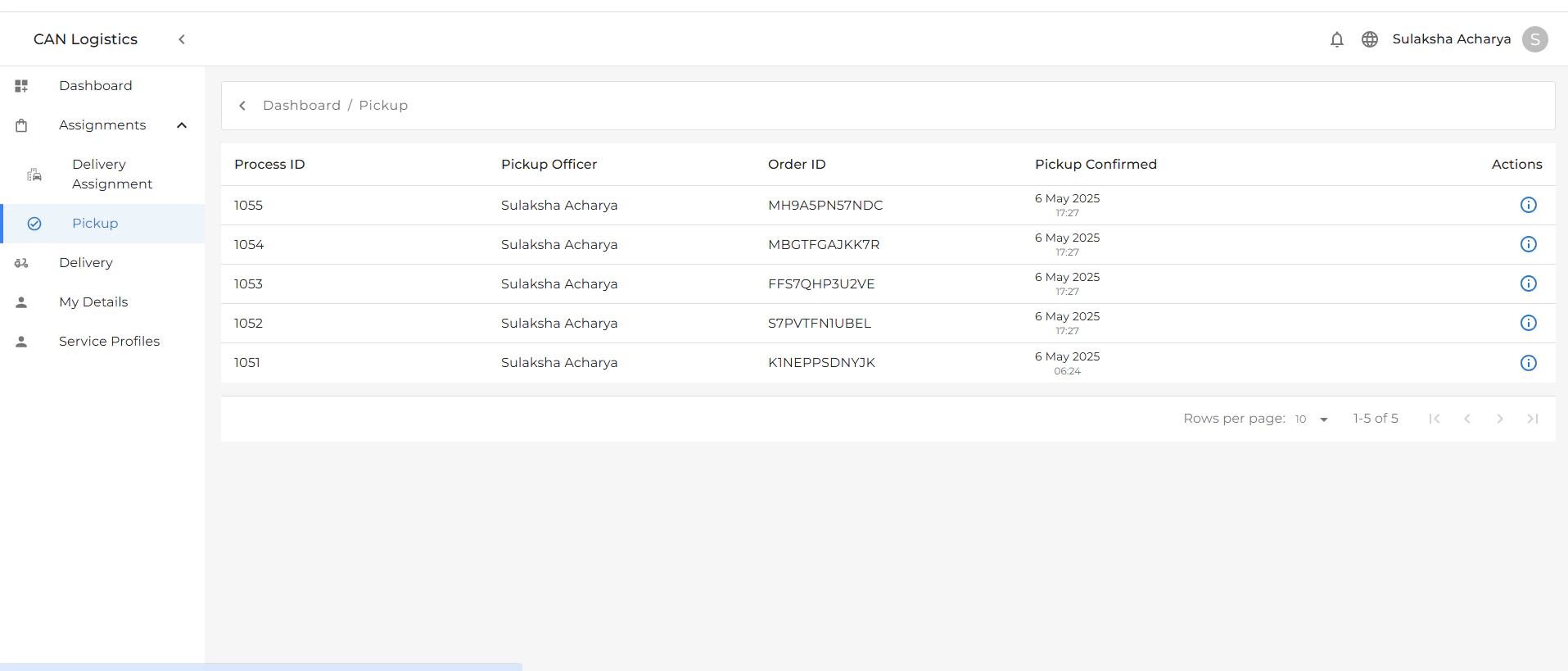
The **Pickup** section lists all orders received from the warehouse and provides key information about each one.
Each pickup entry includes:
* **Process Id** – It shows Process Id
* **Pickup Officer** – The assigned personnel handling the pickup.
* **Order ID** – Unique identifier for the order.
* **Pickup Confirmed** – Shows whether the pickup has been confirmed.
 ### Actions
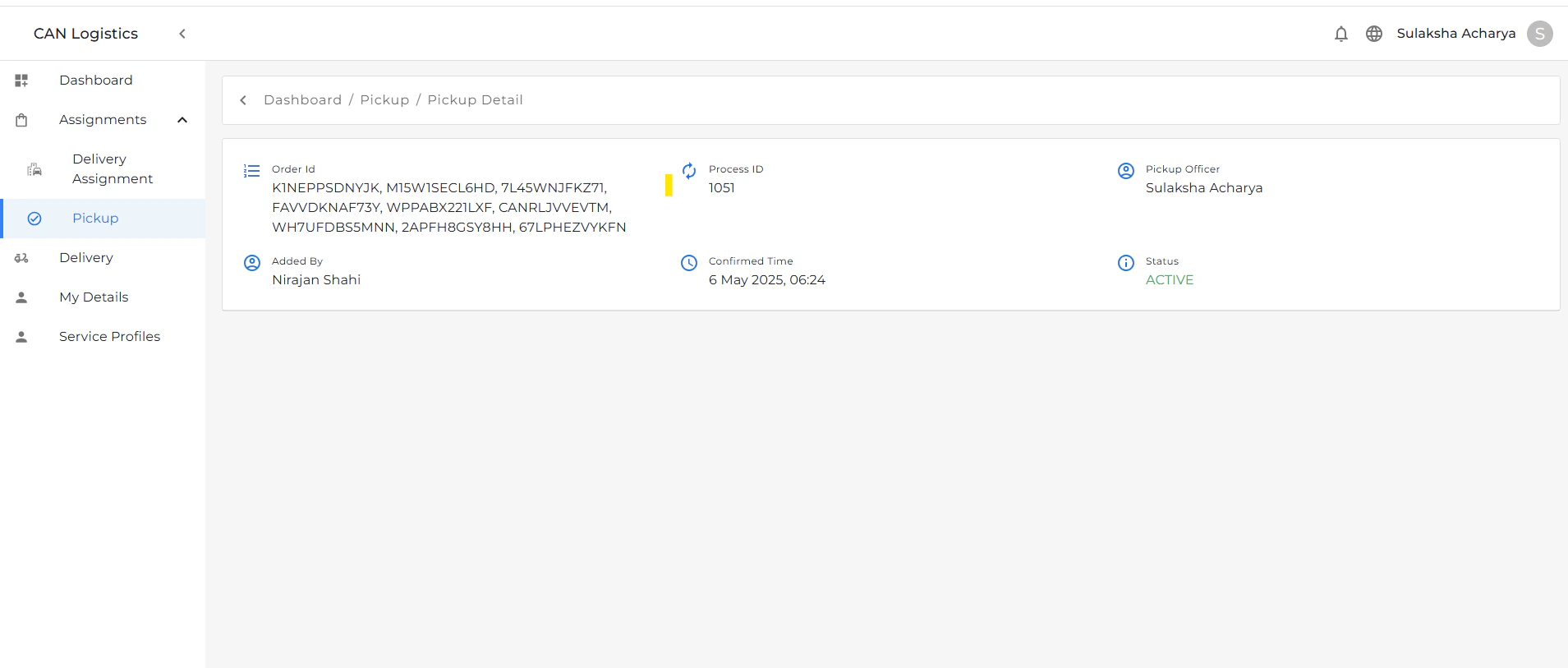
You can click the **Actions** button to view detailed information about the pickup, including:
* Item list
* Pickup time and location
* Officer remarks
* Confirmation status
### Actions
You can click the **Actions** button to view detailed information about the pickup, including:
* Item list
* Pickup time and location
* Officer remarks
* Confirmation status