> ## Documentation Index
> Fetch the complete documentation index at: https://docs.commerce.thecanbrand.com/llms.txt
> Use this file to discover all available pages before exploring further.
# Branch
# Locations
The **Locations** module manages all the geographic and operational aspects of your organization's branches. It includes the following main features:
* **Branches**
* **Branch Assignment**
* **Branches Cluster**
* **Service**
***
## Branches
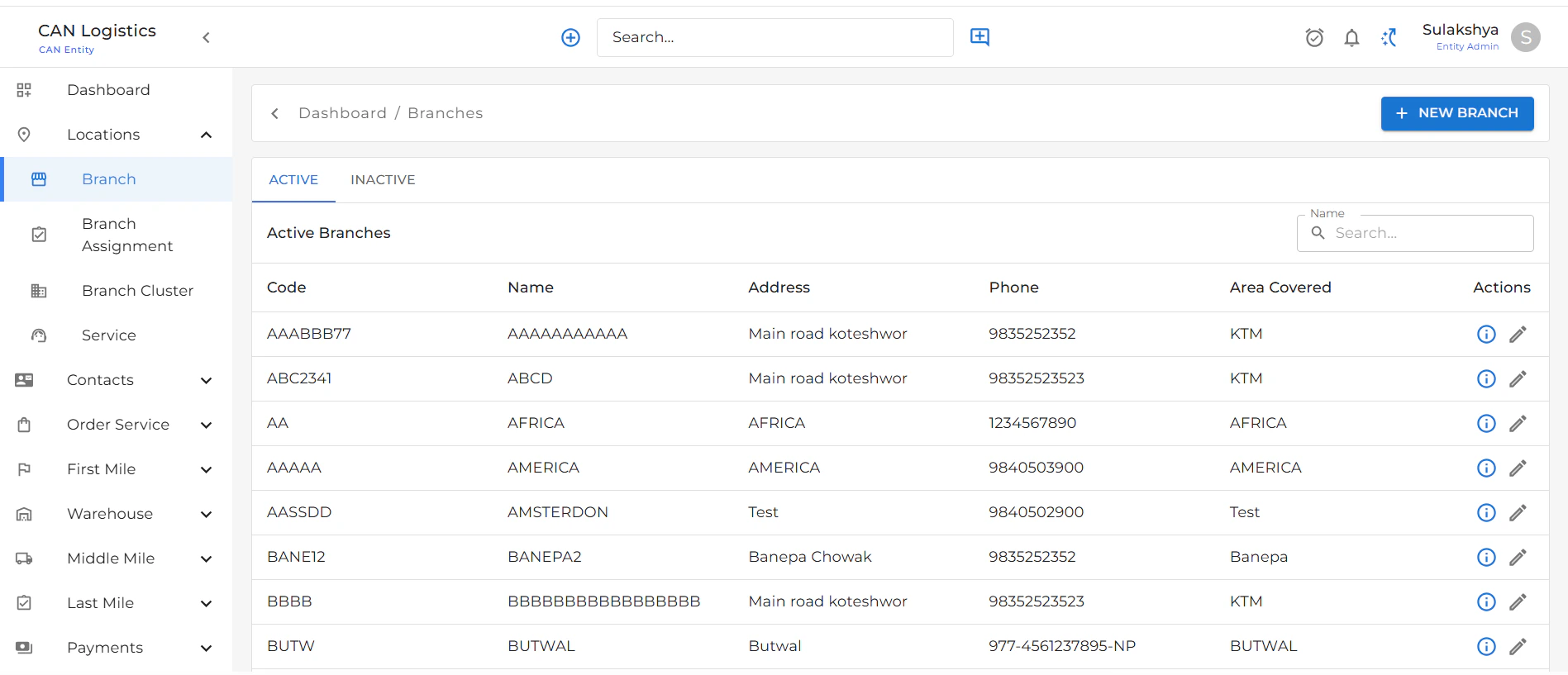
The **Branches** screen provides a list of all registered branches in the system.
### Branch List View
Each branch row displays:
* **Code**: Unique identifier for the branch
* **Name**: Name of the branch
* **Address**: Full address of the branch
* **Phone**: Contact number
* **Area Covered**: Description of areas the branch serves
* **Actions**: Buttons to:
* Navigate to **Edit Branch**
* Navigate to **Branch Details**
***
 ## Branch Detail View
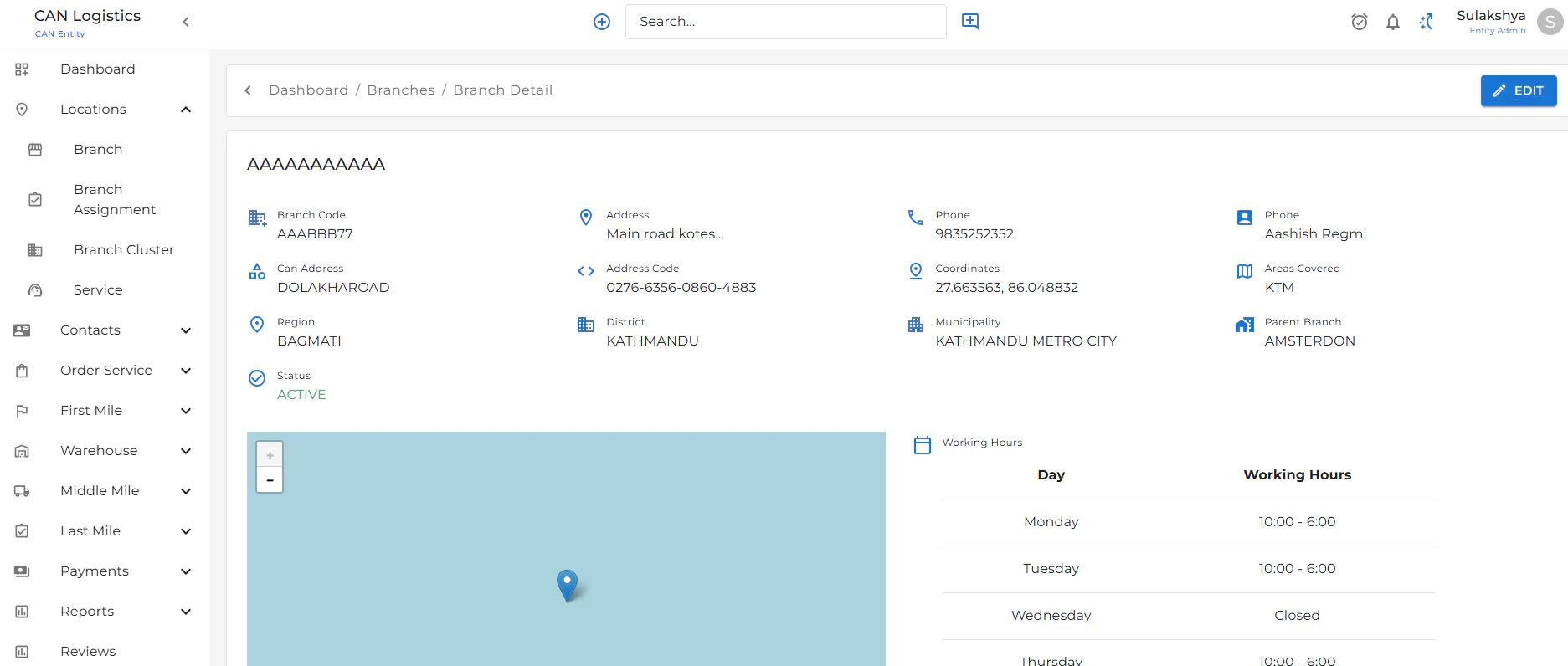
Clicking on a branch leads to a **detailed view** that includes:
* Full branch information
* **Working Hours** section displaying operating days and times
* **Tabs**:
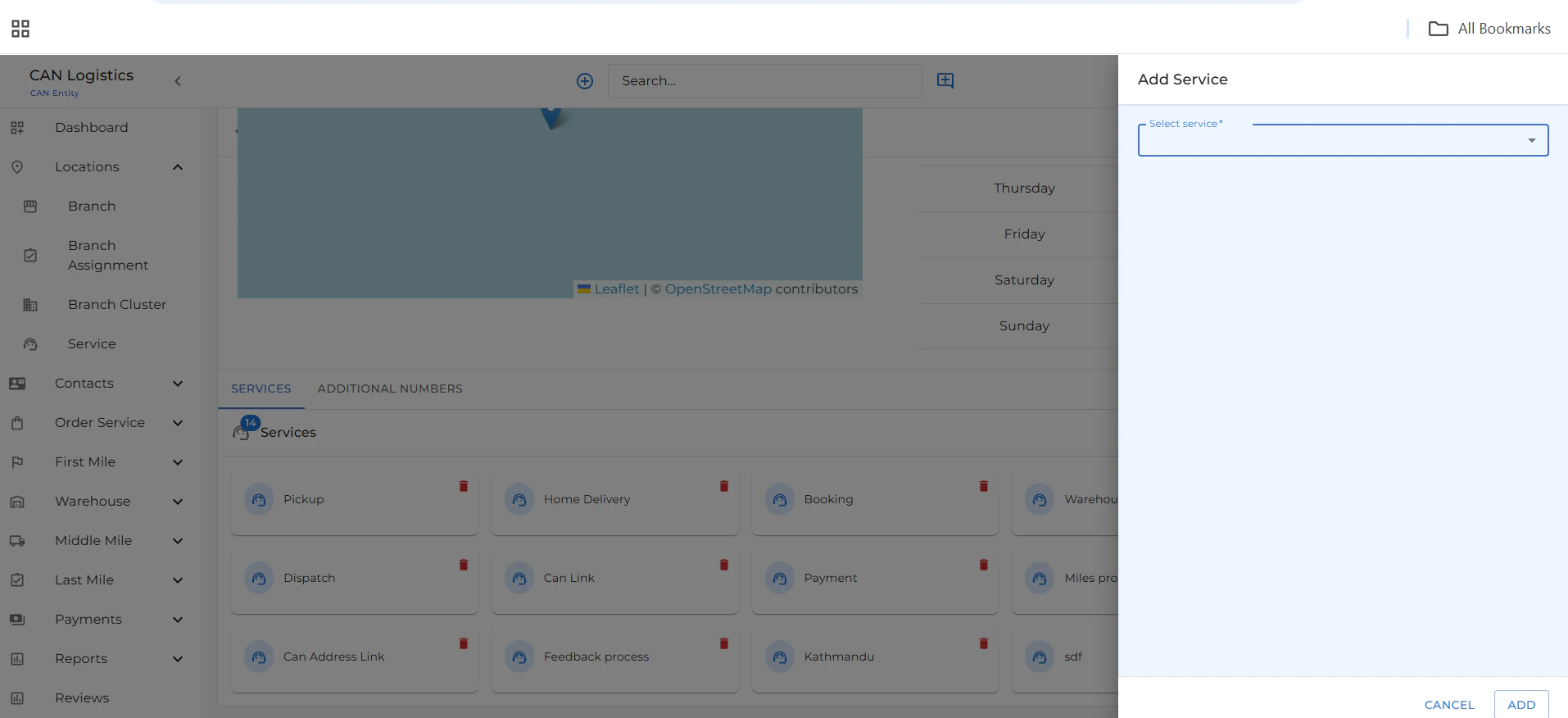
* **Services**: Assign or update the services offered at this branch
* **Admissions Number**: Manage admission/contact numbers (add, edit, activate, or deactivate)
This helps keep all operational and customer-facing details well organized.
***
## Branch Detail View
Clicking on a branch leads to a **detailed view** that includes:
* Full branch information
* **Working Hours** section displaying operating days and times
* **Tabs**:
* **Services**: Assign or update the services offered at this branch
* **Admissions Number**: Manage admission/contact numbers (add, edit, activate, or deactivate)
This helps keep all operational and customer-facing details well organized.
***
 ## Edit Branch
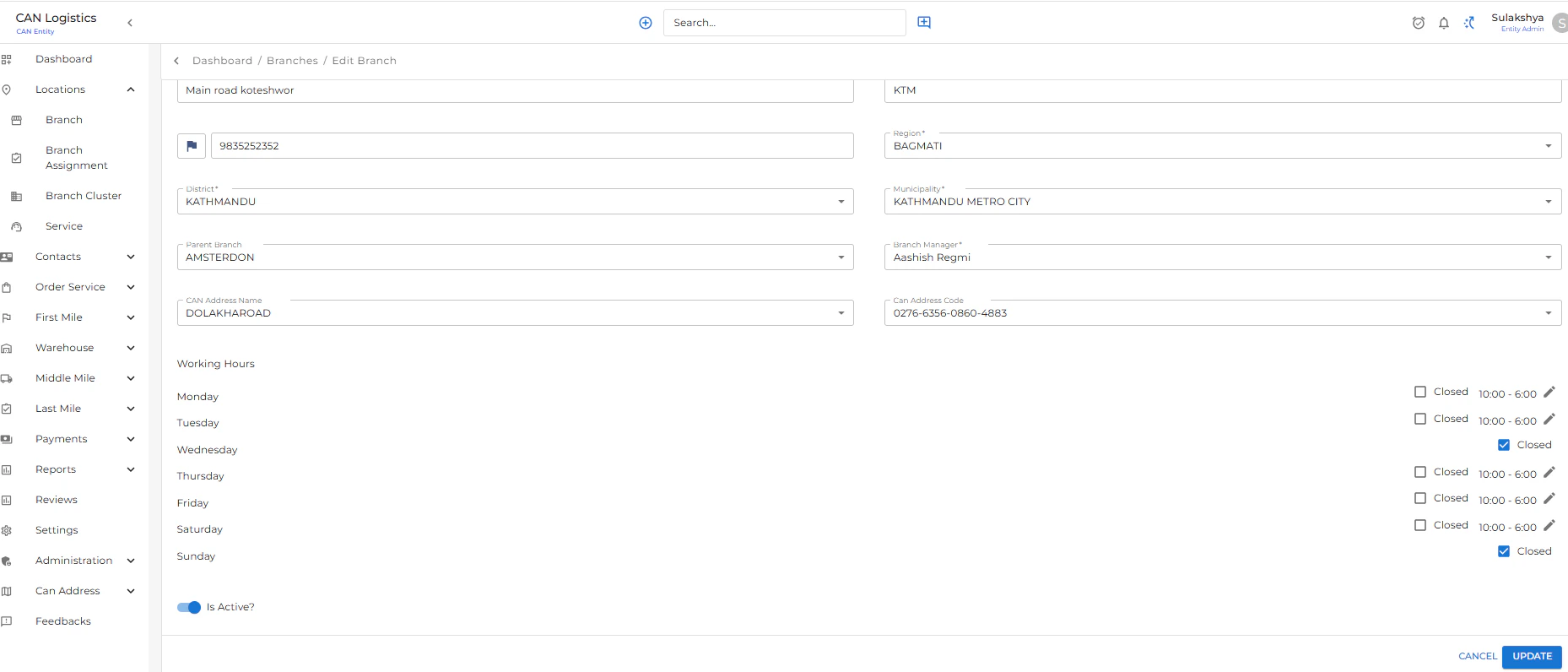
The **Edit Branch** screen allows you to update any branch details.
Editable sections include:
* Name, address, phone, and area covered
* **Working Hours** (adjust opening and closing times)
* Services offered
* Admission/contact numbers
Use this screen to keep branch data up-to-date.
***
## Edit Branch
The **Edit Branch** screen allows you to update any branch details.
Editable sections include:
* Name, address, phone, and area covered
* **Working Hours** (adjust opening and closing times)
* Services offered
* Admission/contact numbers
Use this screen to keep branch data up-to-date.
***
 ## Add New Branch
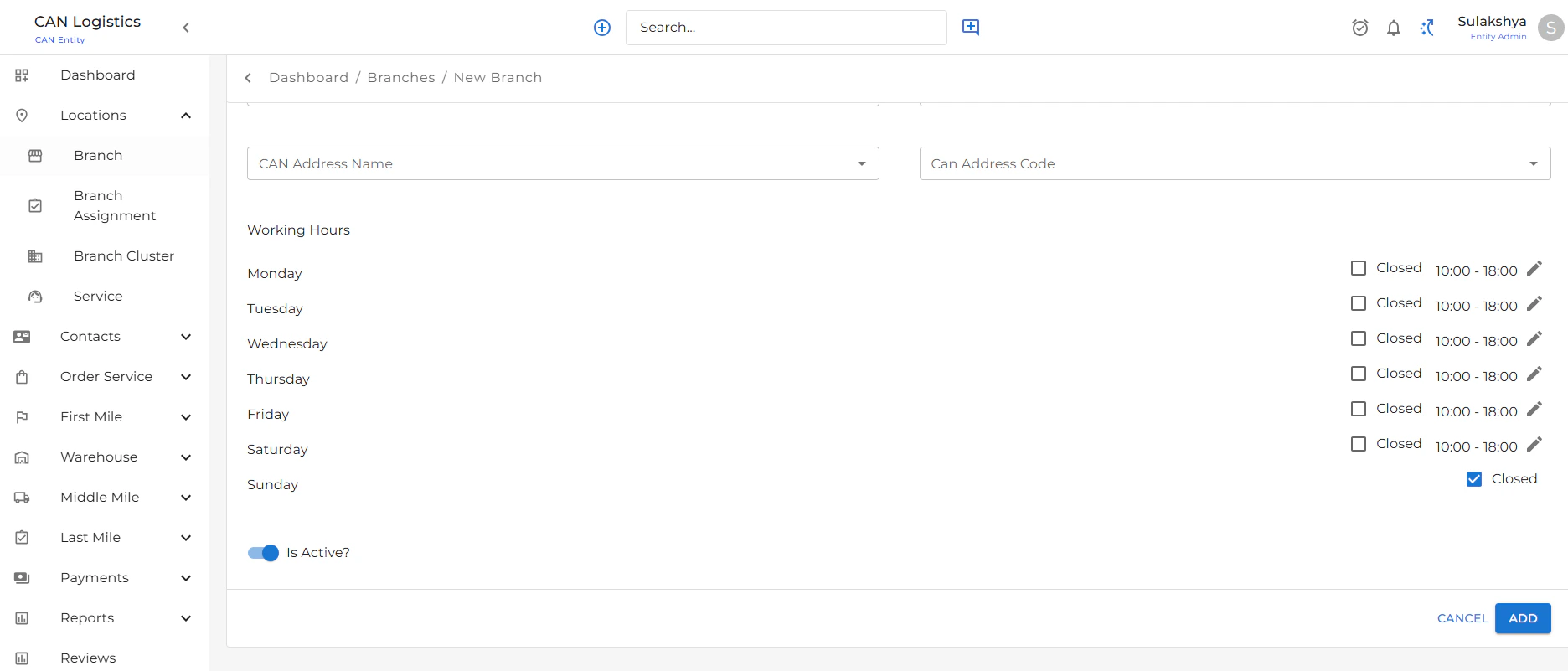
The **New Branch** screen allows users to create a brand-new branch.
### Required Information:
* Branch Code
* Branch Name
* Address
* Phone
* Area Covered
### Working Hours Section
Scroll down to the **Working Hours** section to:
* Define operating days (e.g., Mon–Sat)
* Set custom open and close times per day
* Assign available services
* Add one or multiple admission numbers with status control
This ensures the new branch is fully functional from day one.
***
## Technology & UX Notes
* Built using **React** and **Material UI**
* Data managed via **RTK Query** / **Axios**
* Routes and screens use role-based access where applicable
***
## Add New Branch
The **New Branch** screen allows users to create a brand-new branch.
### Required Information:
* Branch Code
* Branch Name
* Address
* Phone
* Area Covered
### Working Hours Section
Scroll down to the **Working Hours** section to:
* Define operating days (e.g., Mon–Sat)
* Set custom open and close times per day
* Assign available services
* Add one or multiple admission numbers with status control
This ensures the new branch is fully functional from day one.
***
## Technology & UX Notes
* Built using **React** and **Material UI**
* Data managed via **RTK Query** / **Axios**
* Routes and screens use role-based access where applicable
***
 ## Services
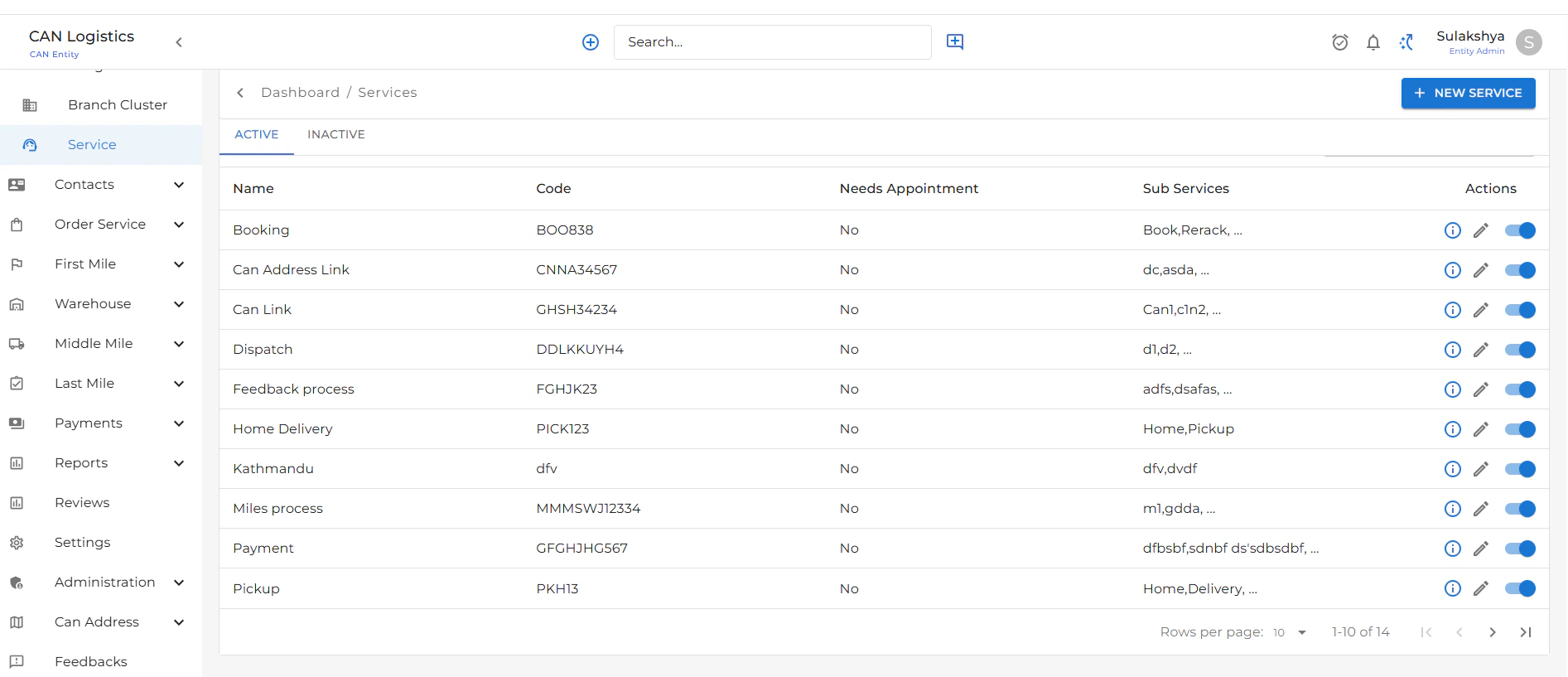
The **Services** feature allows you to manage the different services offered at each branch.
***
### Service List View
* Displays a table of all existing services.
* Each row includes:
* **Service Name**
* **Service Description**
* **Status Toggle**: Easily switch a service between **Active** and **Inactive** using a toggle button.
* **Actions**:
* **Edit**: Update existing service details.
***
## Services
The **Services** feature allows you to manage the different services offered at each branch.
***
### Service List View
* Displays a table of all existing services.
* Each row includes:
* **Service Name**
* **Service Description**
* **Status Toggle**: Easily switch a service between **Active** and **Inactive** using a toggle button.
* **Actions**:
* **Edit**: Update existing service details.
***
 ### Add Service
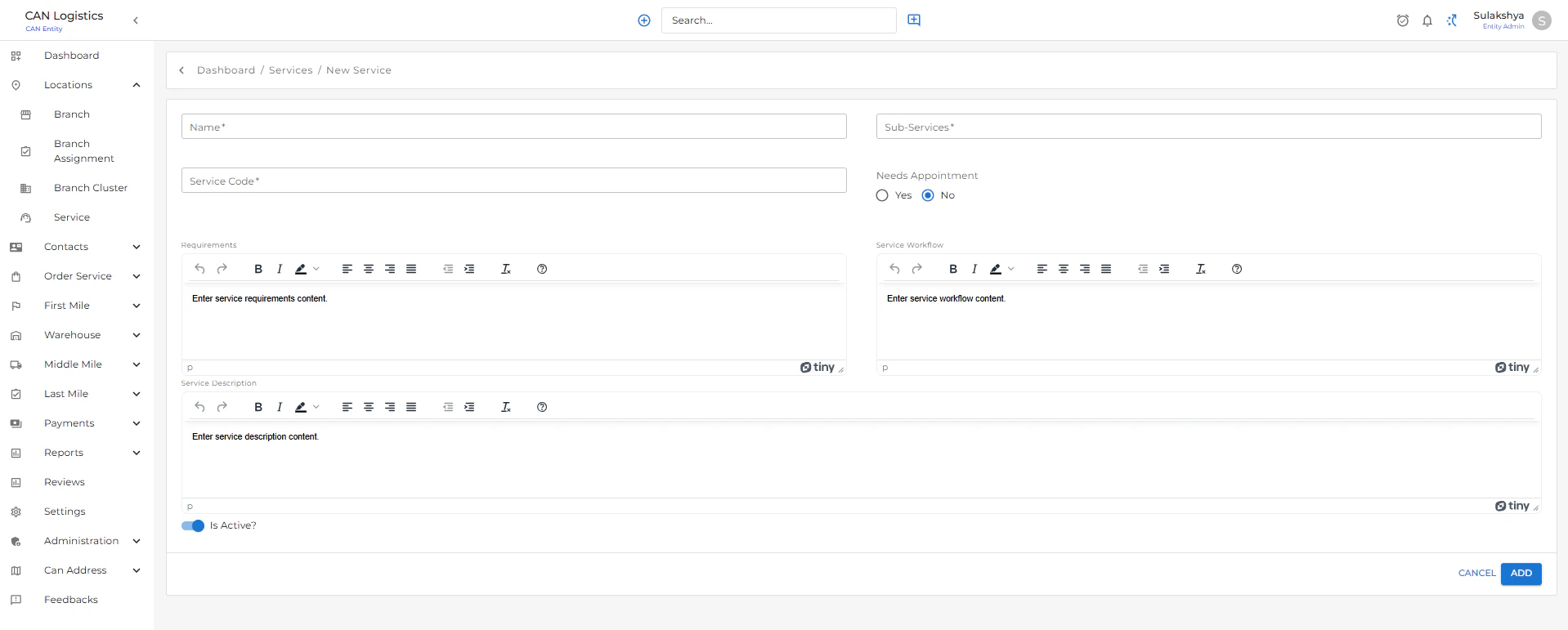
* Use the **Add Service** form to create a new service.
* Required fields:
* **Service Name**
* **Description**
* After submission, the service will be listed and can be toggled active or inactive at any time.
***
### Add Service
* Use the **Add Service** form to create a new service.
* Required fields:
* **Service Name**
* **Description**
* After submission, the service will be listed and can be toggled active or inactive at any time.
***
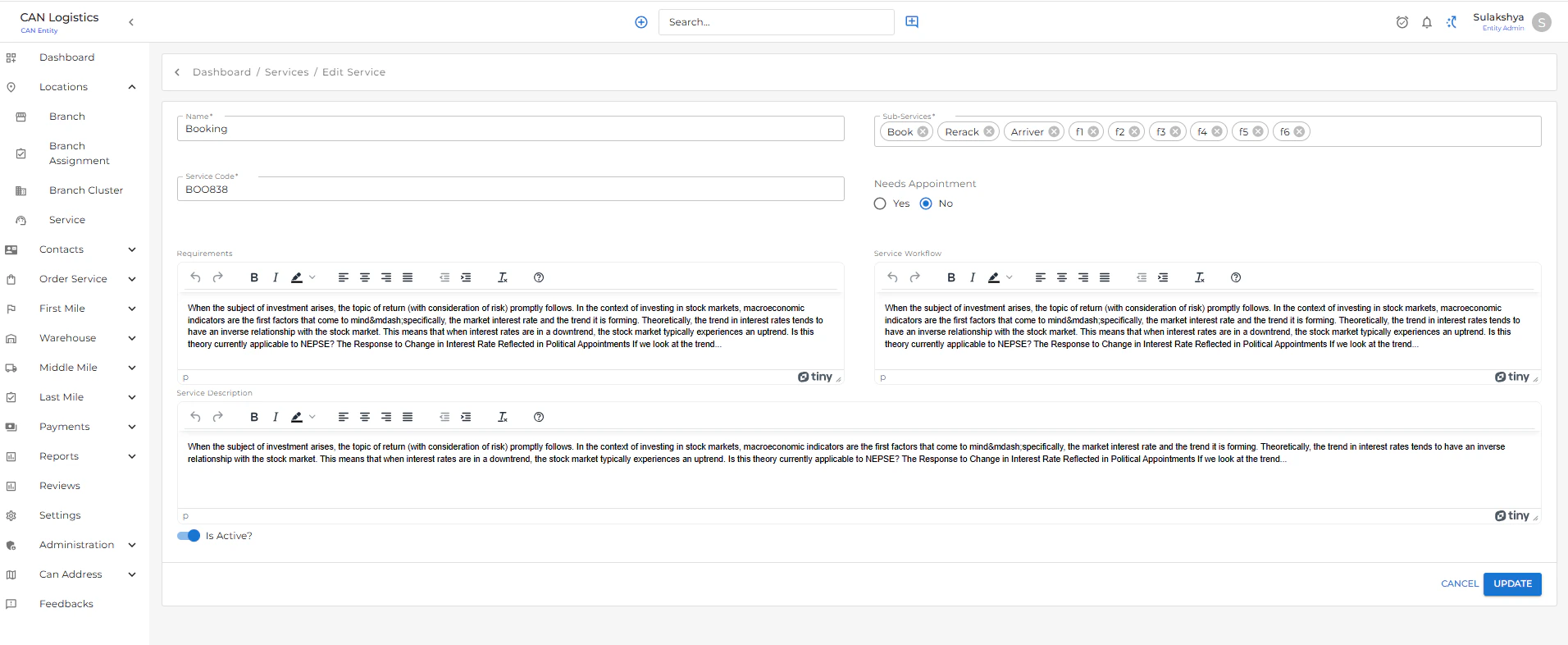
 ### Edit Service
* Select a service from the list and click **Edit** to:
* Update the name or description
* Change its active status
***
### Edit Service
* Select a service from the list and click **Edit** to:
* Update the name or description
* Change its active status
***
 ### Features
* Real-time toggle for enabling/disabling services
* Clean and intuitive interface for managing service offerings
* Role-based access (if applied) to ensure only authorized users can create/edit
***
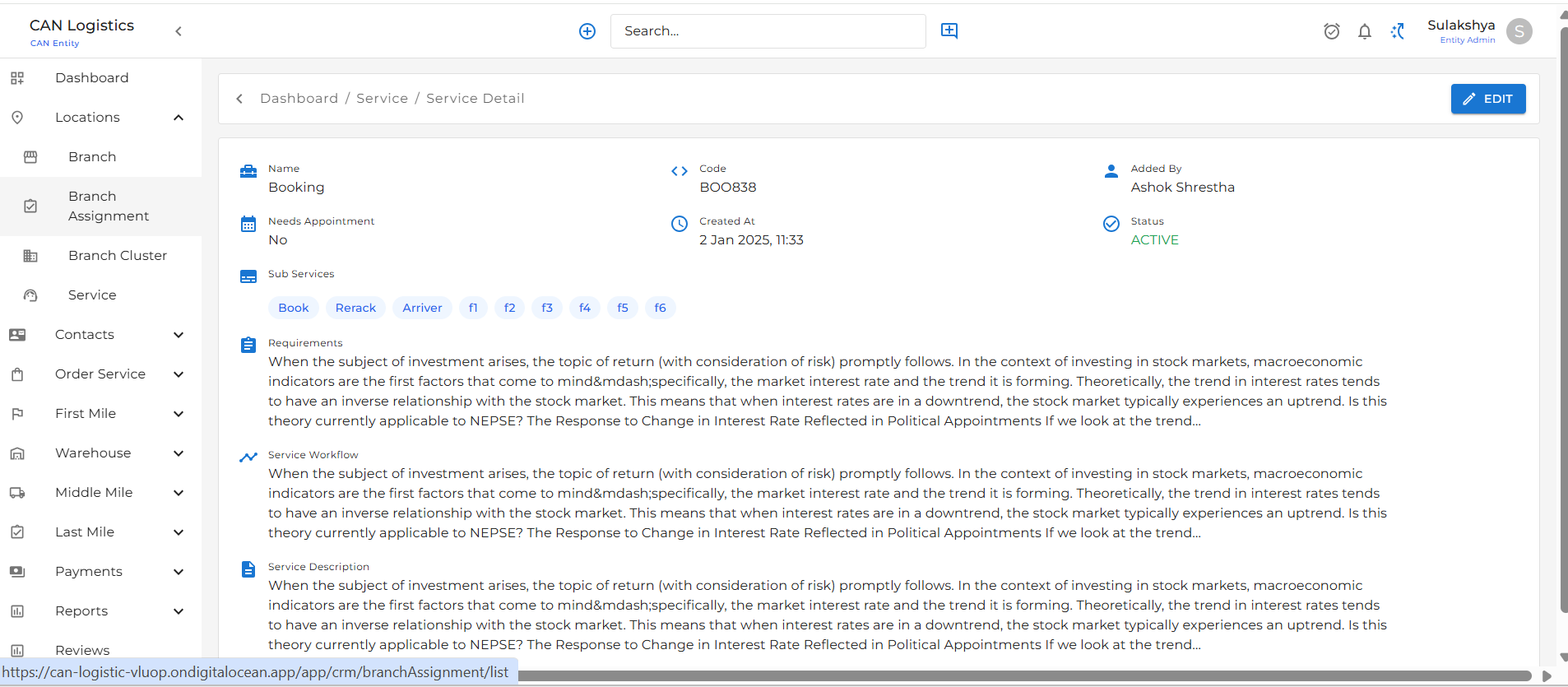
### Service Detail
Service Detail shows the detail of the service you added.
### Features
* Real-time toggle for enabling/disabling services
* Clean and intuitive interface for managing service offerings
* Role-based access (if applied) to ensure only authorized users can create/edit
***
### Service Detail
Service Detail shows the detail of the service you added.