> ## Documentation Index
> Fetch the complete documentation index at: https://docs.commerce.thecanbrand.com/llms.txt
> Use this file to discover all available pages before exploring further.
# Vendor Profile
> Manage vendor profiles including creating, editing, and viewing detailed information such as orders, ledgers, and documents.
# Vendor Profile
## Overview
The **Vendor Profile** module allows you to manage vendor data efficiently. It includes features to list, create, edit, and view detailed vendor information, organized through a set of intuitive tabs.
***
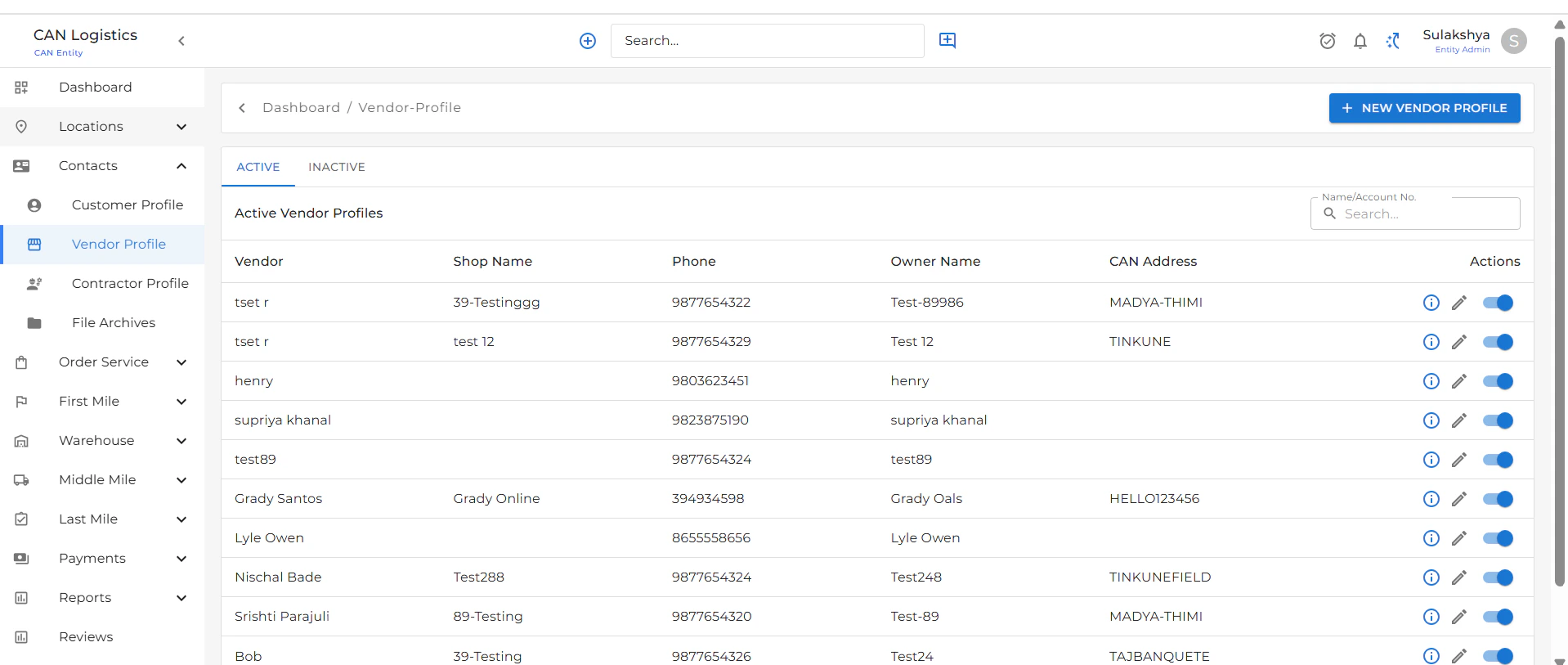
## Vendor Profile List
* Displays a complete list of all vendor profiles.
* Includes two tabs:
* **Active**: Shows all currently active vendors.
* **Inactive**: Displays vendors that are marked inactive.
* Use the **New Vendor Profile** button at the top-right to add a new vendor.
***
 ## New Vendor Profile
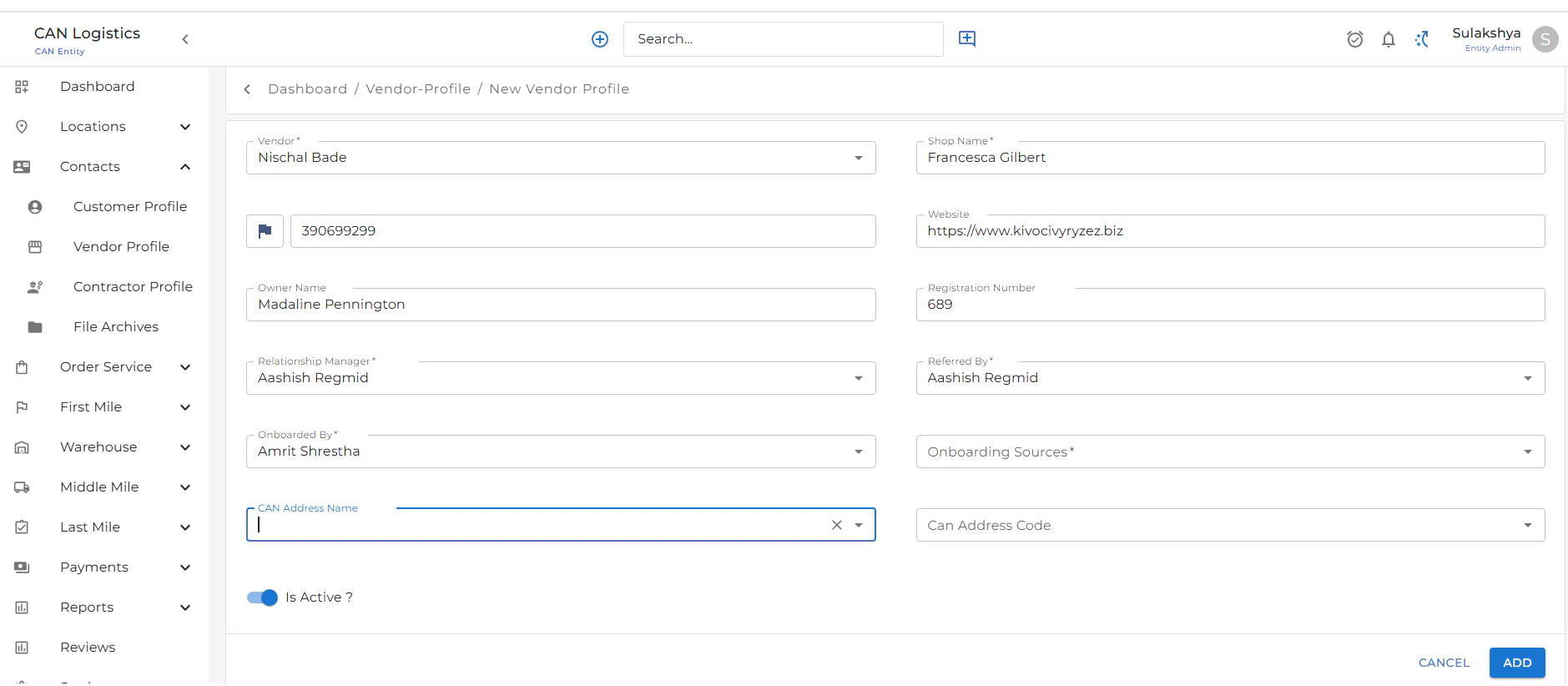
To create a new vendor profile:
1. Click on **New Vendor Profile** from the list screen.
2. Fill in basic details:
* **Name**
* **Email**
* **Phone Number**
* **Vendor Type**, etc.
3. Submit the form to save the new vendor.
***
## New Vendor Profile
To create a new vendor profile:
1. Click on **New Vendor Profile** from the list screen.
2. Fill in basic details:
* **Name**
* **Email**
* **Phone Number**
* **Vendor Type**, etc.
3. Submit the form to save the new vendor.
***
 ## Edit Vendor Profile
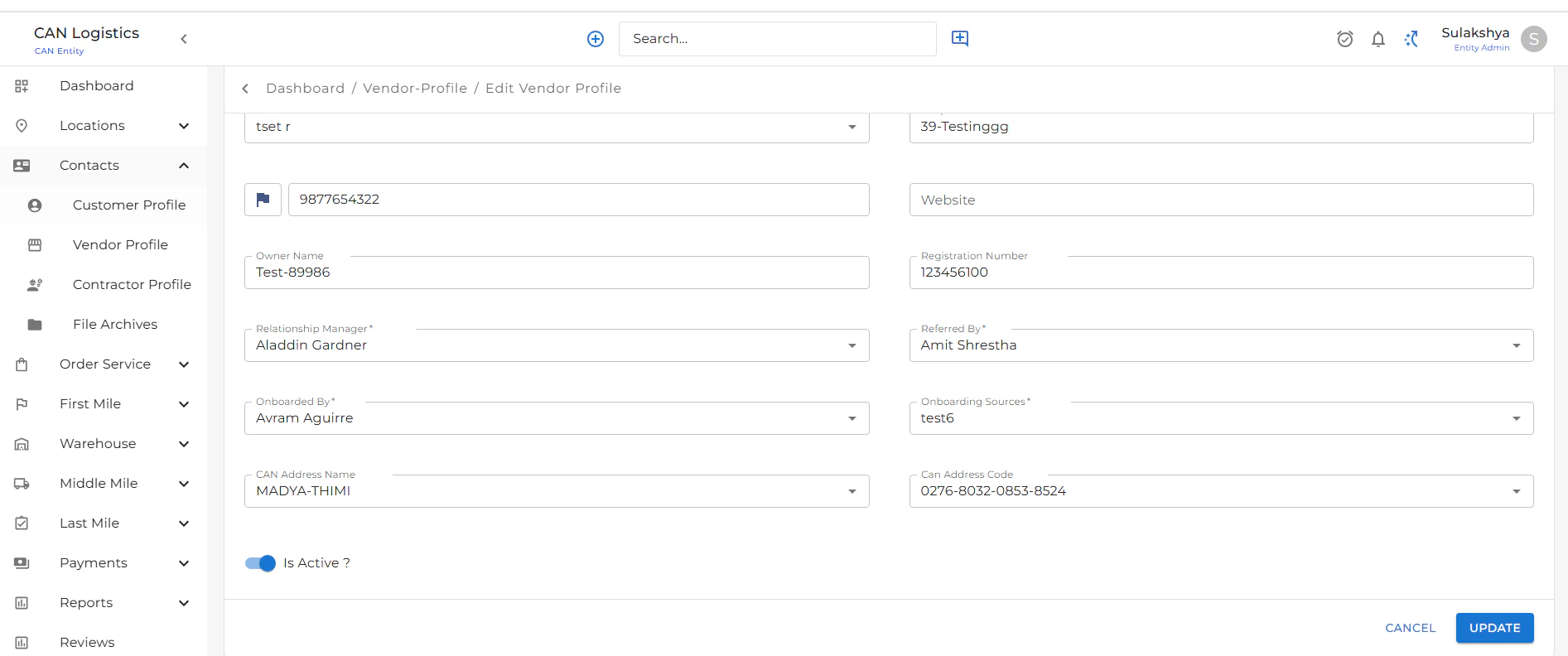
To update an existing vendor:
1. Click the **Edit** button from the list or detail screen.
2. Update the required fields based on your needs.
3. Save the changes to apply updates to the vendor profile.
***
## Edit Vendor Profile
To update an existing vendor:
1. Click the **Edit** button from the list or detail screen.
2. Update the required fields based on your needs.
3. Save the changes to apply updates to the vendor profile.
***
 ## Vendor Profile Detail
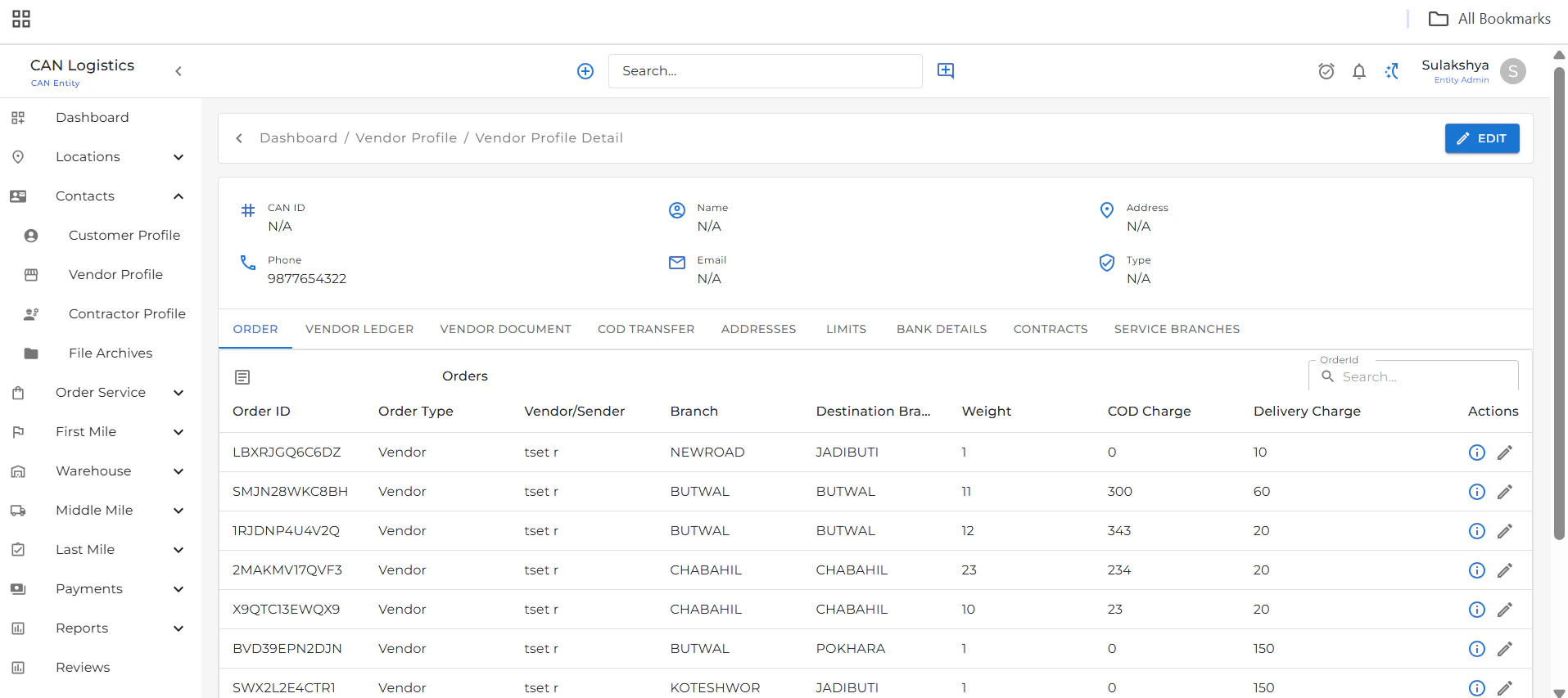
The detail screen provides in-depth information about a vendor and includes several functional tabs:
## Vendor Profile Detail
The detail screen provides in-depth information about a vendor and includes several functional tabs:
 ### Orders
* Lists all orders associated with the selected vendor.
* View and manage order details.
### Vendor Ledgers
* Displays a detailed account ledger.
* Helps track all financial transactions related to the vendor.
### Vendor Documents
* Upload and manage important documents related to the vendor.
### Orders
* Lists all orders associated with the selected vendor.
* View and manage order details.
### Vendor Ledgers
* Displays a detailed account ledger.
* Helps track all financial transactions related to the vendor.
### Vendor Documents
* Upload and manage important documents related to the vendor.
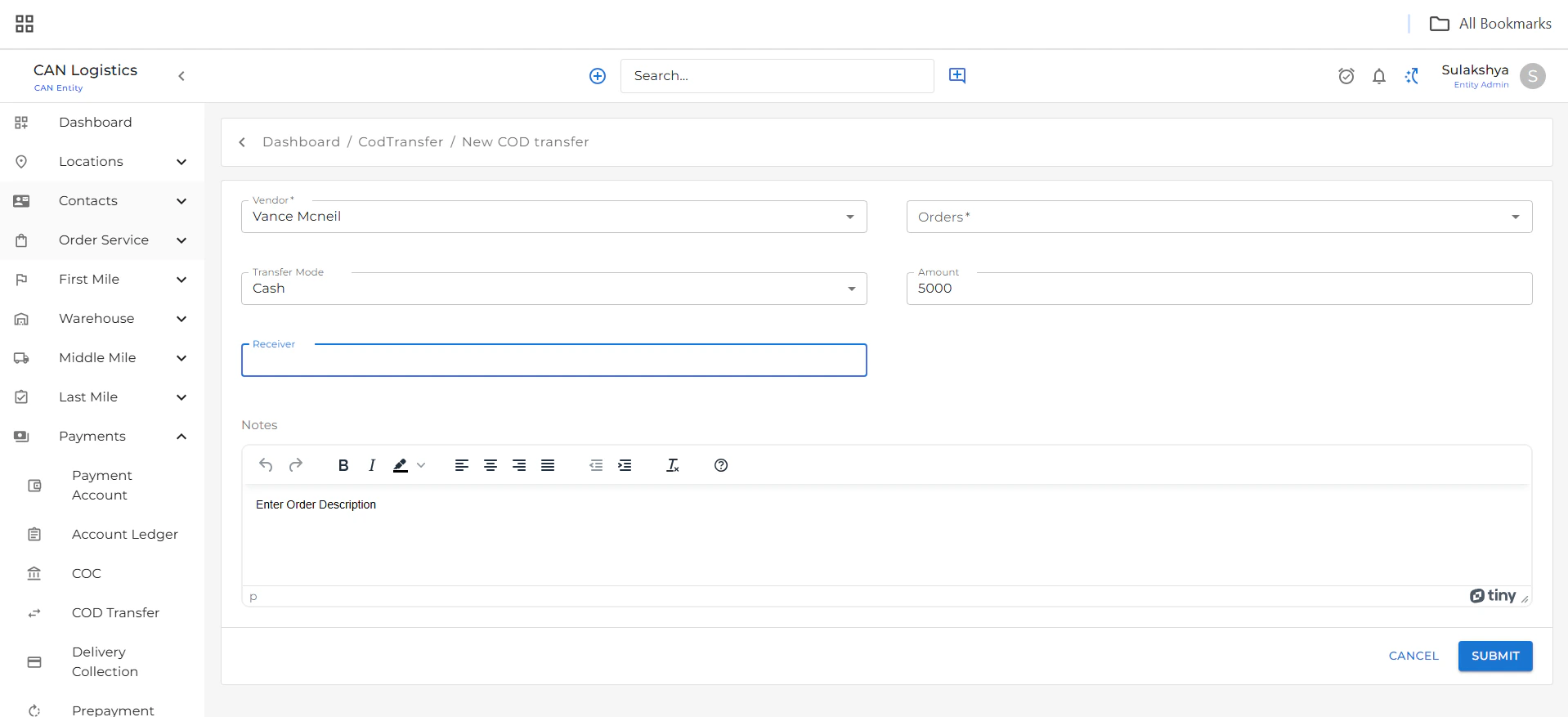
 ### COD Transfer
* Add new COD (Cash on Delivery) transfer records.
* View all COD transfers in this tab.
### COD Transfer
* Add new COD (Cash on Delivery) transfer records.
* View all COD transfers in this tab.
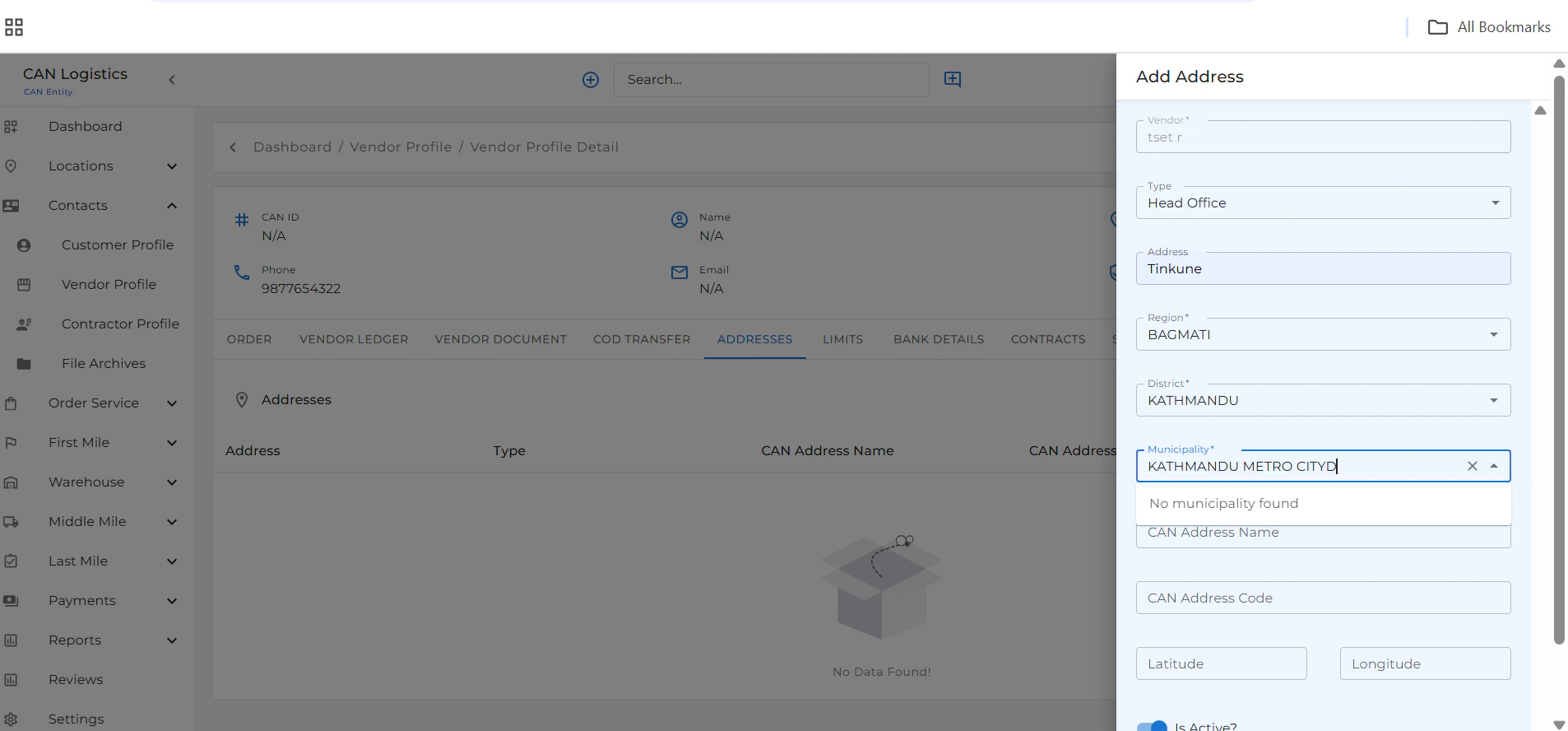
 ### Addresses
* Add and manage vendor addresses.
* All saved entries are displayed in the **Addresses** tab.
### Addresses
* Add and manage vendor addresses.
* All saved entries are displayed in the **Addresses** tab.
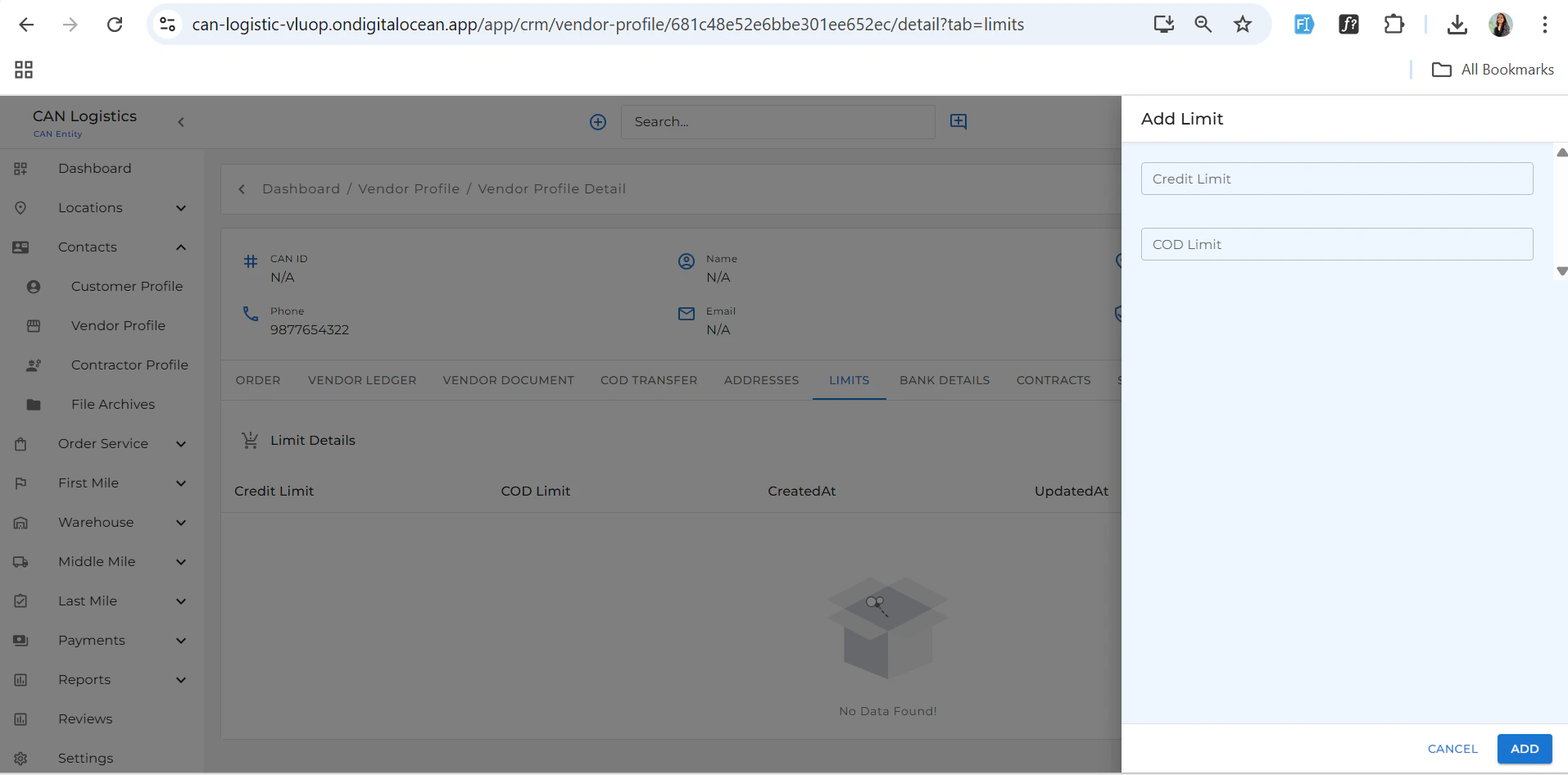
 ### Credit Limit
* Define and update the vendor's credit limit.
* Useful for setting financial constraints and terms.
### Credit Limit
* Define and update the vendor's credit limit.
* Useful for setting financial constraints and terms.
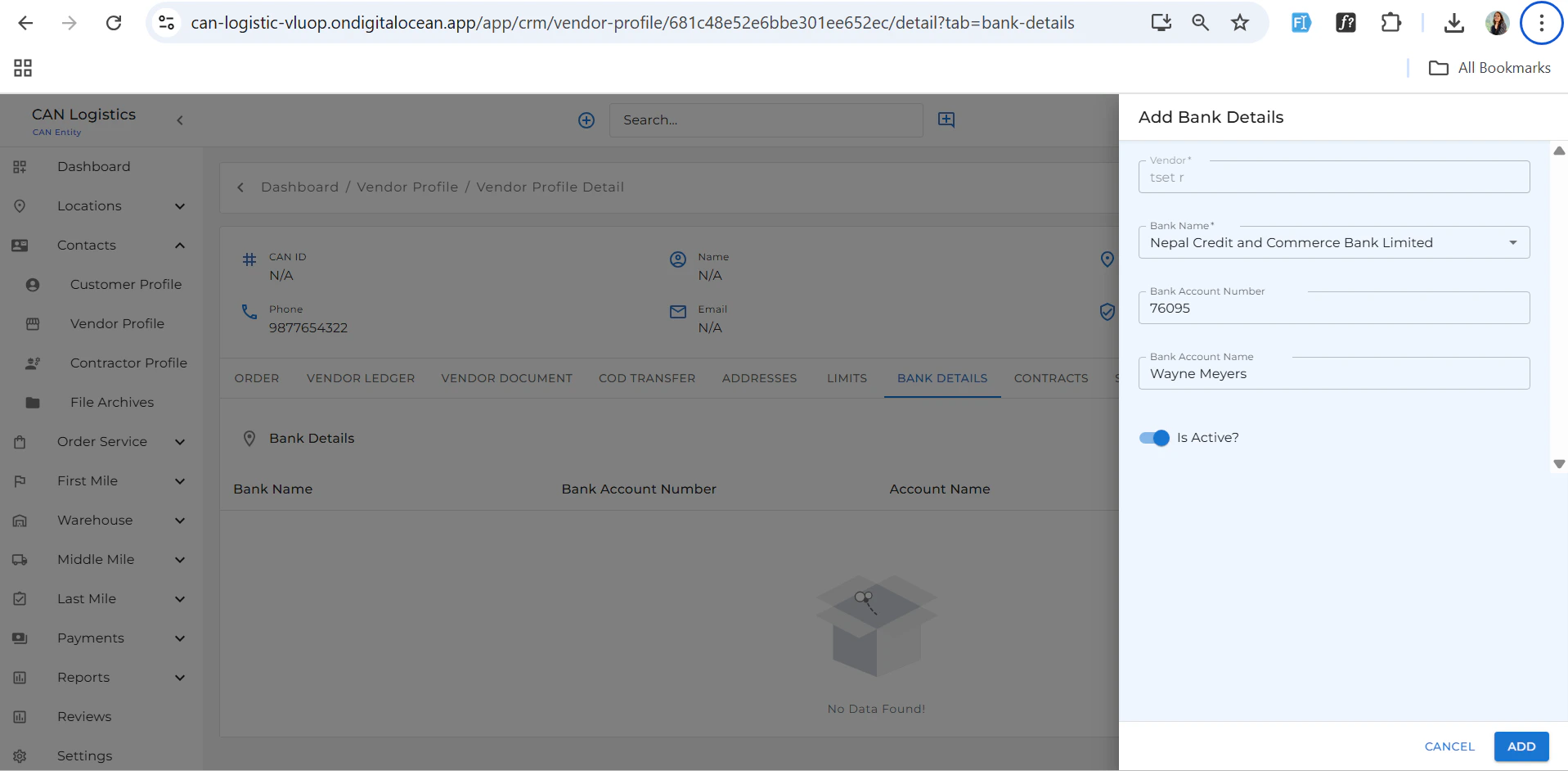
 ### Bank Details
* Add and view vendor bank account information.
### Bank Details
* Add and view vendor bank account information.
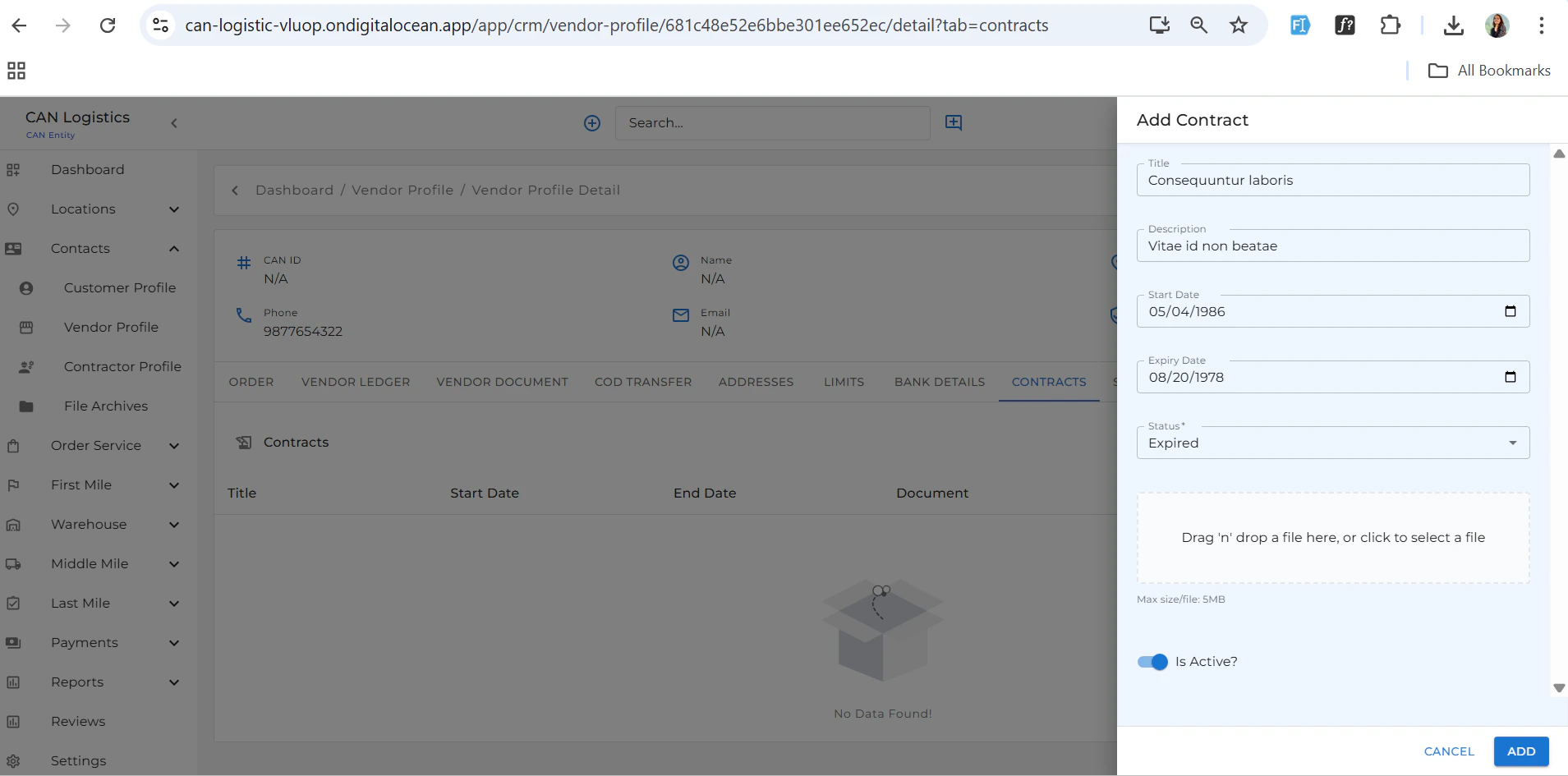
 ### Contract
* Upload and manage vendor contracts.
* View existing agreements as needed.
### Contract
* Upload and manage vendor contracts.
* View existing agreements as needed.
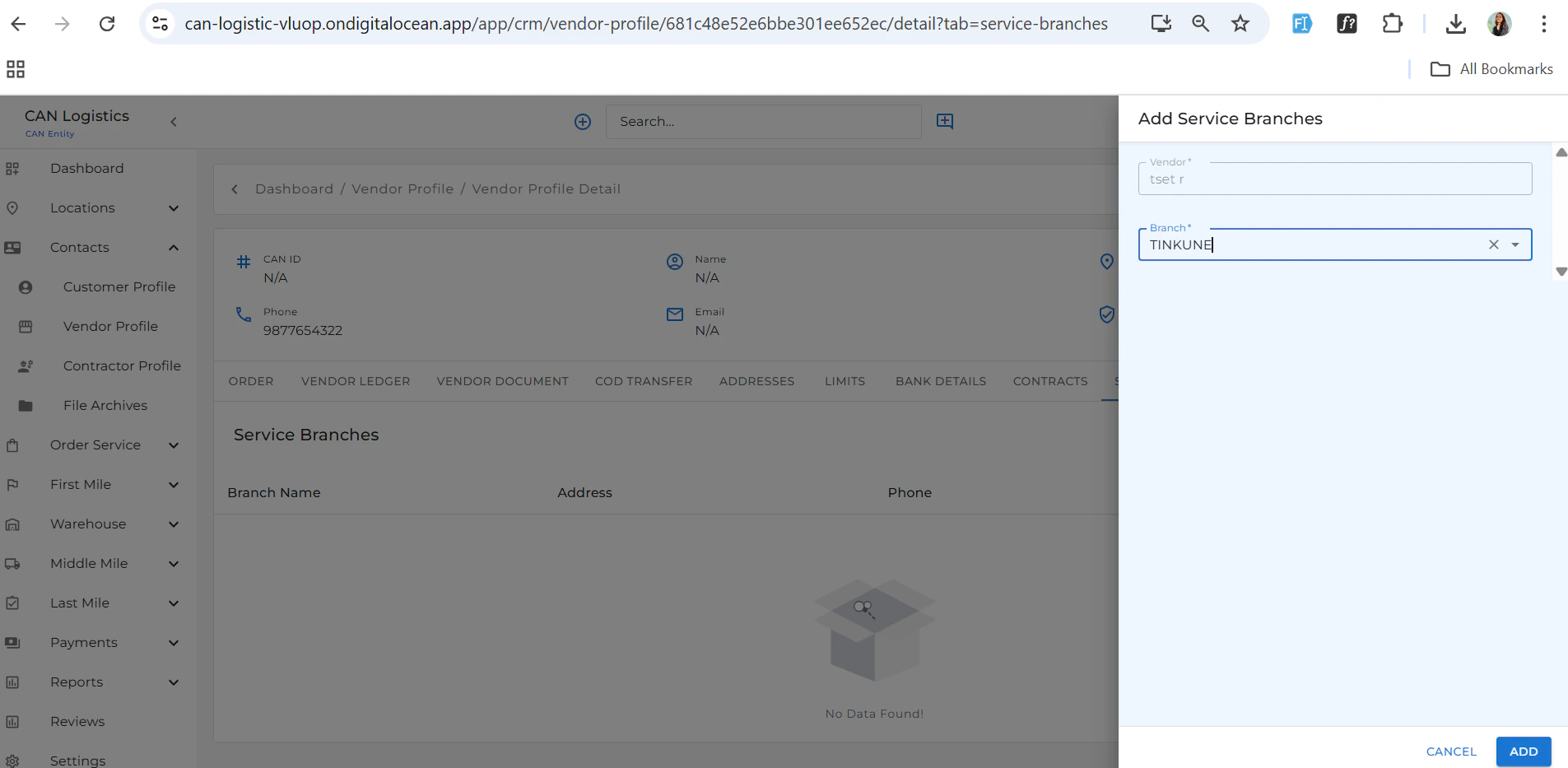
 ### Service Branches
* Assign services and serviceable branches based on your business preferences.
***
### Service Branches
* Assign services and serviceable branches based on your business preferences.
***
 ## Summary
The **Vendor Profile** module is your central hub for managing vendors. Whether you're creating new entries, editing information, or reviewing orders and financials, this module ensures everything is well-organized and accessible.
## Summary
The **Vendor Profile** module is your central hub for managing vendors. Whether you're creating new entries, editing information, or reviewing orders and financials, this module ensures everything is well-organized and accessible.