> ## Documentation Index
> Fetch the complete documentation index at: https://docs.commerce.thecanbrand.com/llms.txt
> Use this file to discover all available pages before exploring further.
# Forgotpassword
## "Forgot Password"
If you've forgotten your password, follow these steps to reset it:
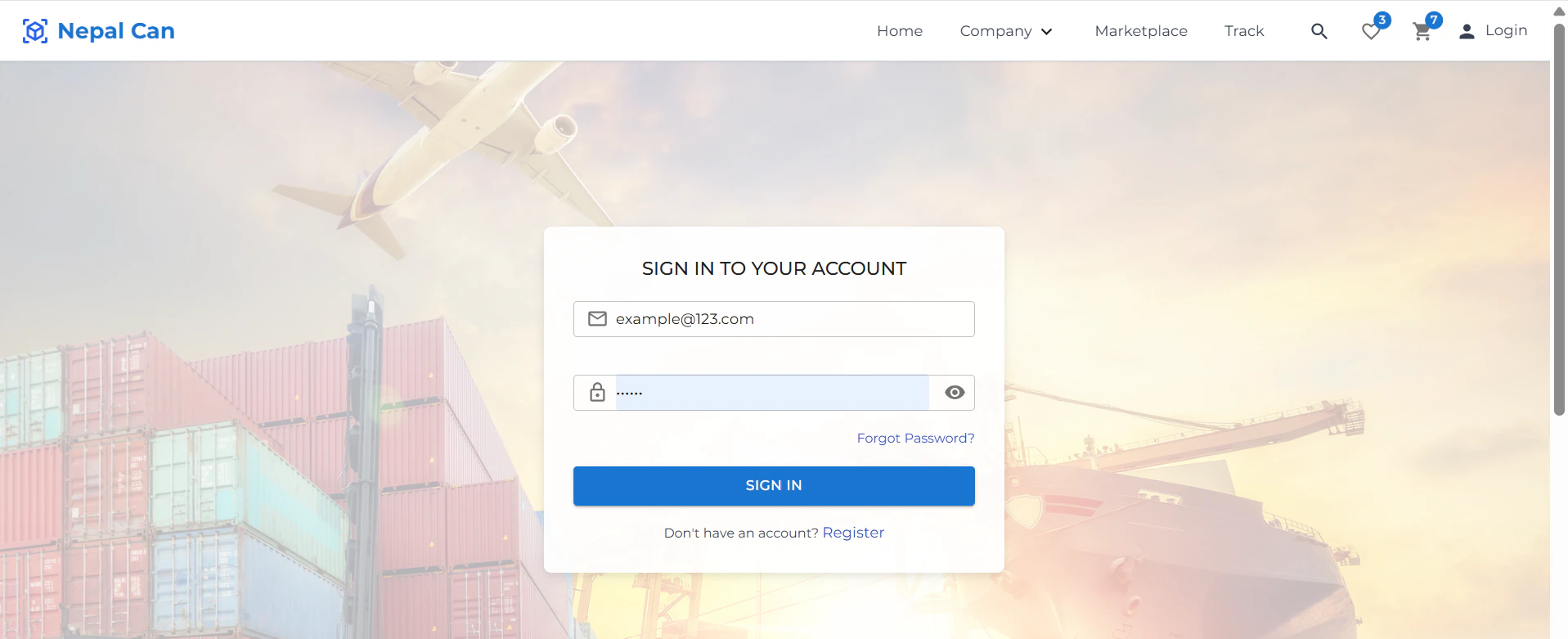
## Step 1: Navigate to Forgot Password
* On the login screen, click on **"Forgot Password?"**.
* You will be redirected to the password recovery page.
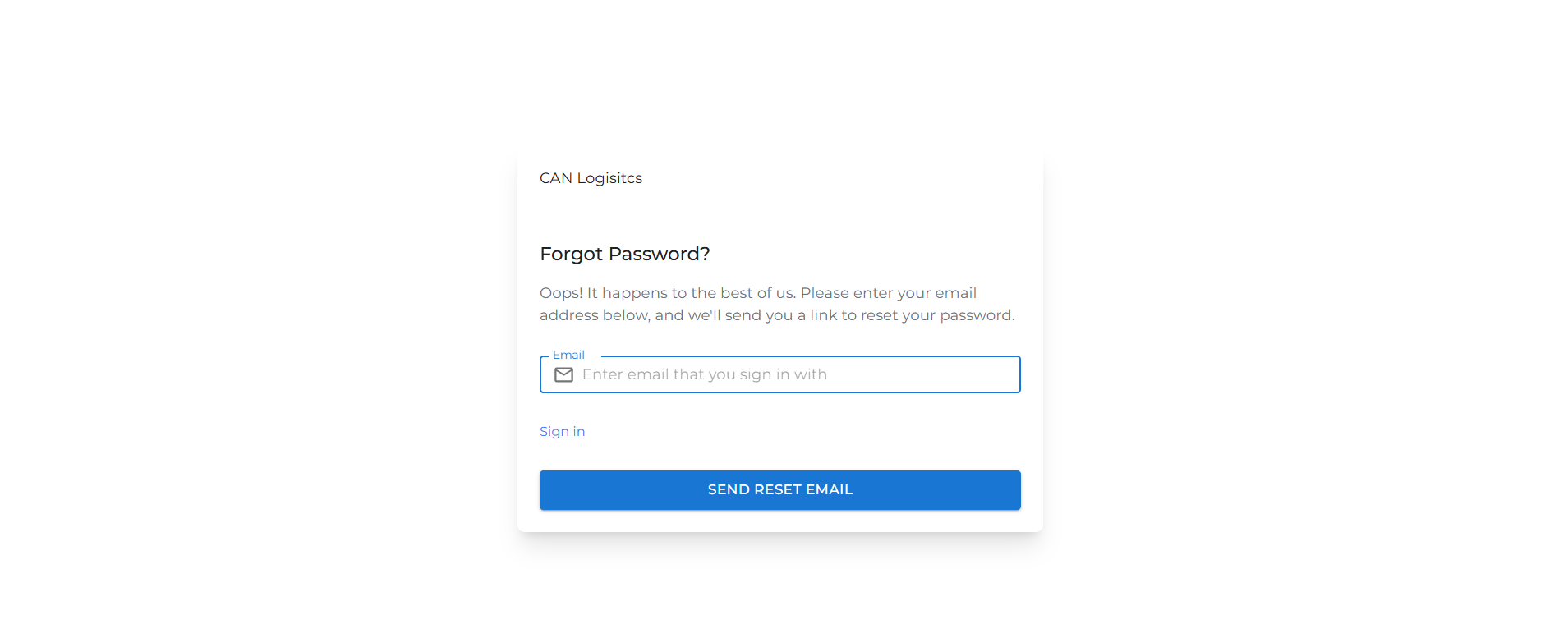
## Step 2: Enter Your Email Address
* Provide the **email address** associated with your account.
* An OTP (One-Time Password) will be sent to your email.
## Step 3: Enter the OTP
* Check your email inbox for the OTP.
* Enter the received OTP in the designated field on the screen.
## Step 4: Reset Your Password
* After verifying the OTP, you'll be prompted to set a **new password**.
* Enter your new password and confirm it.
Your password has now been successfully updated. You can log in using your new credentials.