> ## Documentation Index
> Fetch the complete documentation index at: https://docs.commerce.thecanbrand.com/llms.txt
> Use this file to discover all available pages before exploring further.
# Organization
# Settings Overview
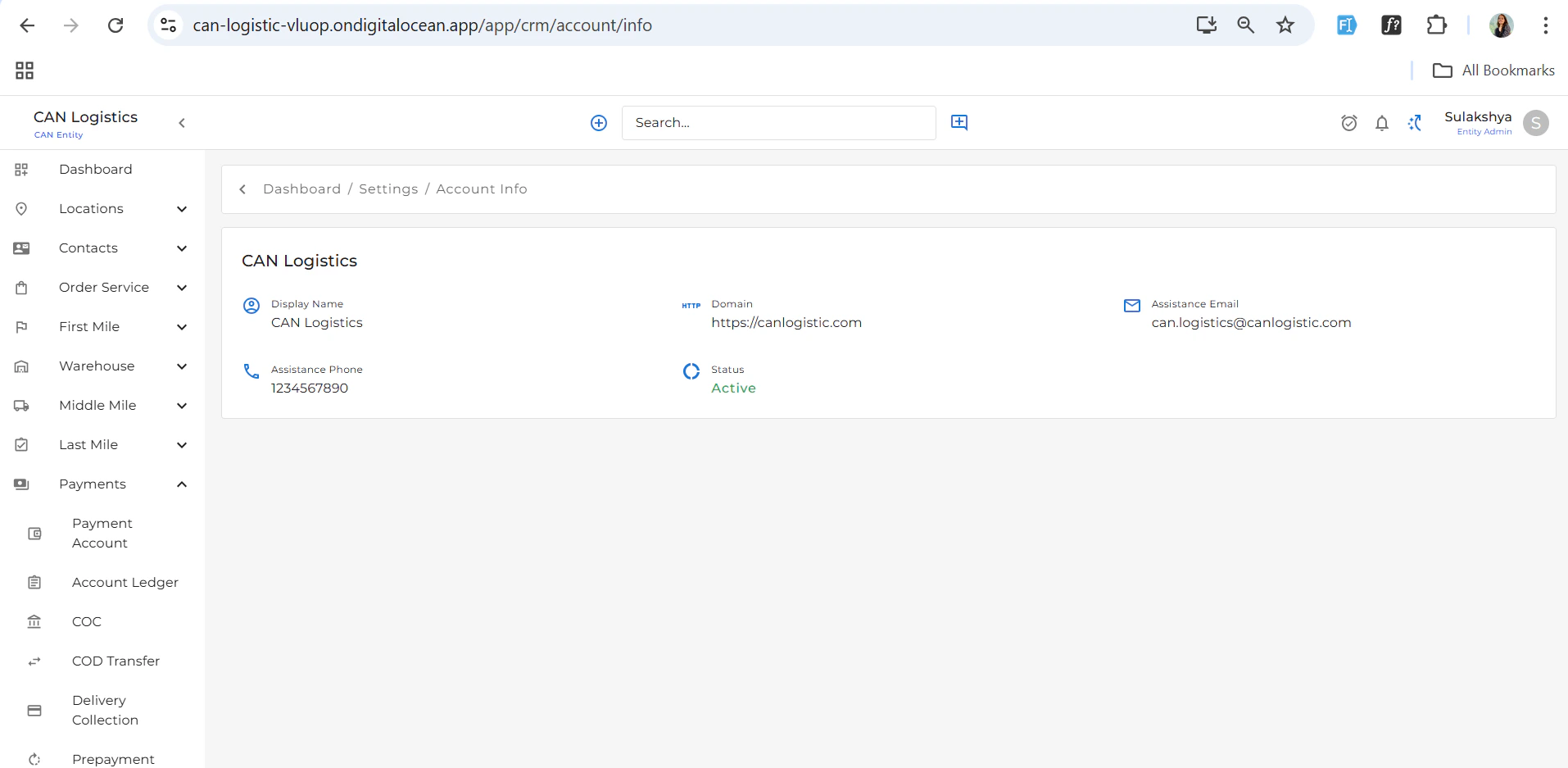
## Account Info
The **Account Info** section displays essential details about the currently logged-in account, including:
* Account name
* Email
* Account type
* Creation and update dates
 ***
## User Management
### User Types (Tabs)
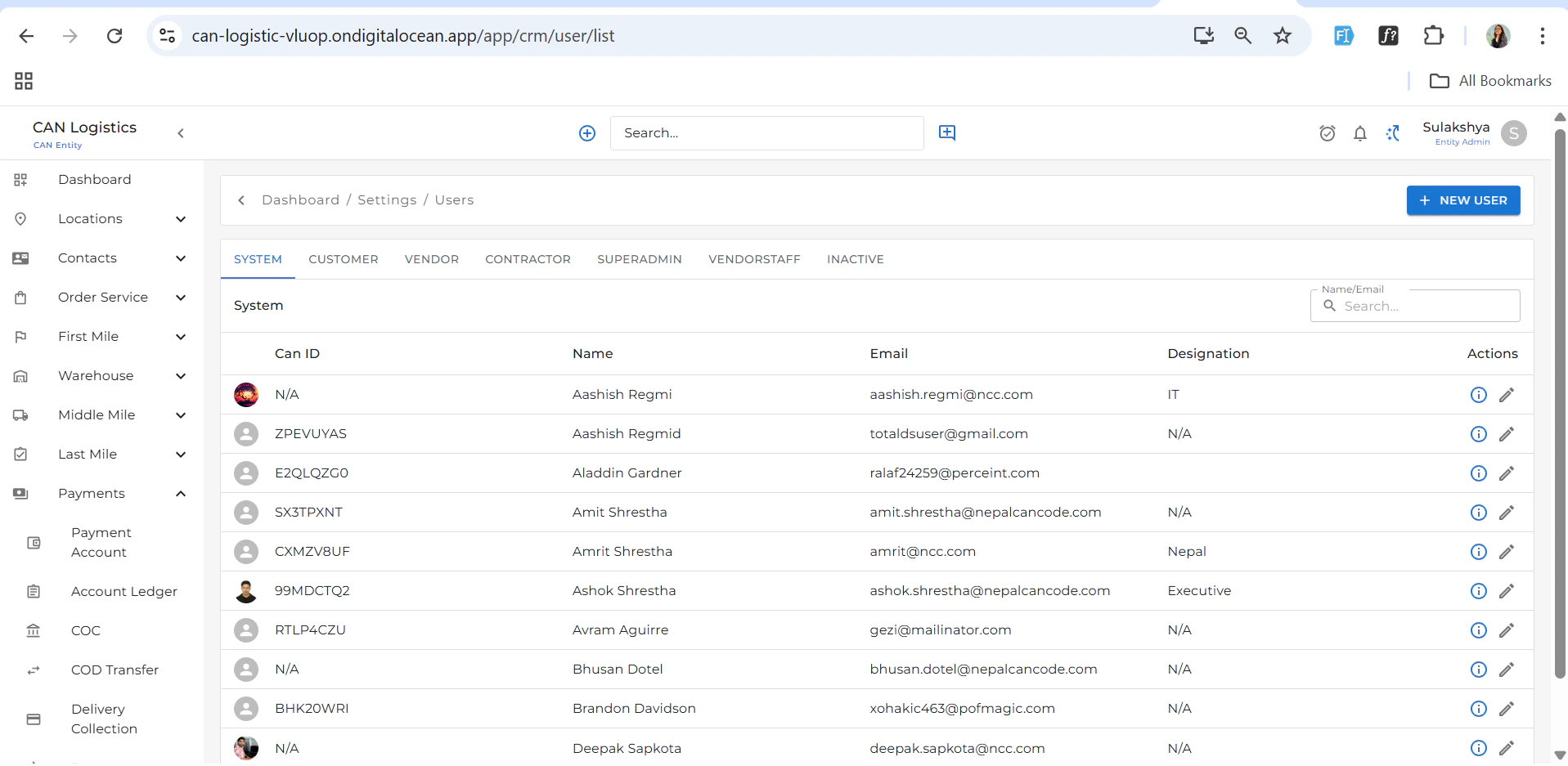
The **Users** module is divided into tabs for easier categorization:
* System
* Customer
* Vendor
* Contractor
* Superadmin
* Vendor Staff
* Inactive
***
## User Management
### User Types (Tabs)
The **Users** module is divided into tabs for easier categorization:
* System
* Customer
* Vendor
* Contractor
* Superadmin
* Vendor Staff
* Inactive
 ### Features
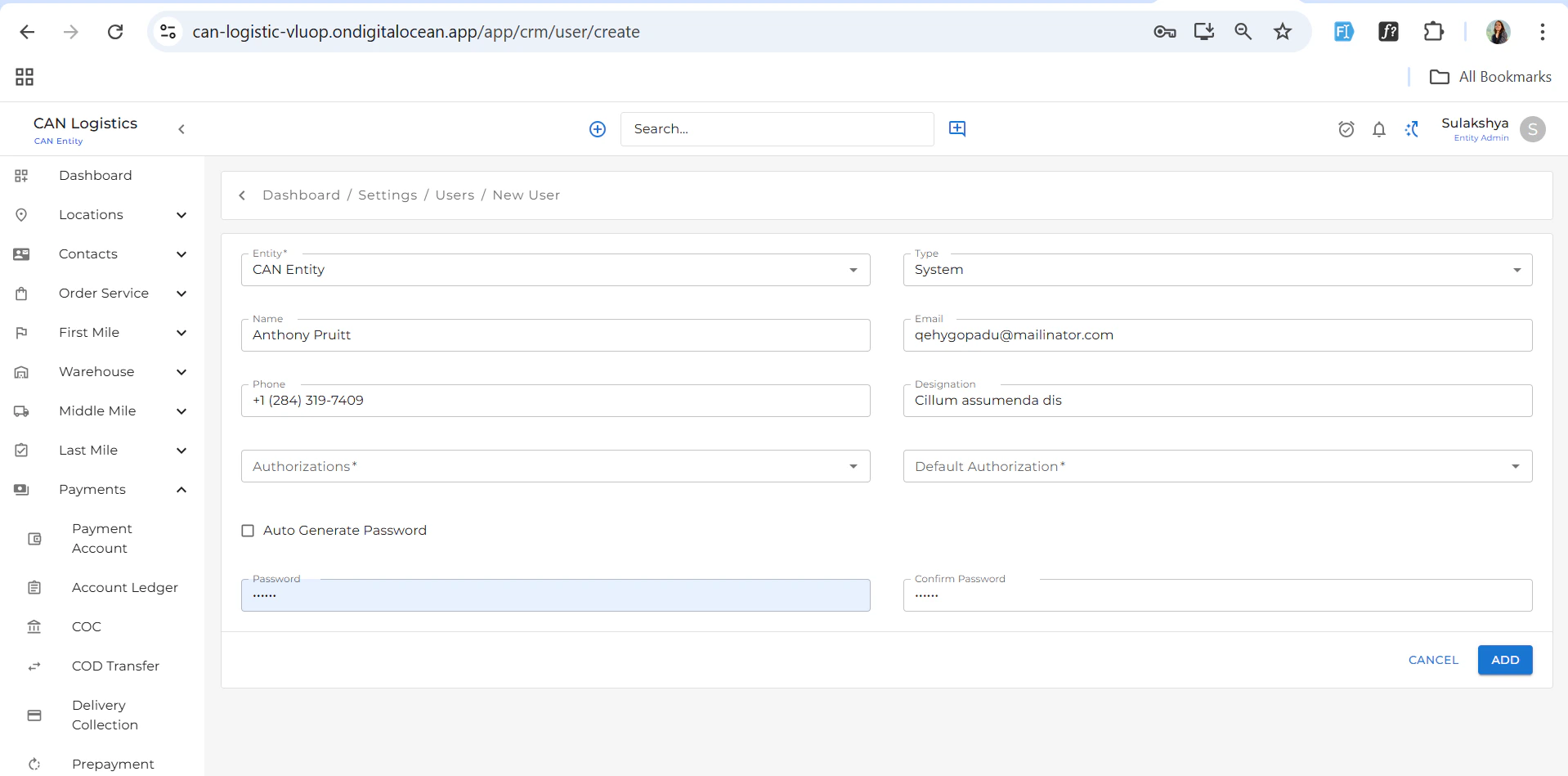
* **➕ New User**: Accessible via the top-right button.
* While creating a new user, you can **select the user type**, and the form fields will dynamically update based on the selected type.
### Features
* **➕ New User**: Accessible via the top-right button.
* While creating a new user, you can **select the user type**, and the form fields will dynamically update based on the selected type.
 ### User Detail
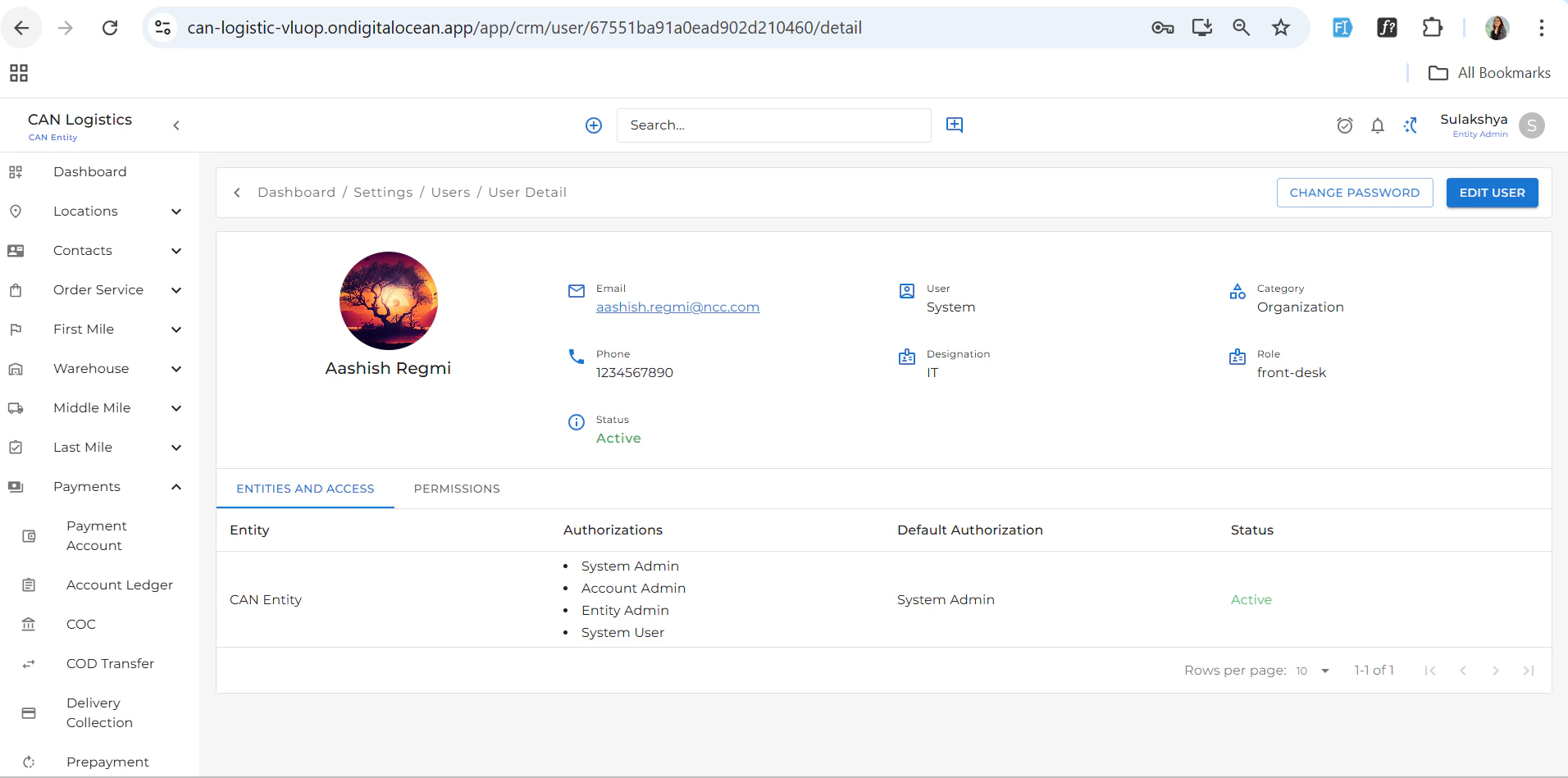
Clicking on a user opens the **User Detail View**, which includes:
* Full name
* Email
* User type
* Status
* Assigned roles and permissions
***
### User Detail
Clicking on a user opens the **User Detail View**, which includes:
* Full name
* Email
* User type
* Status
* Assigned roles and permissions
***
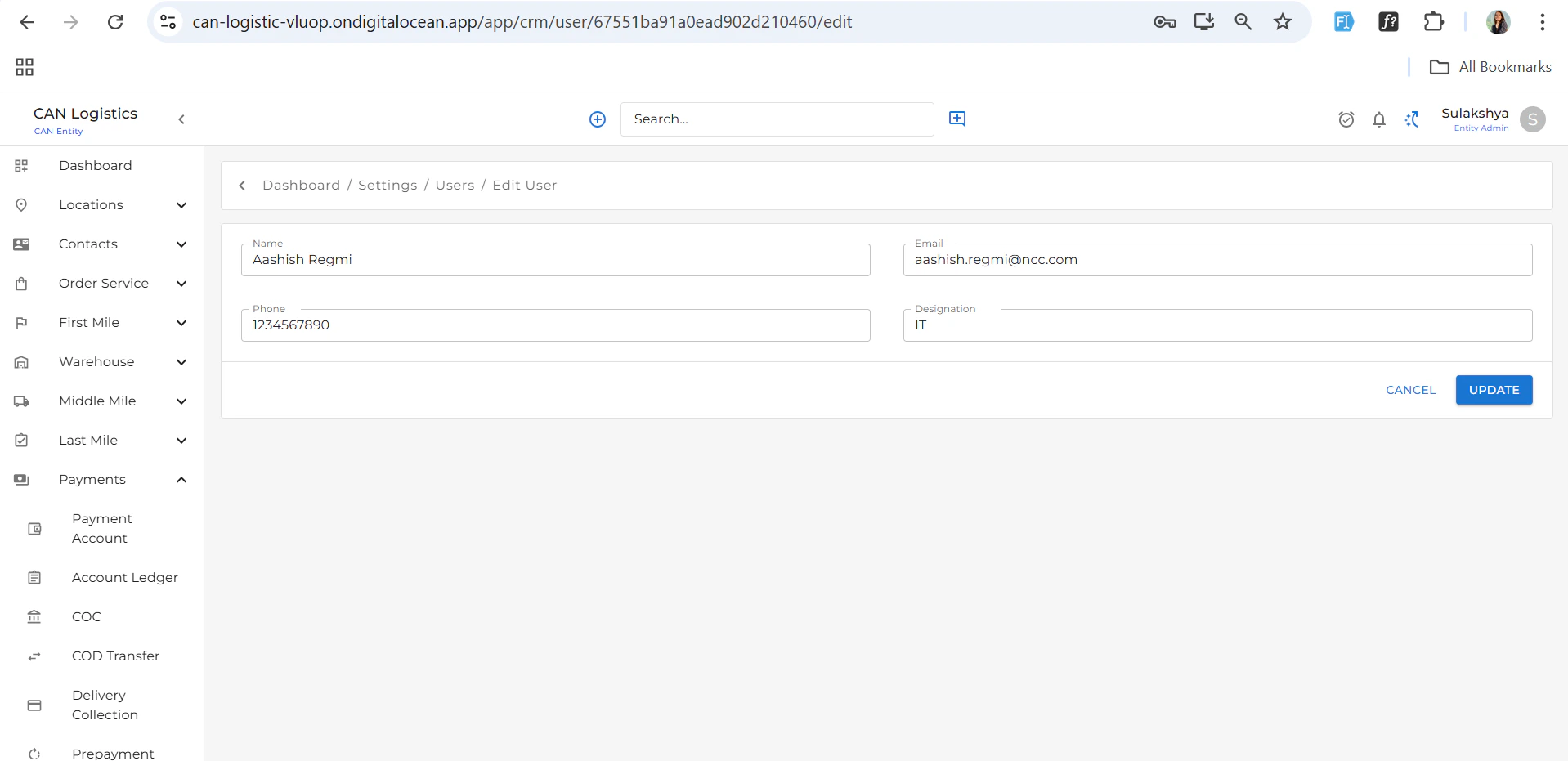 ## Team Management
Create and manage teams based on roles or departments:
* Group users by department (e.g., Sales, IT, Operations).
* Useful for assigning role-based access and managing workflows.
***
## Pricing Setup
### Create Pricing Setup
You can create a new pricing configuration based on the following criteria:
* **Entity**
* **Order Type**
* **Pricing Type**
* **Default Price**
### Pricing Setup List
A listing view displays all pricing configurations added:
## Team Management
Create and manage teams based on roles or departments:
* Group users by department (e.g., Sales, IT, Operations).
* Useful for assigning role-based access and managing workflows.
***
## Pricing Setup
### Create Pricing Setup
You can create a new pricing configuration based on the following criteria:
* **Entity**
* **Order Type**
* **Pricing Type**
* **Default Price**
### Pricing Setup List
A listing view displays all pricing configurations added:
 * View existing pricing entries
* Edit or delete configurations as needed
* View existing pricing entries
* Edit or delete configurations as needed
 ***
## Roles & Pricing
The **Roles & Pricing** section allows you to manage access control and role-based pricing:
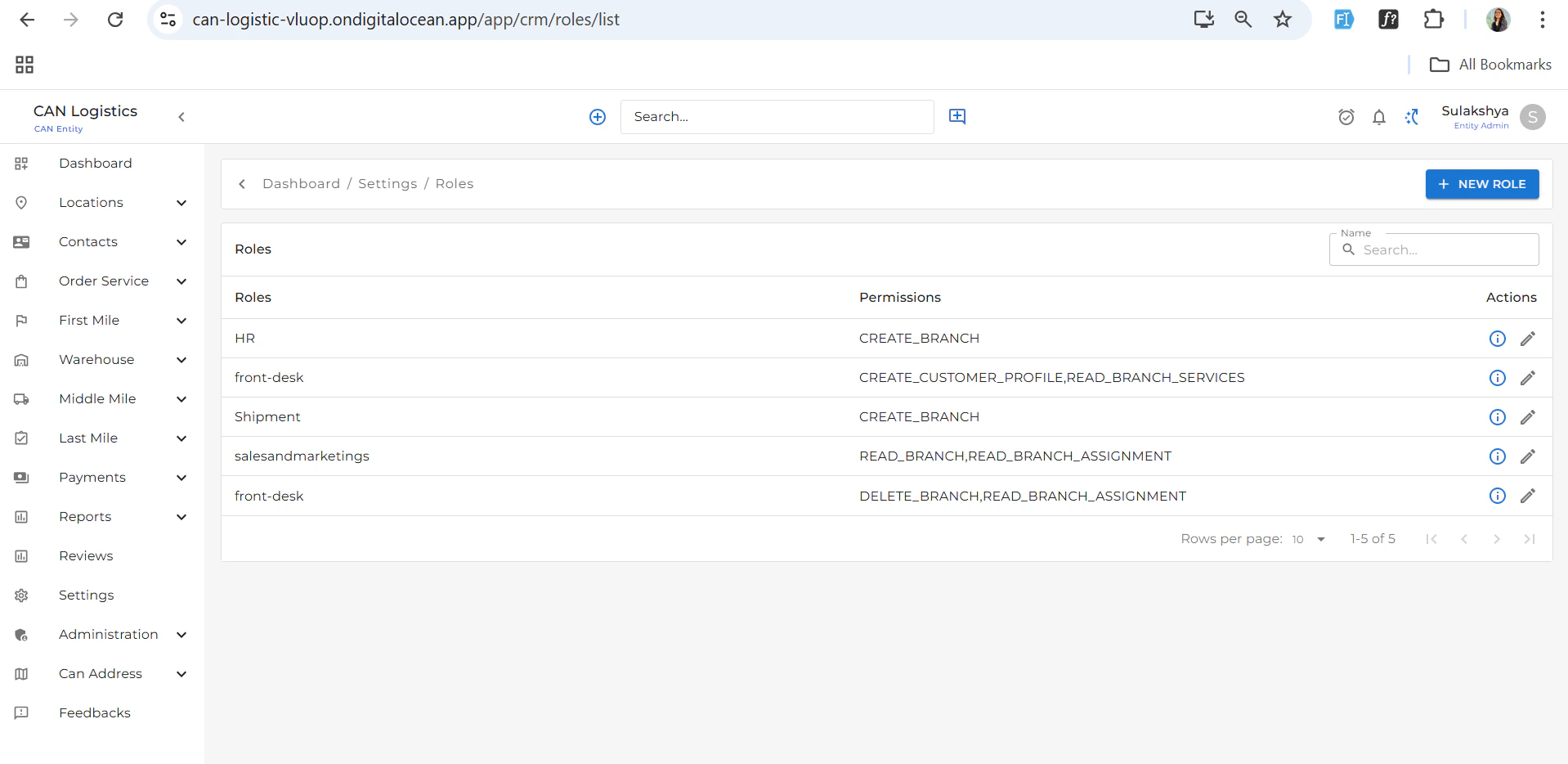
### Role Listing
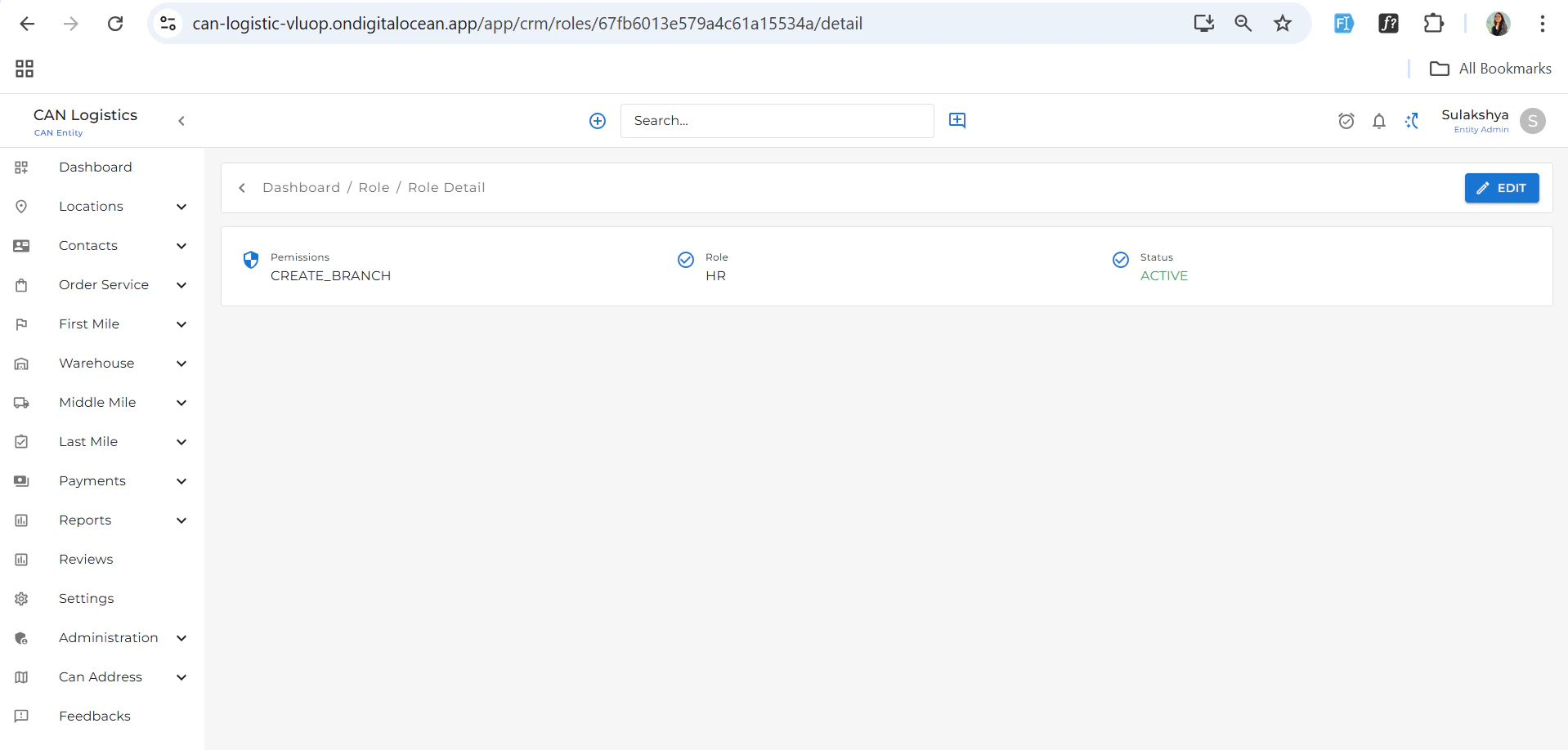
* View a list of all existing roles
* Each role entry includes name, description, and assigned permissions
***
## Roles & Pricing
The **Roles & Pricing** section allows you to manage access control and role-based pricing:
### Role Listing
* View a list of all existing roles
* Each role entry includes name, description, and assigned permissions
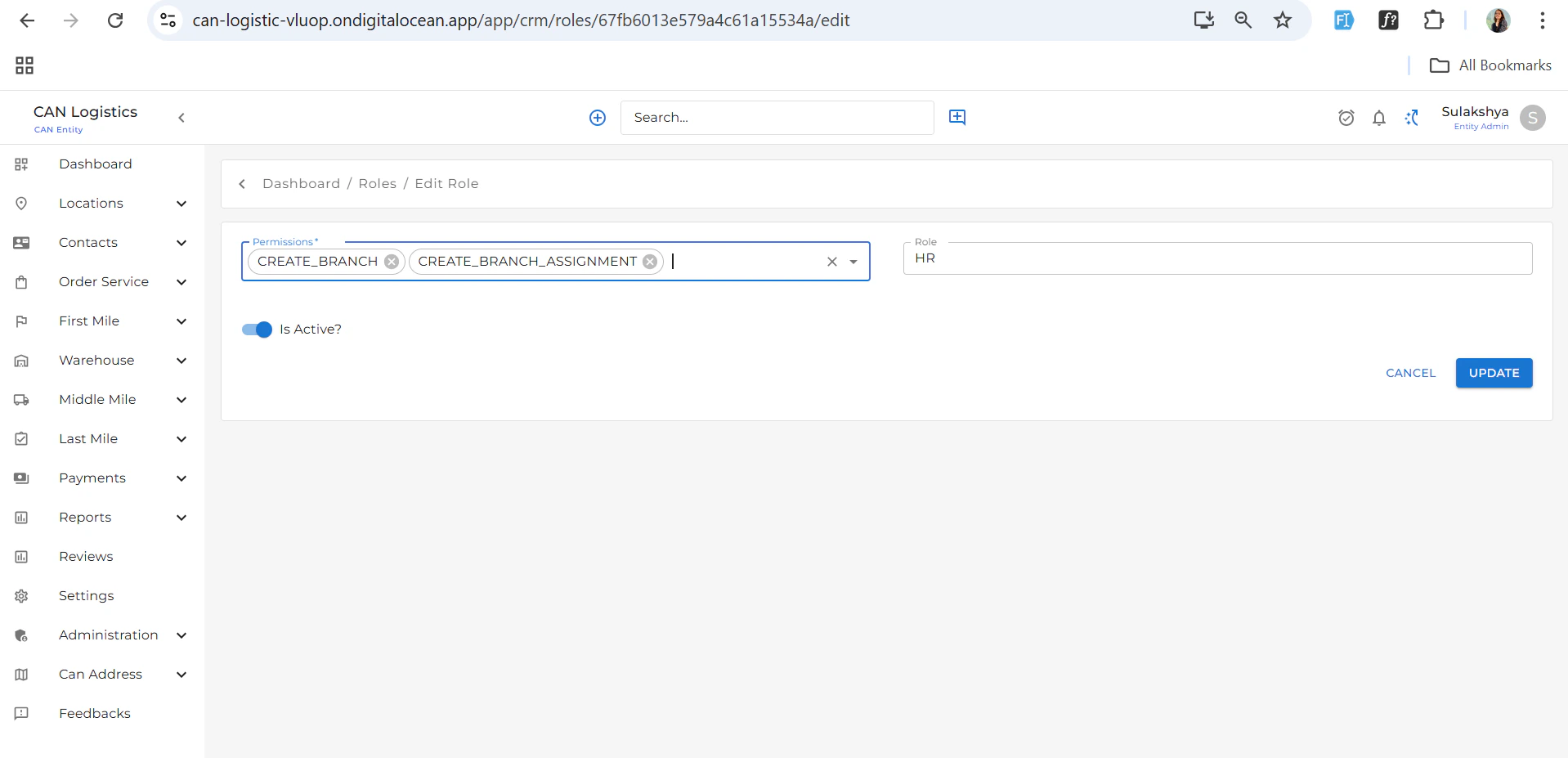
 ### Create New Role
* Add a new role by:
* Naming the role
* Selecting permissions from a list
* Assigning pricing rules if applicable
### Create New Role
* Add a new role by:
* Naming the role
* Selecting permissions from a list
* Assigning pricing rules if applicable

 > Use this section to ensure secure, permission-based access and pricing control across the platform.
***
> Use this section to ensure secure, permission-based access and pricing control across the platform.
***