> ## Documentation Index
> Fetch the complete documentation index at: https://docs.commerce.thecanbrand.com/llms.txt
> Use this file to discover all available pages before exploring further.
# Category
# Category
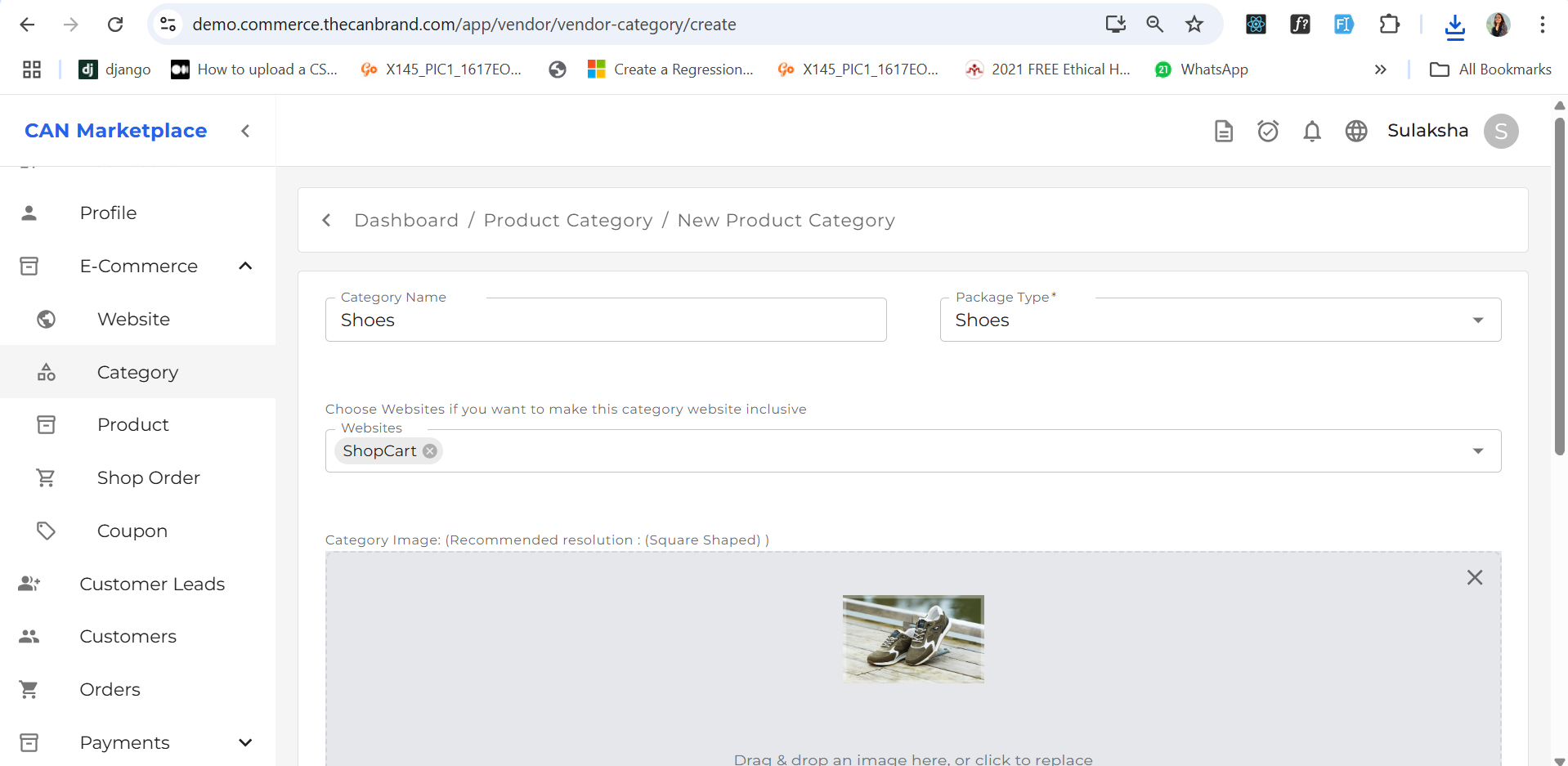
You can add a **product category** from the "Add Category" section.
* After adding the category, it will be available as an option when adding a new product.
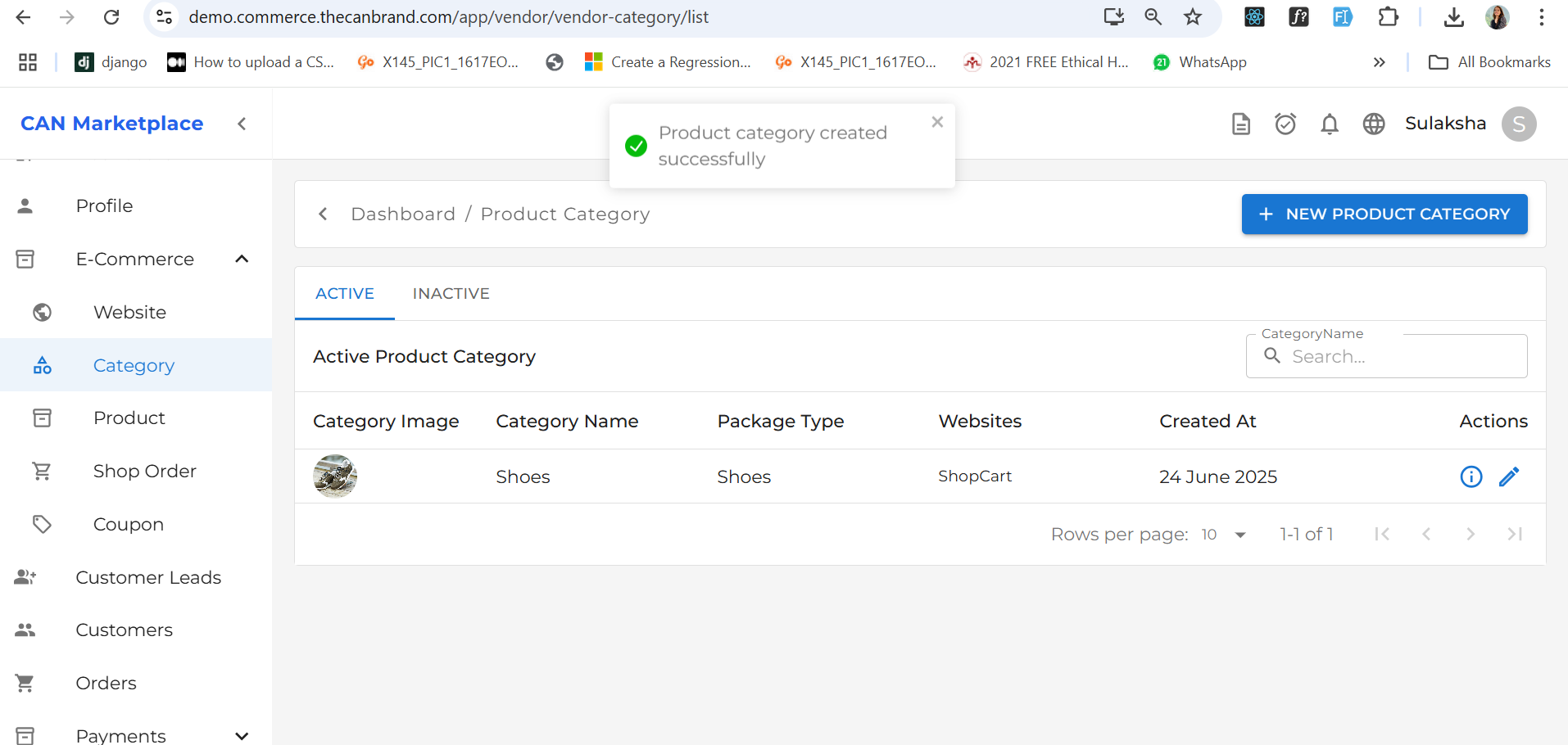
 * Once successfully added, the category will also appear in the **Product List** under the "Category" column.
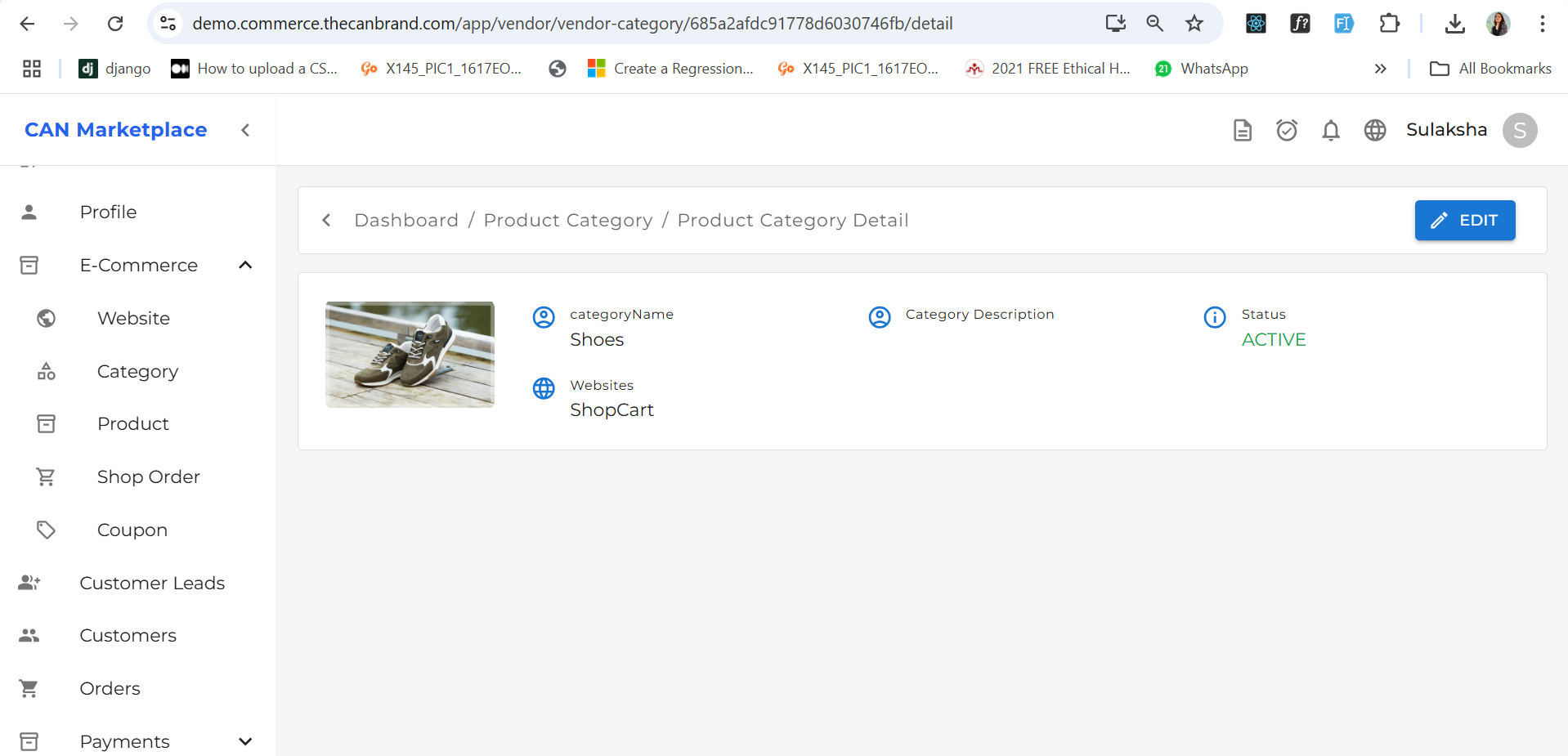
 * You can view category-specific information in the **Product Category Detail** section, where all details related to that category are displayed.