> ## Documentation Index
> Fetch the complete documentation index at: https://docs.commerce.thecanbrand.com/llms.txt
> Use this file to discover all available pages before exploring further.
# Website Pages
The **Website Pages** section displays all the pages on your vendor website that you can manage and include in navigation.
Website Type Configuration
description: How to configure website types in your platform
***
# Website Type Configuration
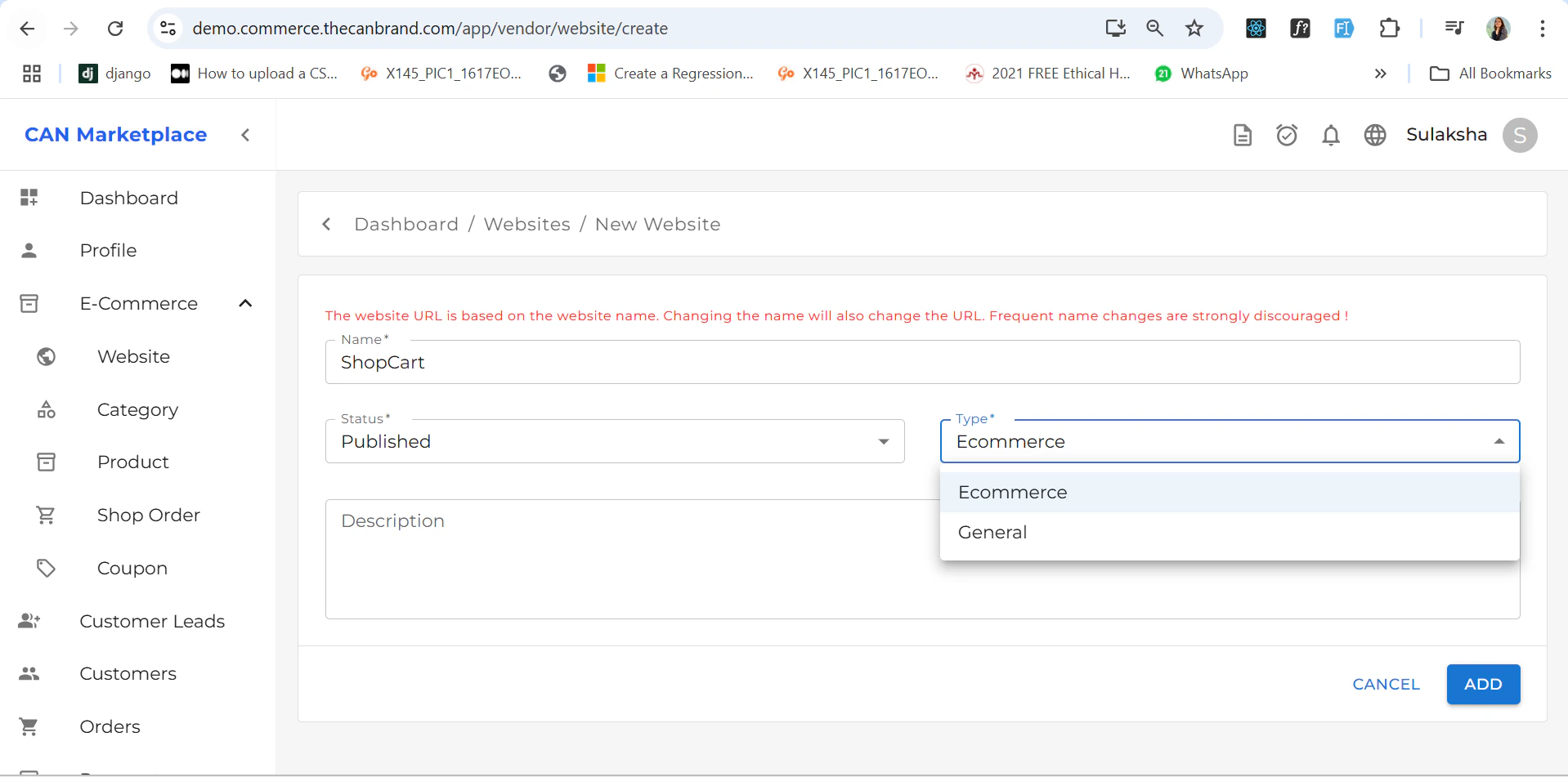
You can choose between two types of websites:
* **E-Commerce**
* **General**
 ## General Website
If the selected website type is **General**, then:
* The **Home page** is set as the **default page**.
* All other pages (e.g., About, Contact, Services) are **automatically configured**.
### Default Pages (Non-Editable)
The following pages are included by default and **cannot be renamed or deleted**:
* **Home**
* **Shop**
* **Wishlist**
* **Cart**
* **Checkout**
* **Order Track**
## General Website
If the selected website type is **General**, then:
* The **Home page** is set as the **default page**.
* All other pages (e.g., About, Contact, Services) are **automatically configured**.
### Default Pages (Non-Editable)
The following pages are included by default and **cannot be renamed or deleted**:
* **Home**
* **Shop**
* **Wishlist**
* **Cart**
* **Checkout**
* **Order Track**
 > These are essential for core e-commerce functionality and are fixed for consistency.
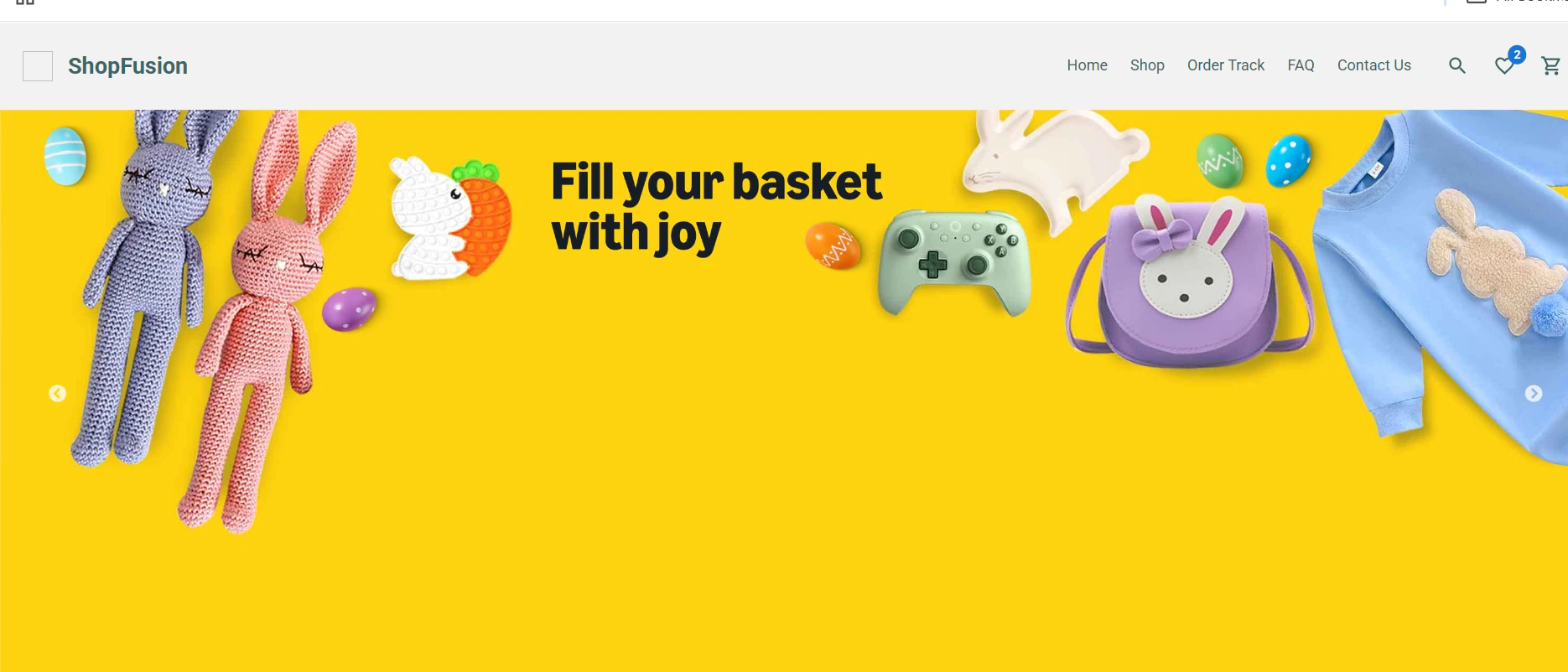
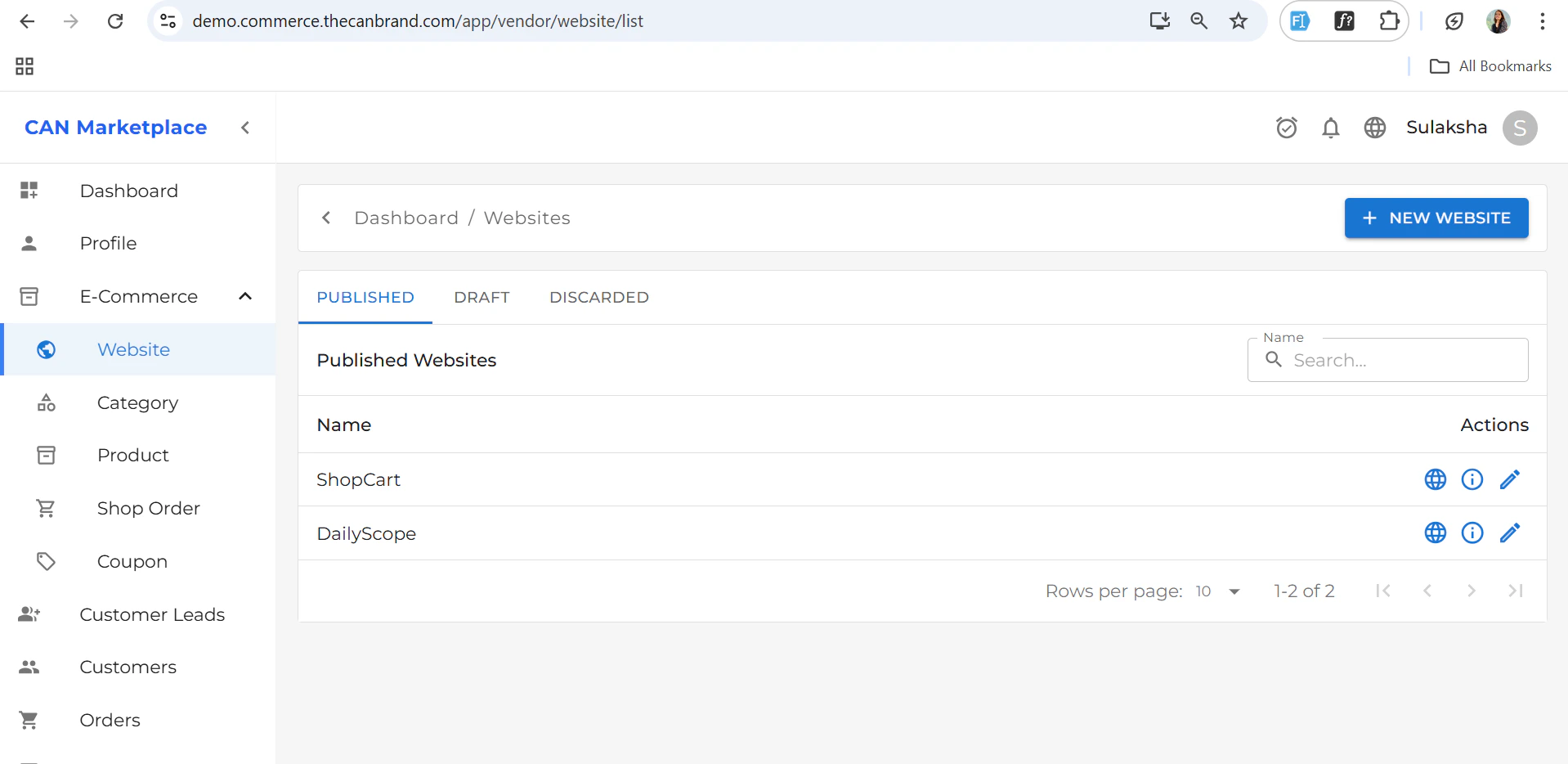
You can also add create multiples website , there is icon on top left corner where you can add new website and select the type if its general you can create new pages and if it's e-commerces there is already default pages as mentioned below.
> These are essential for core e-commerce functionality and are fixed for consistency.
You can also add create multiples website , there is icon on top left corner where you can add new website and select the type if its general you can create new pages and if it's e-commerces there is already default pages as mentioned below.
 ***
### Adding Custom Pages
To add new pages:
1. Click the **+ (plus icon)** at the top.
2. Fill in the following details:
* **Display Name**\
The name shown in the website navigation (e.g., *About Us*, *Contact*, *FAQ*).
* **Link**\
The URL or internal link where the page should navigate (e.g., `/about`, `/contact`).
* **SEO Title and Description**
* The **SEO Title** is shown on the browser tab.
* The **SEO Description** is used when sharing links on social media.\
These help improve visibility and click-through rates.
***
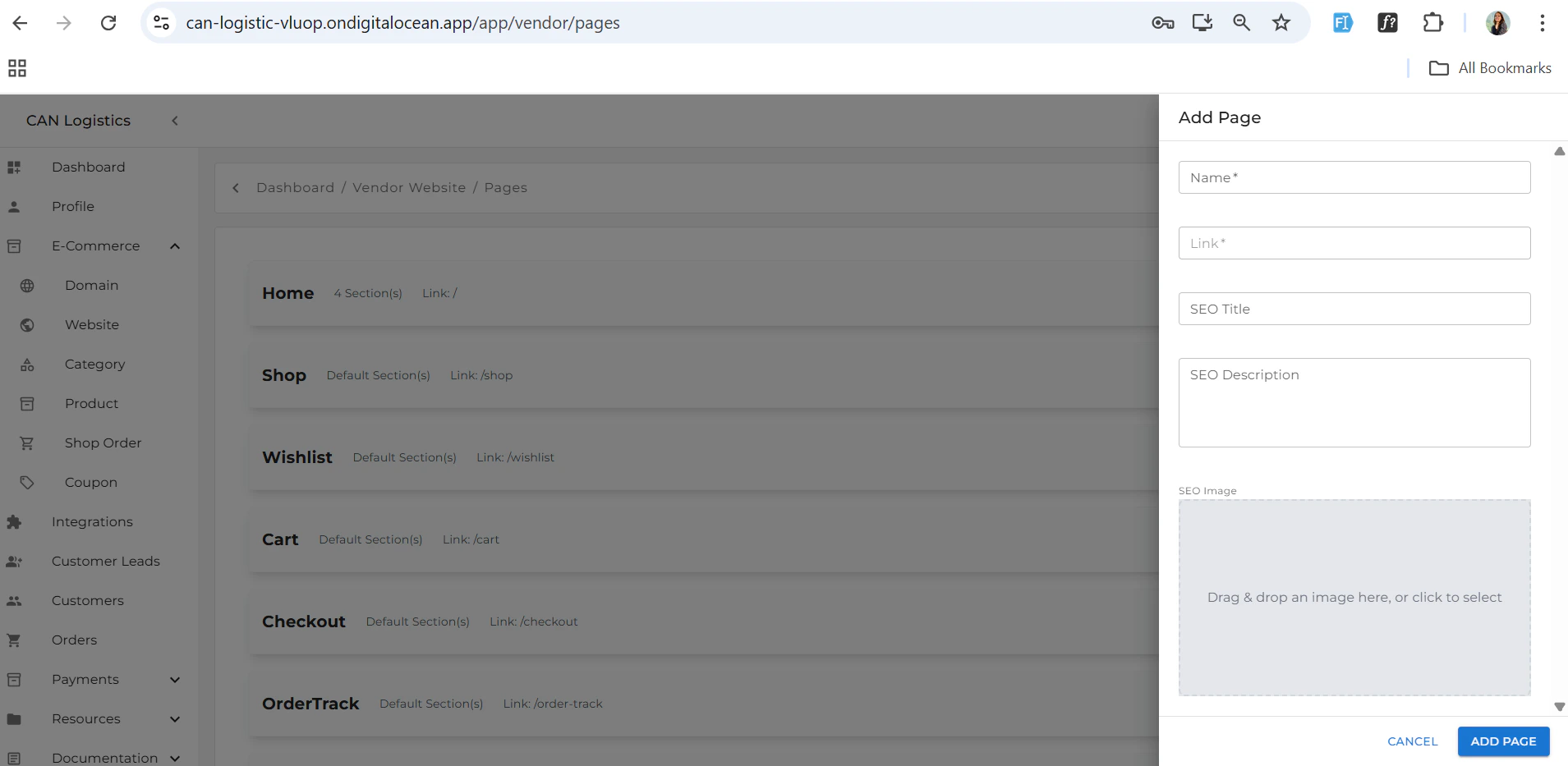
### Adding Custom Pages
To add new pages:
1. Click the **+ (plus icon)** at the top.
2. Fill in the following details:
* **Display Name**\
The name shown in the website navigation (e.g., *About Us*, *Contact*, *FAQ*).
* **Link**\
The URL or internal link where the page should navigate (e.g., `/about`, `/contact`).
* **SEO Title and Description**
* The **SEO Title** is shown on the browser tab.
* The **SEO Description** is used when sharing links on social media.\
These help improve visibility and click-through rates.
 ***
### Deleting Pages
Each custom page added will include a **delete icon**.
* Click the **delete icon** to remove the page from your website.
***
### Deleting Pages
Each custom page added will include a **delete icon**.
* Click the **delete icon** to remove the page from your website.
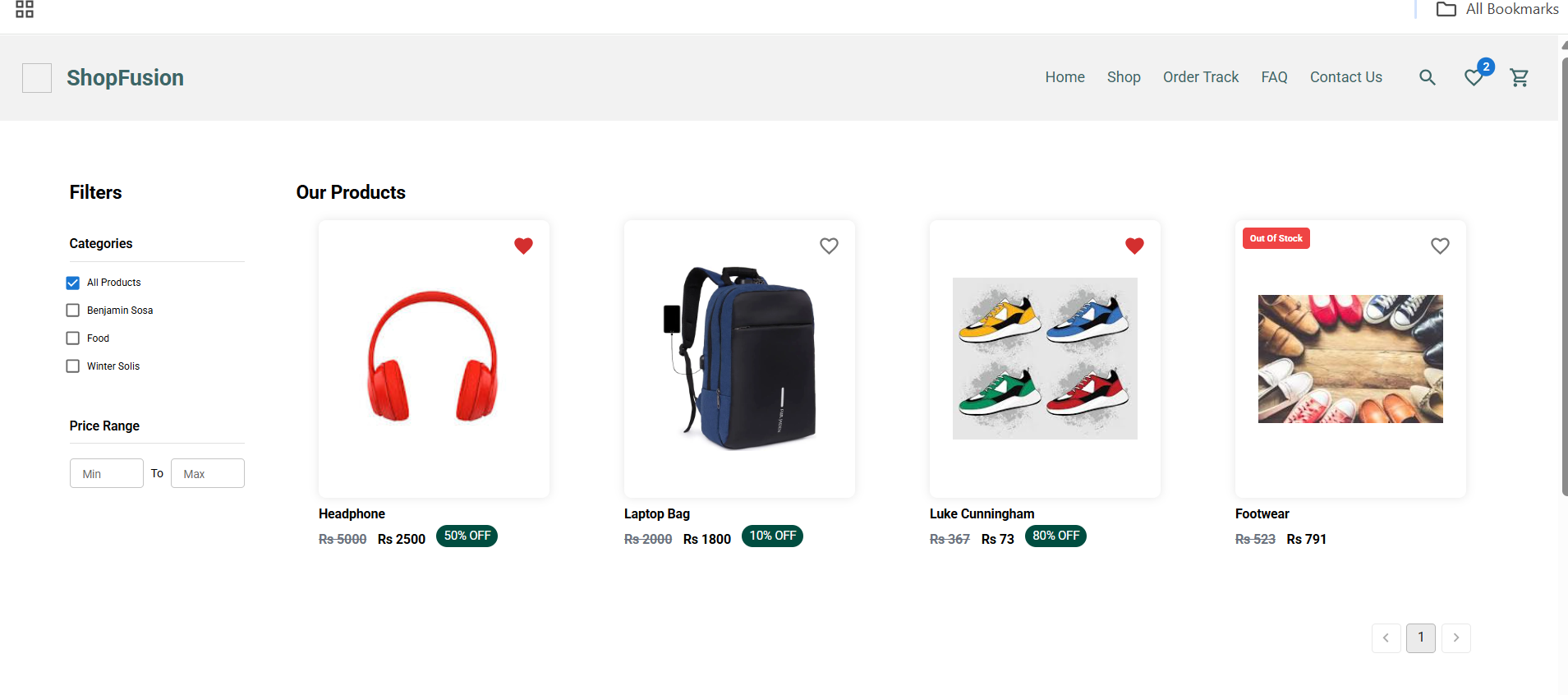
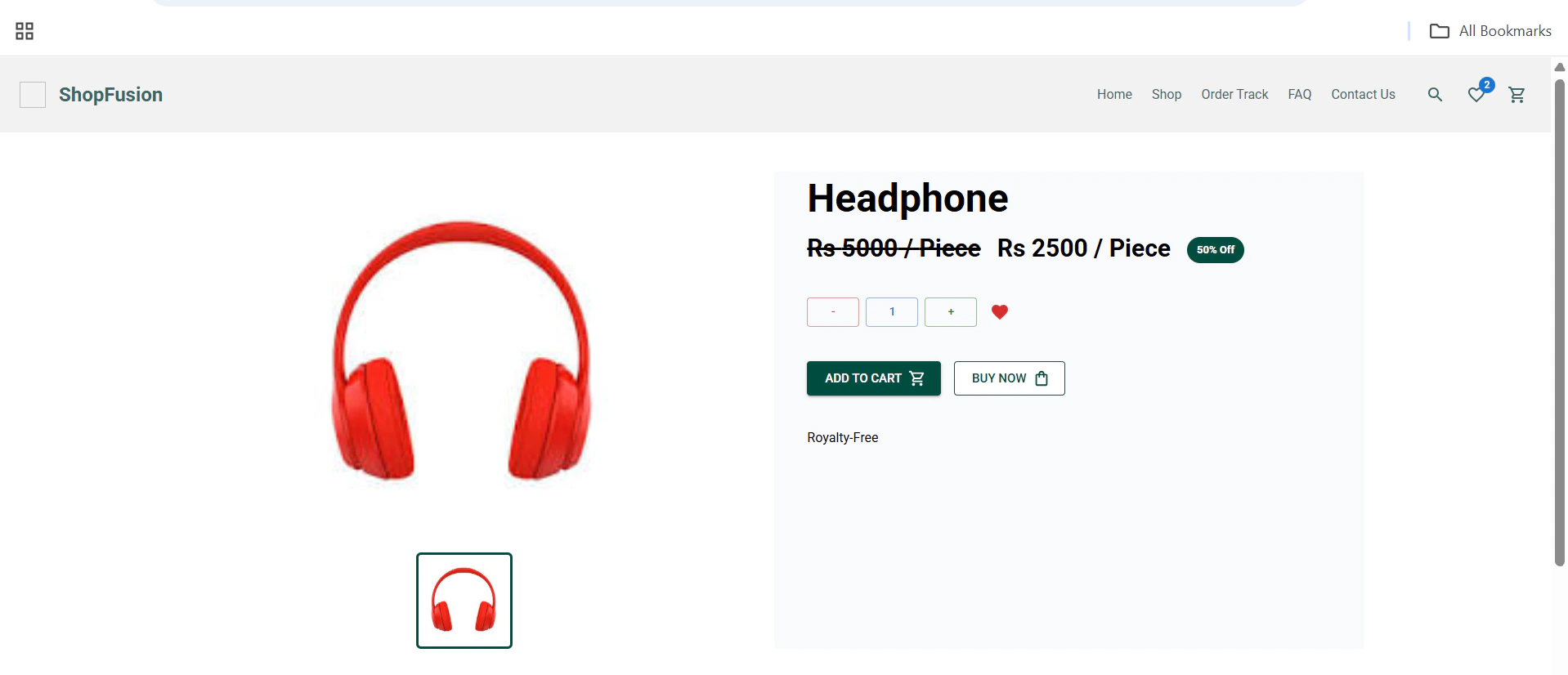
 # Shop
* View all products with price and details.
* Filters for categories, price range, and more.
# Shop
* View all products with price and details.
* Filters for categories, price range, and more.
 # Order Tracking
* Track order status and see order summary.
* Displays payment and shipping details, estimated delivery.
!\[Favicon Image]\(/images/website/Order track.png)
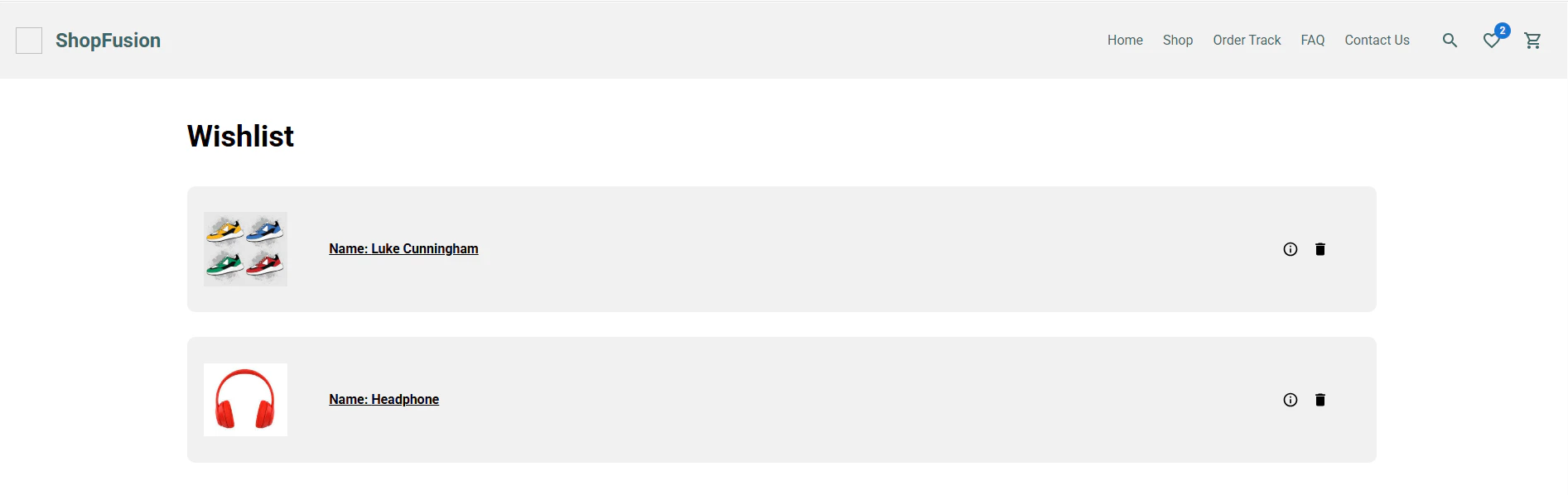
# Wishlist
* Save and review products marked as favorites.
* Personalized based on user preferences.
# Order Tracking
* Track order status and see order summary.
* Displays payment and shipping details, estimated delivery.
!\[Favicon Image]\(/images/website/Order track.png)
# Wishlist
* Save and review products marked as favorites.
* Personalized based on user preferences.
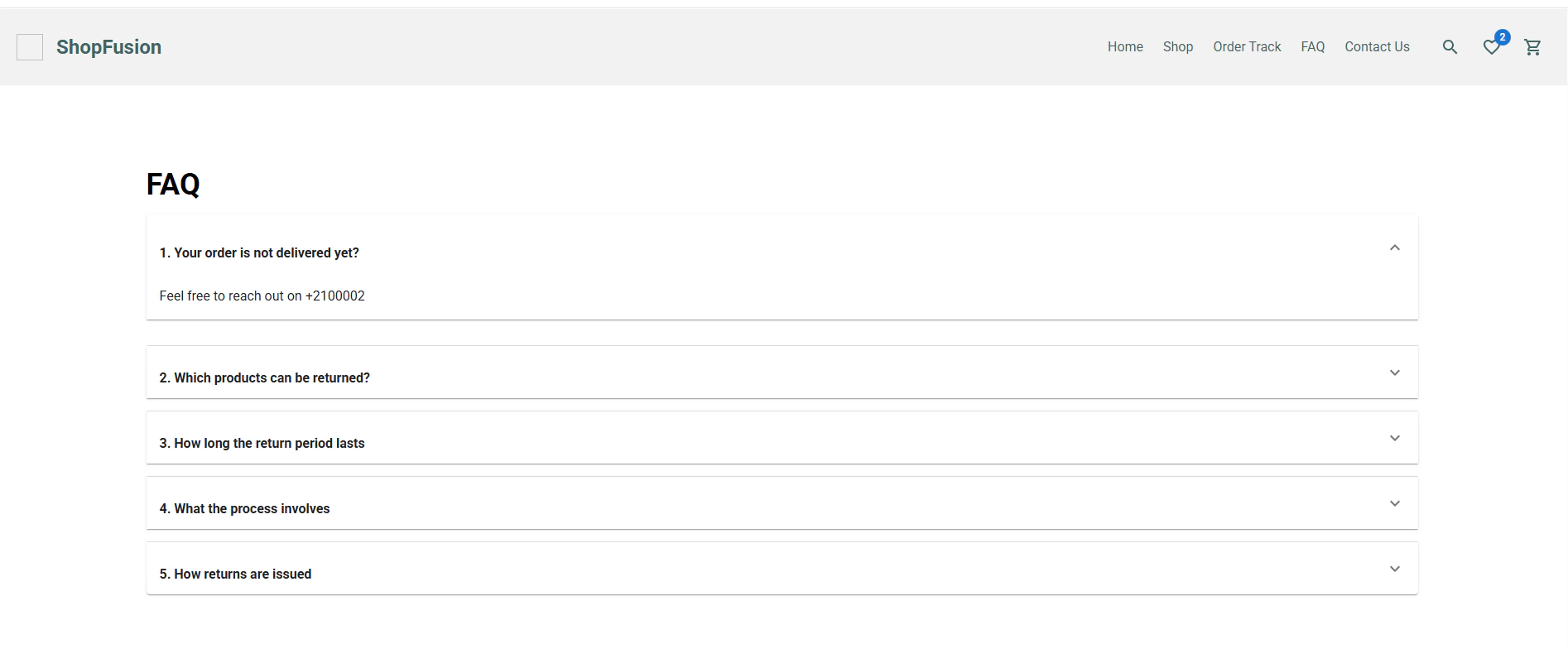
 # FAQ
* Search and browse common queries.
* Organized by topic (shipping, returns, etc.).
# FAQ
* Search and browse common queries.
* Organized by topic (shipping, returns, etc.).
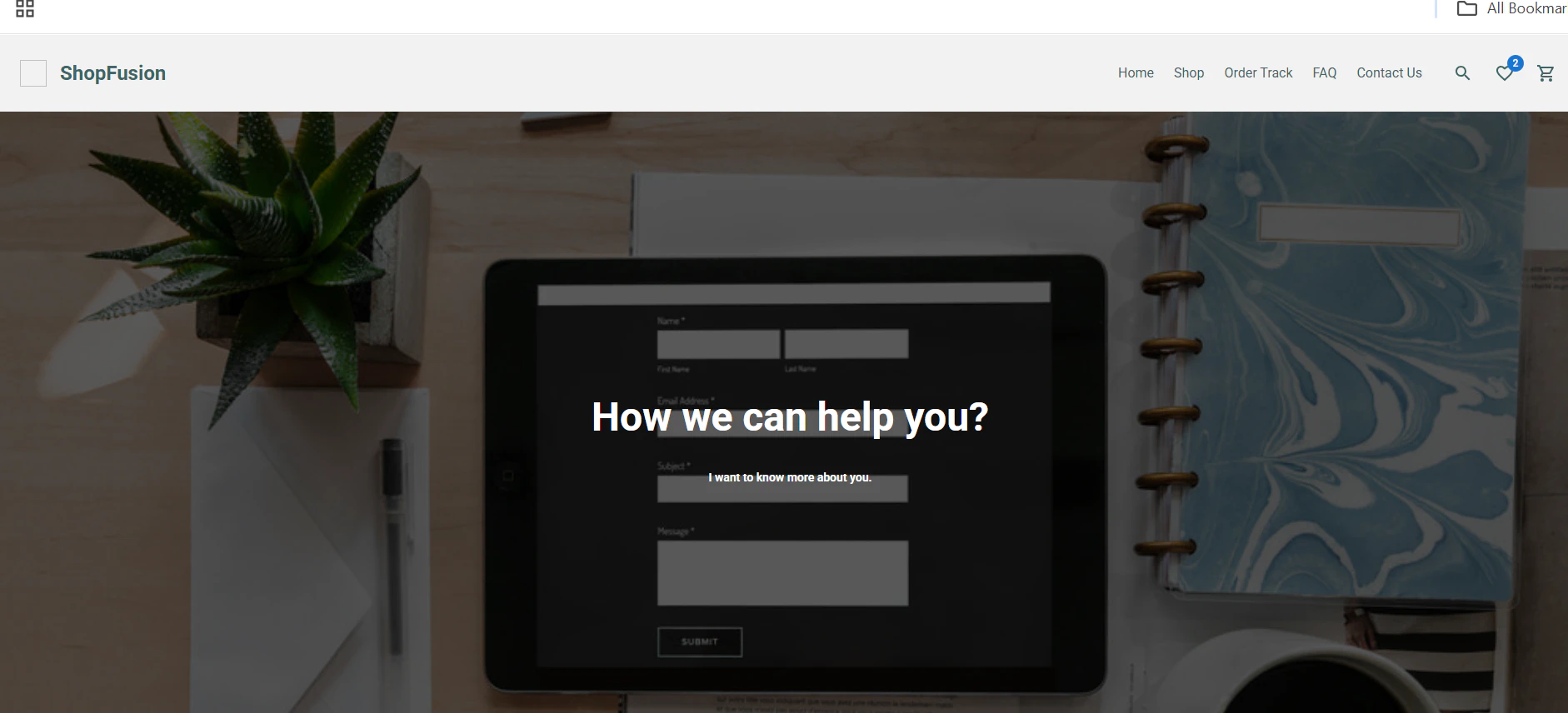
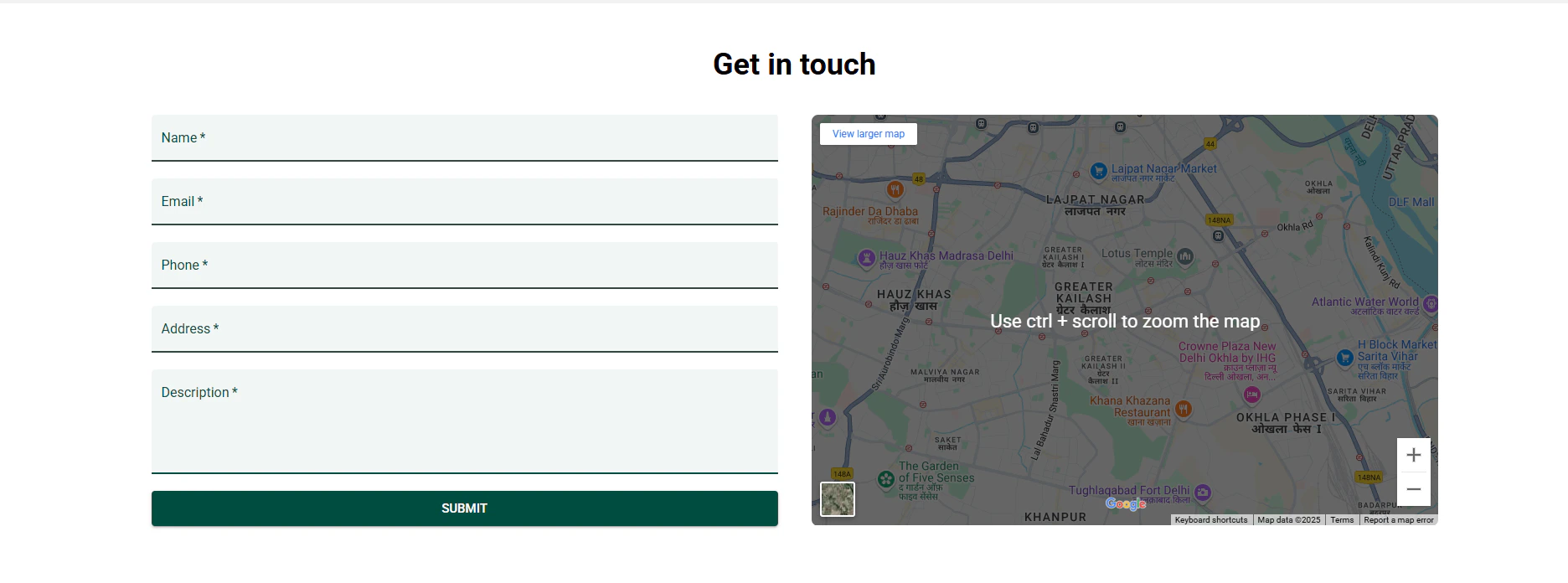
 # Contact Us
* Contact form for inquiries and support.
* Includes email, phone, and live chat options.
# Contact Us
* Contact form for inquiries and support.
* Includes email, phone, and live chat options.
 # Custom Pages
* Create custom pages like blogs, promotions, etc.
* Flexible layout and content management.
# Custom Pages
* Create custom pages like blogs, promotions, etc.
* Flexible layout and content management.