Delivery Section
The Delivery section is used to verify and confirm successful order delivery to the correct customer.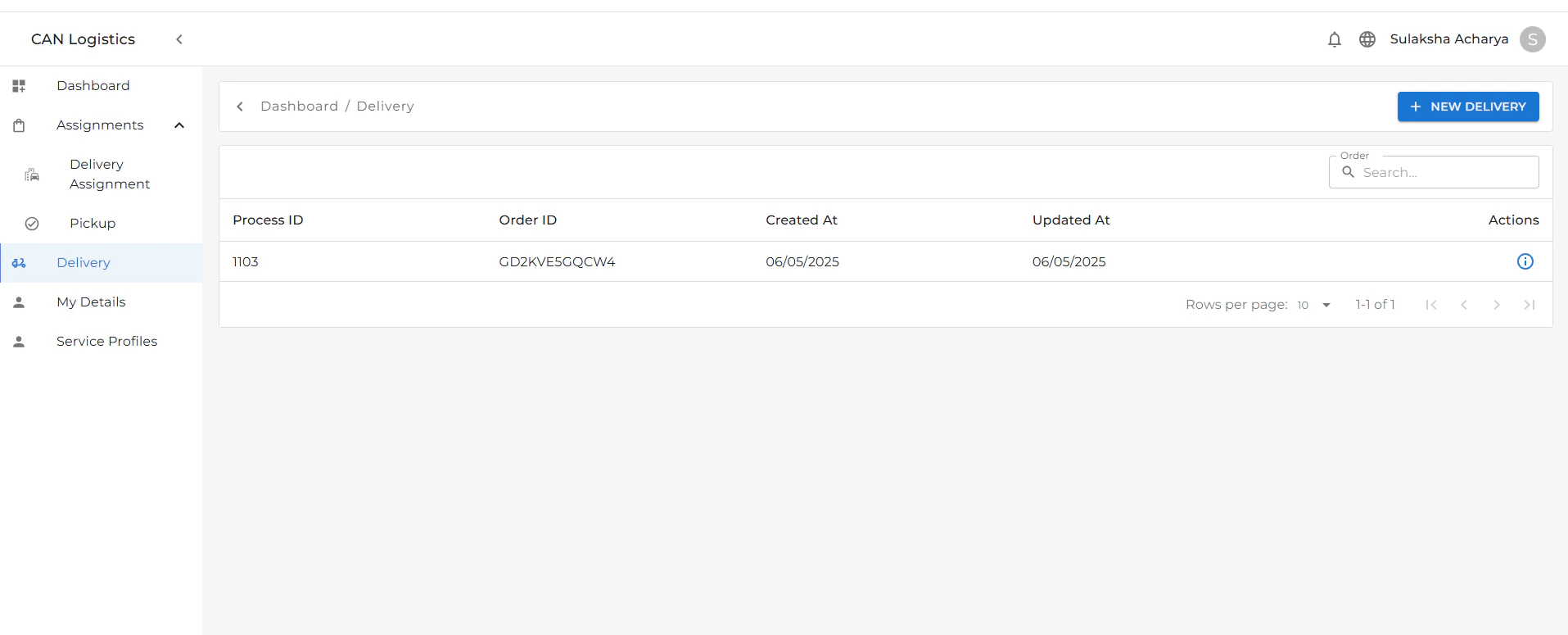
Key Features:
- Customer Verification:
- Customers must provide an OTP security code and ID proof to validate the delivery.
- This ensures the right customer receives the correct order.
- Delivery Details:
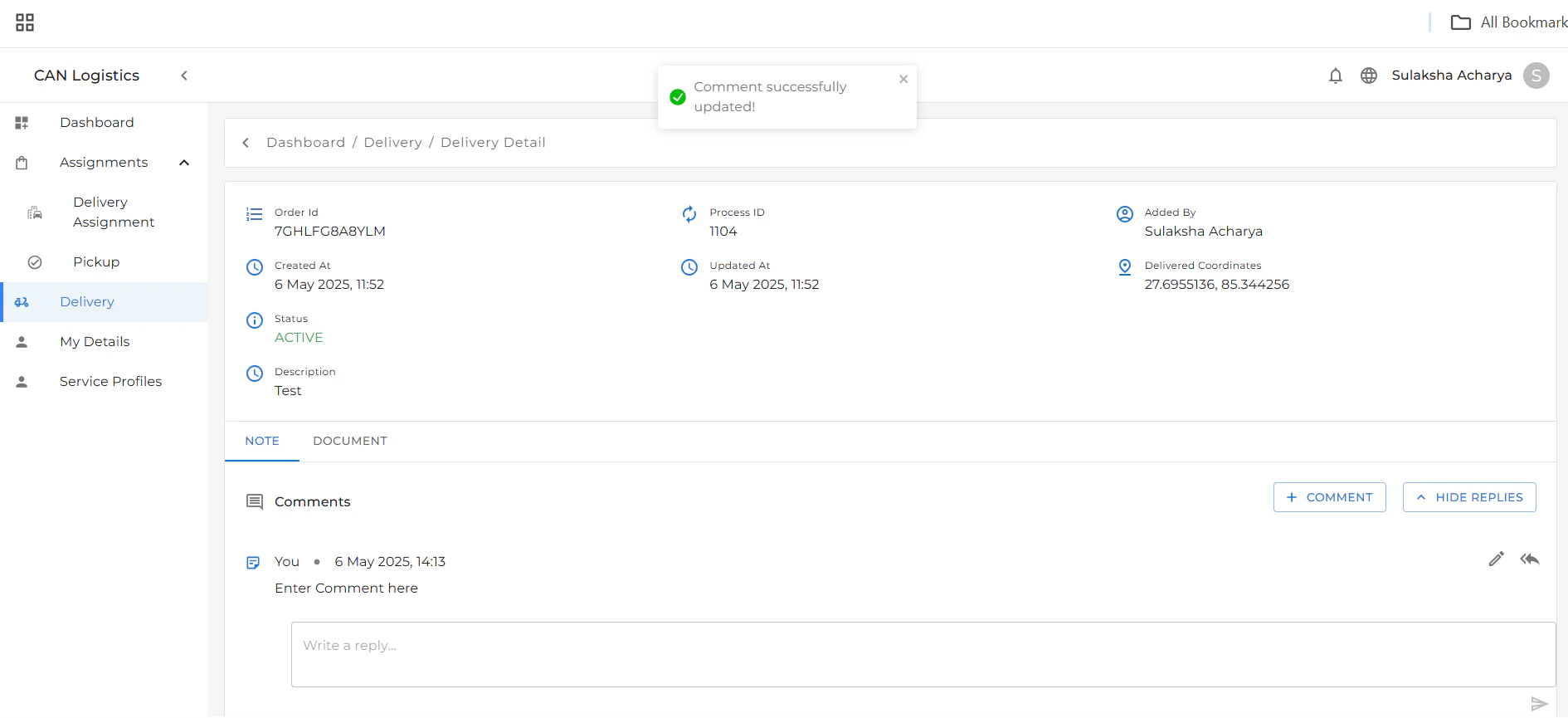
- Displays all relevant delivery information.
- You can write notes related to the delivery.
- You can also reply to existing notes to maintain communication and clarity.
- Document Tab:
- A separate tab labeled Document is available.
-
This tab contains any related documents uploaded for the delivery, such as ID scans or signed proofs.
Example Workflow
- Delivery officer initiates verification.
- Customer provides OTP and ID.
- Officer confirms identity and completes delivery.
- Notes can be added or replied to in the Delivery Details tab.
- Related documents can be reviewed or uploaded in the Document tab.