Vendor Profile
Overview
The Vendor Profile module allows you to manage vendor data efficiently. It includes features to list, create, edit, and view detailed vendor information, organized through a set of intuitive tabs.Vendor Profile List
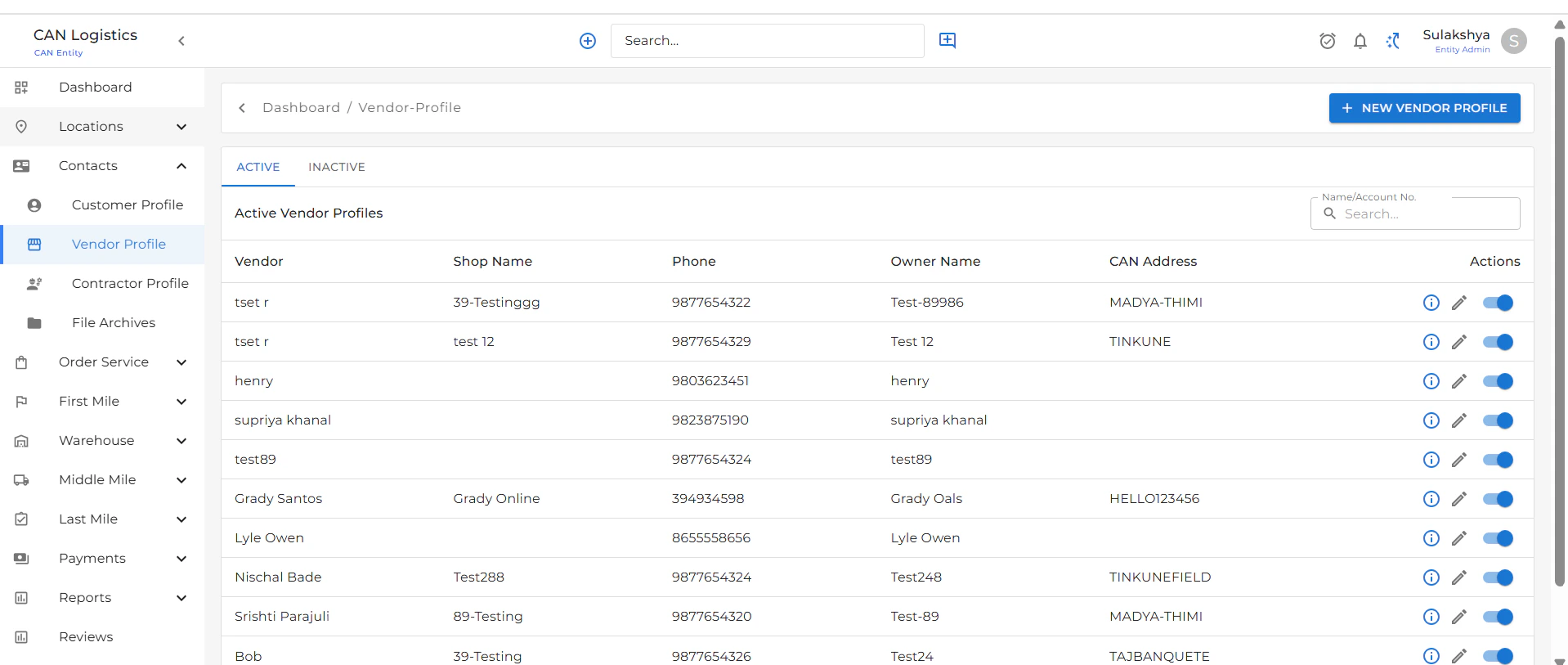
- Displays a complete list of all vendor profiles.
- Includes two tabs:
- Active: Shows all currently active vendors.
- Inactive: Displays vendors that are marked inactive.
- Use the New Vendor Profile button at the top-right to add a new vendor.
New Vendor Profile
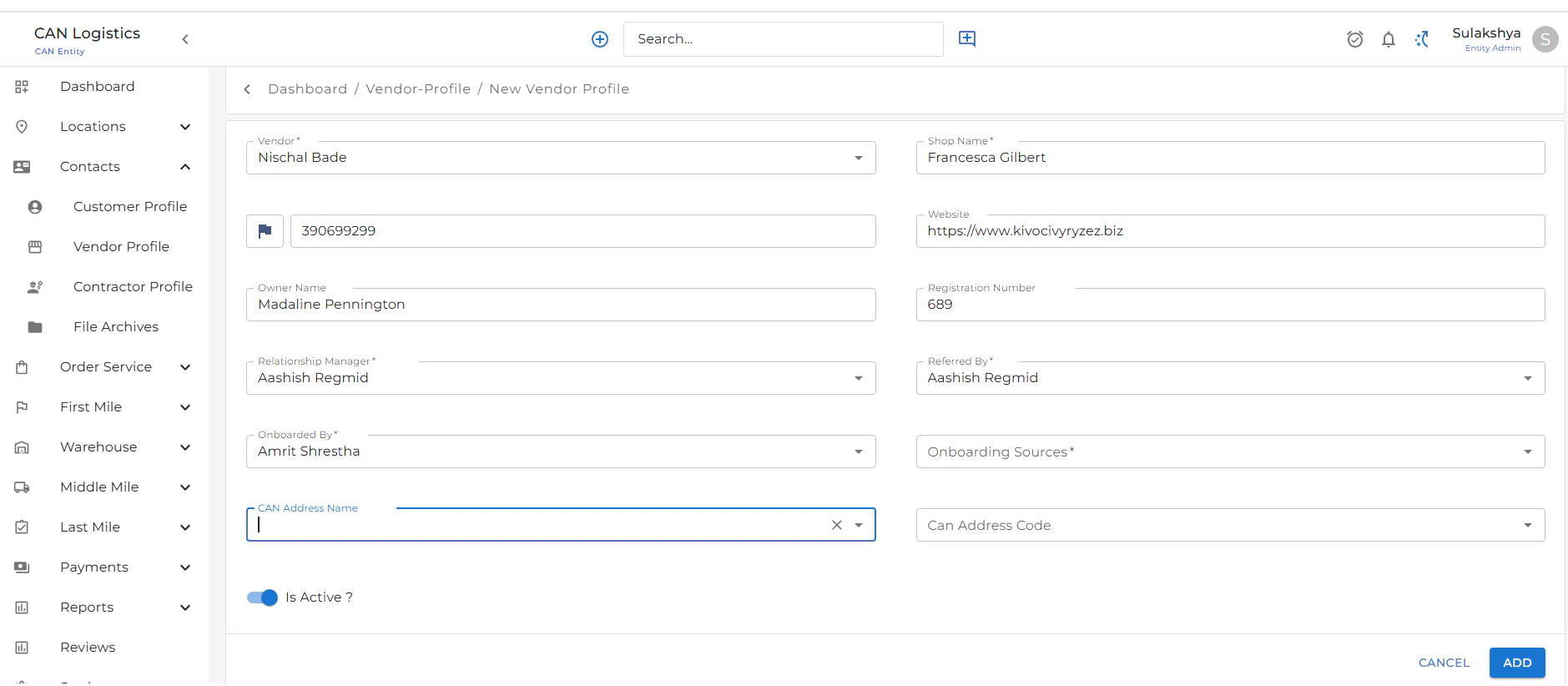
To create a new vendor profile:- Click on New Vendor Profile from the list screen.
- Fill in basic details:
- Name
- Phone Number
- Vendor Type, etc.
- Submit the form to save the new vendor.
Edit Vendor Profile
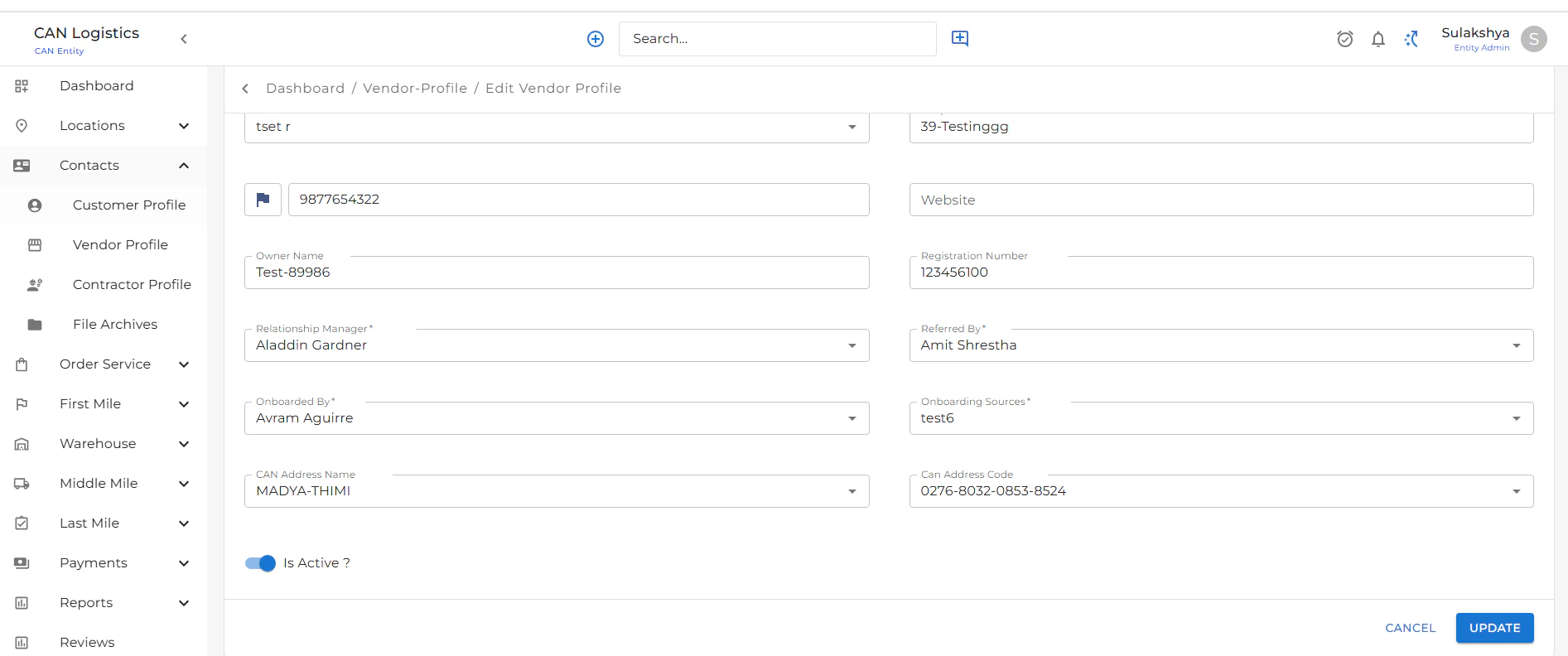
To update an existing vendor:- Click the Edit button from the list or detail screen.
- Update the required fields based on your needs.
- Save the changes to apply updates to the vendor profile.
Vendor Profile Detail
The detail screen provides in-depth information about a vendor and includes several functional tabs: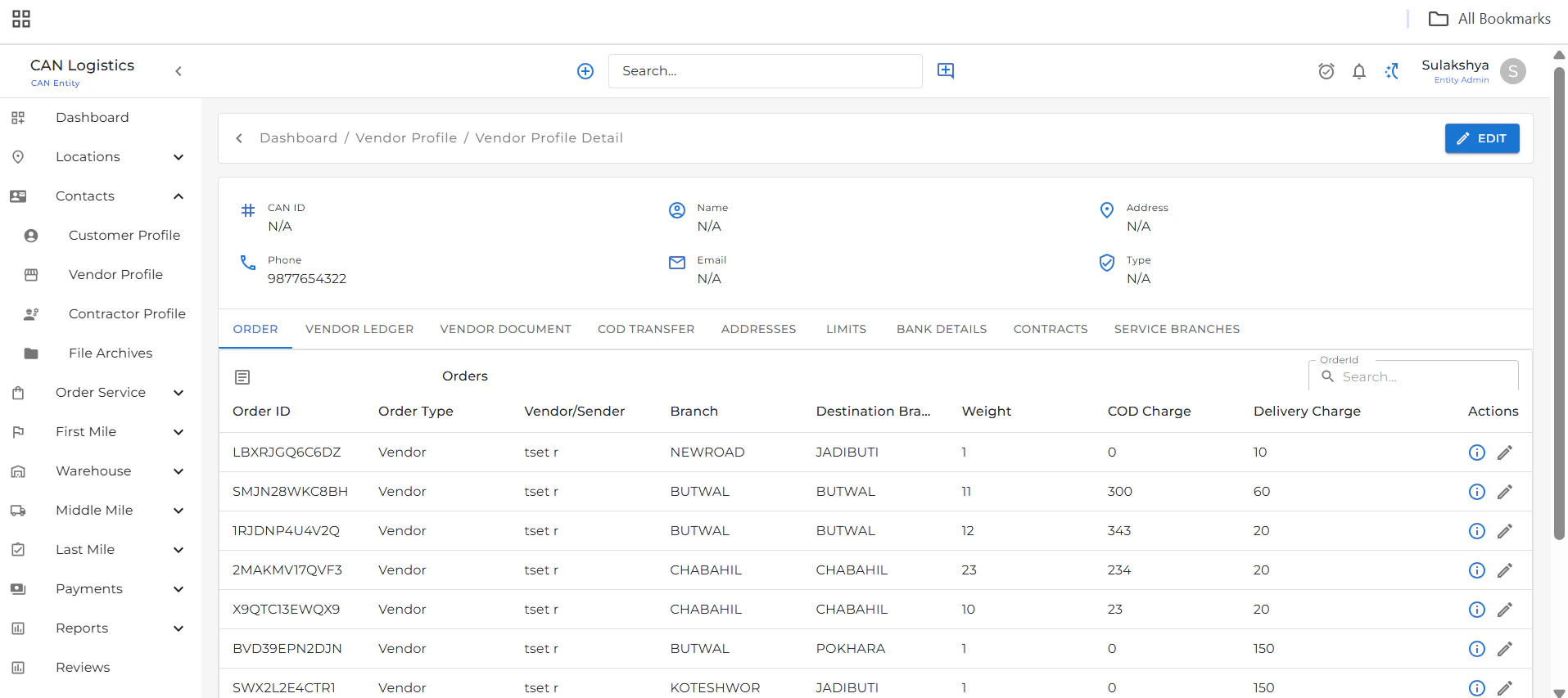
Orders
- Lists all orders associated with the selected vendor.
- View and manage order details.
Vendor Ledgers
- Displays a detailed account ledger.
- Helps track all financial transactions related to the vendor.
Vendor Documents
- Upload and manage important documents related to the vendor.

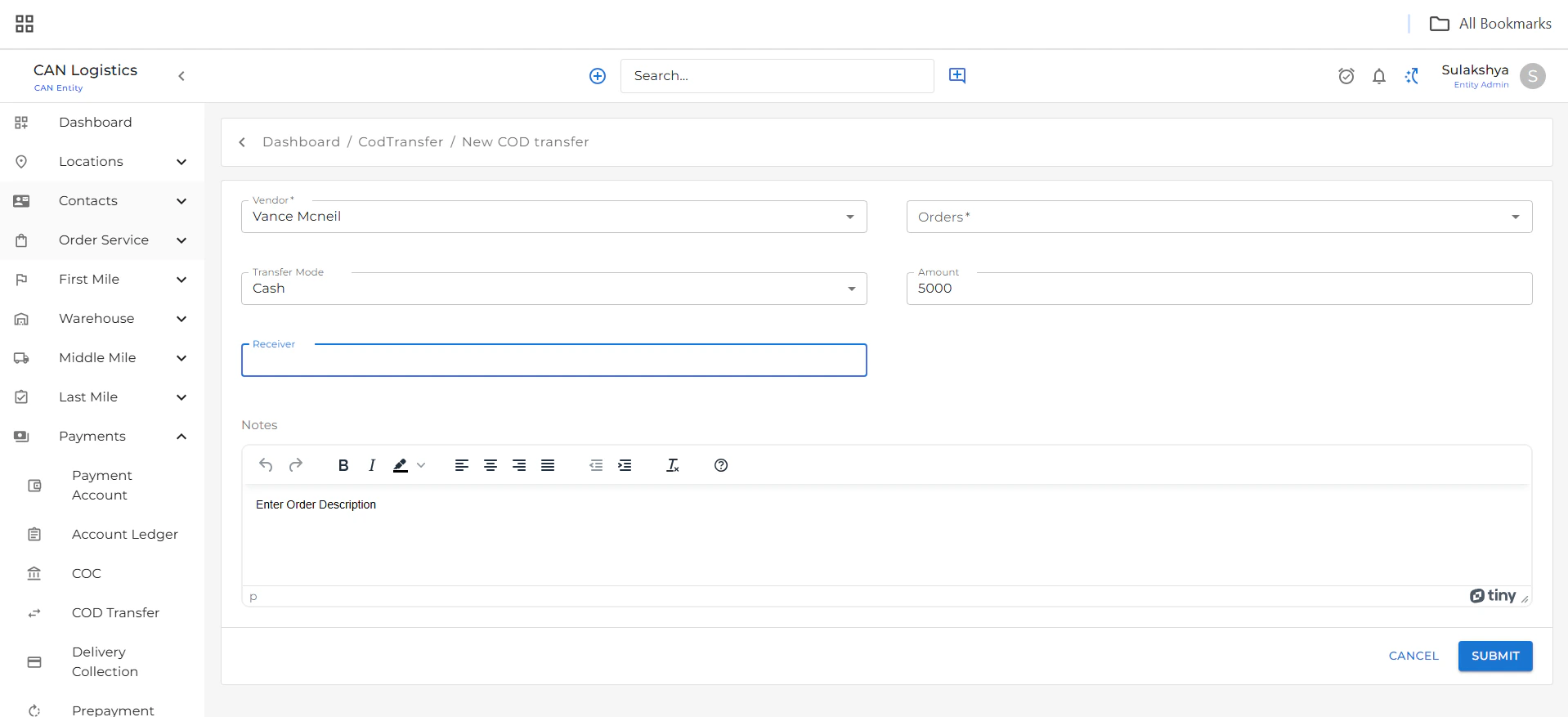
COD Transfer
- Add new COD (Cash on Delivery) transfer records.
- View all COD transfers in this tab.
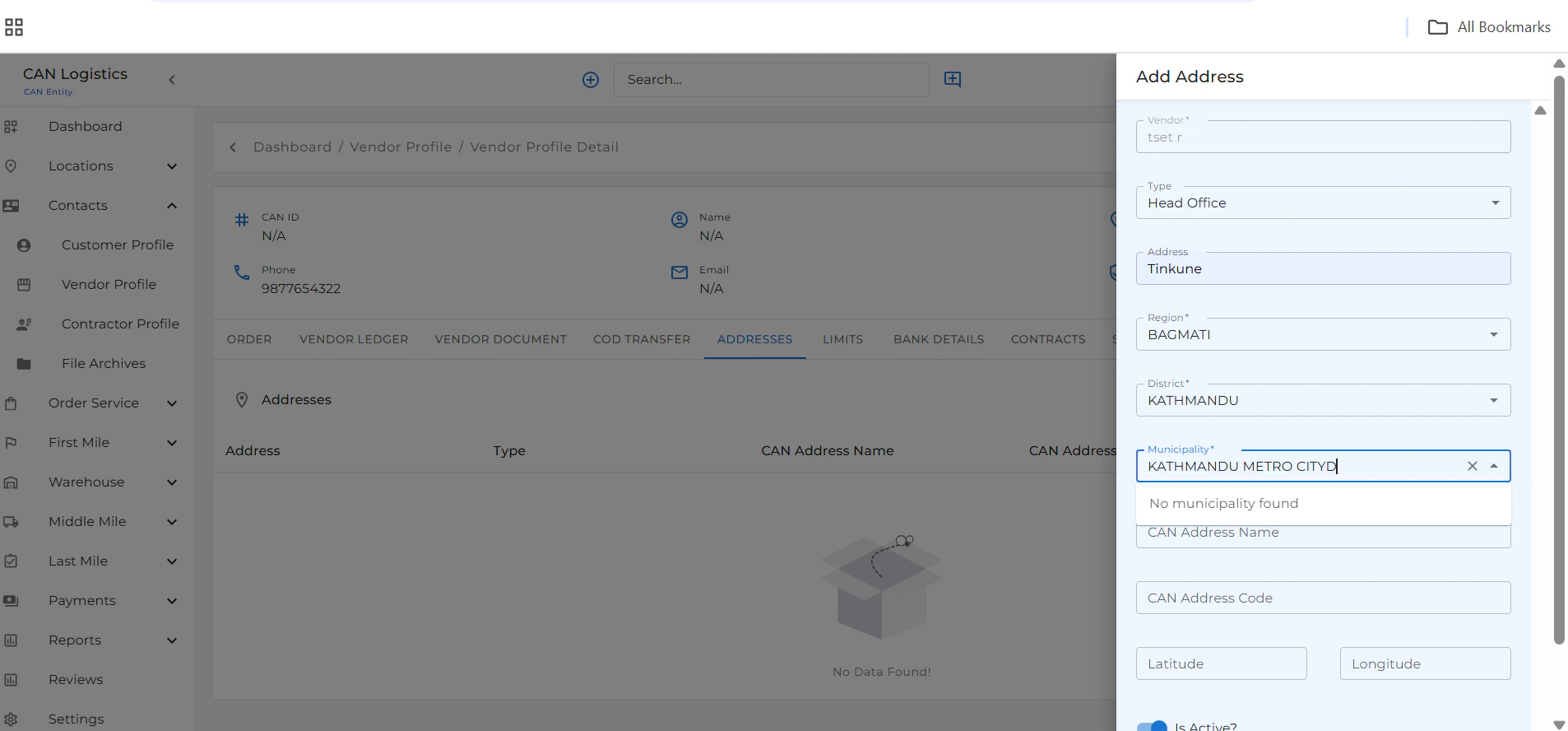
Addresses
- Add and manage vendor addresses.
- All saved entries are displayed in the Addresses tab.
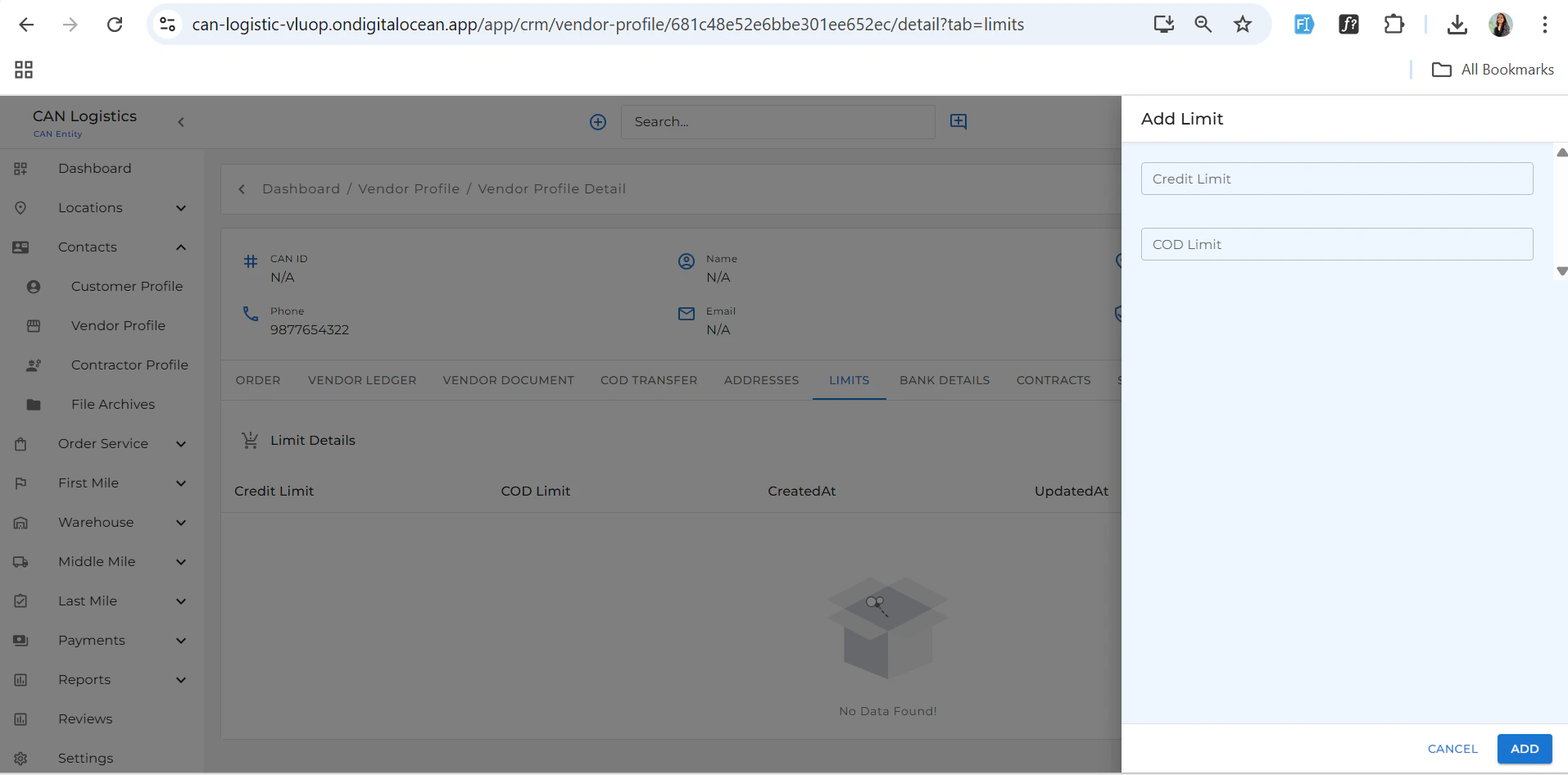
Credit Limit
- Define and update the vendor’s credit limit.
- Useful for setting financial constraints and terms.
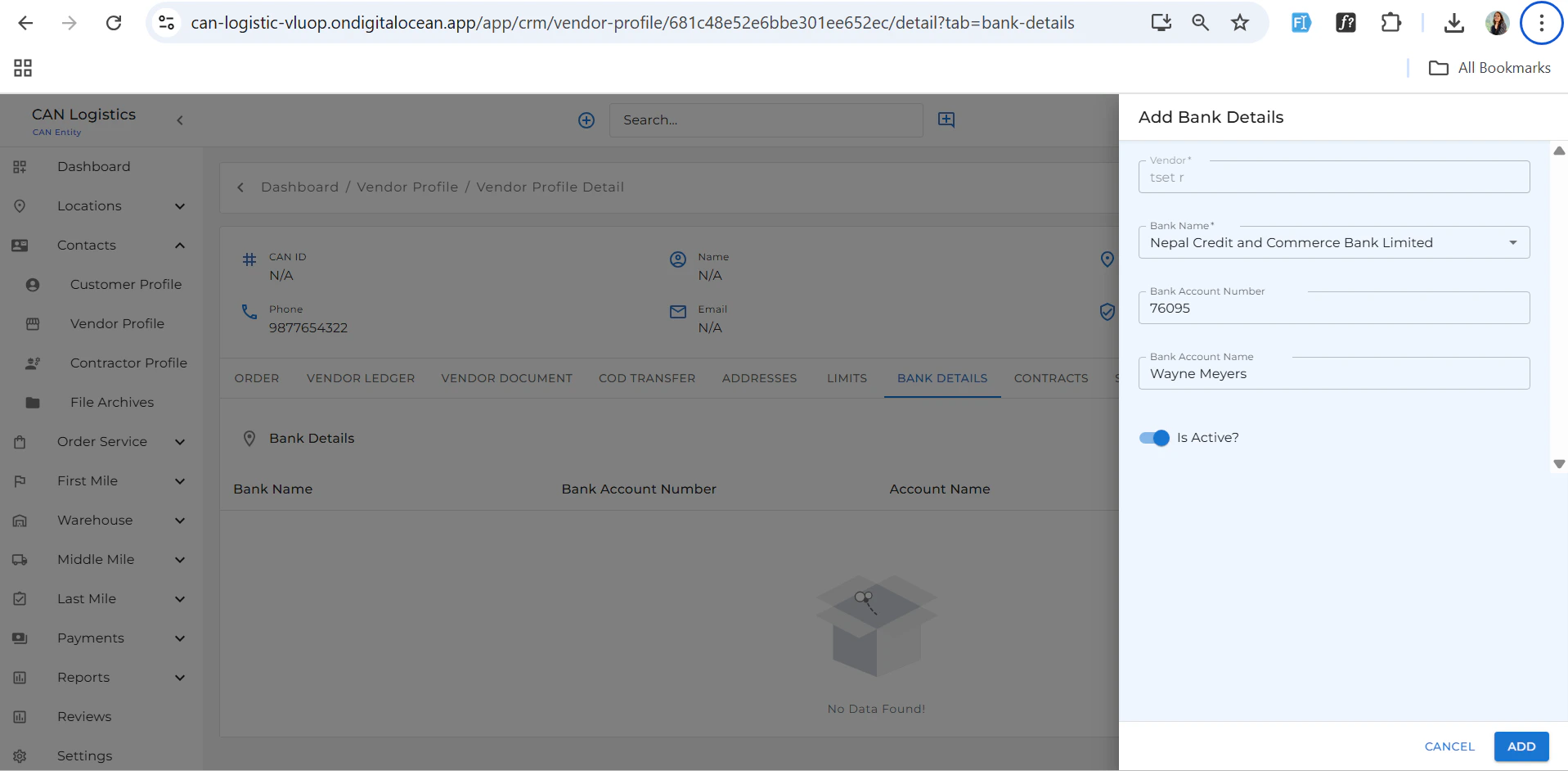
Bank Details
- Add and view vendor bank account information.
Contract
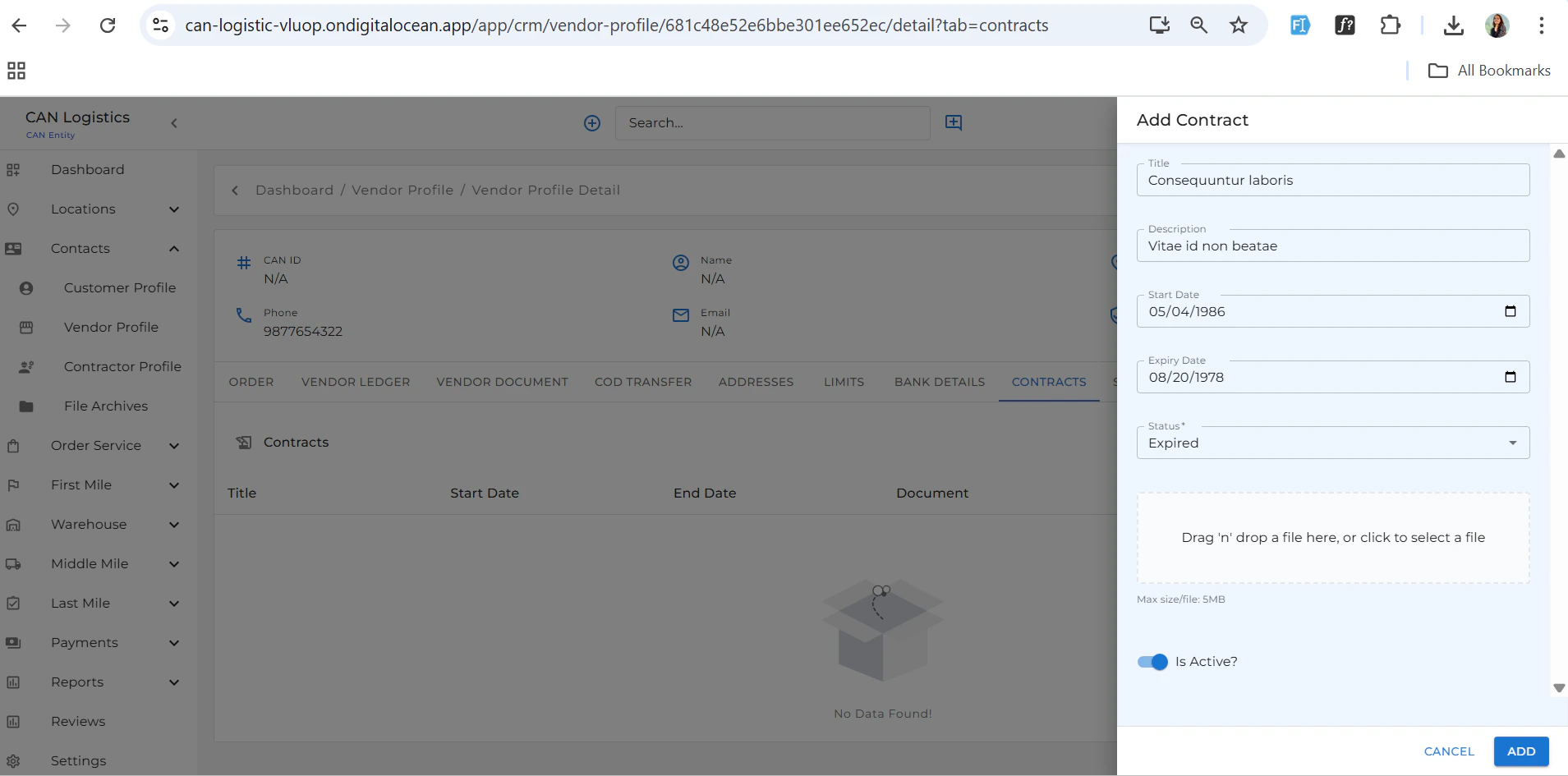
- Upload and manage vendor contracts.
- View existing agreements as needed.
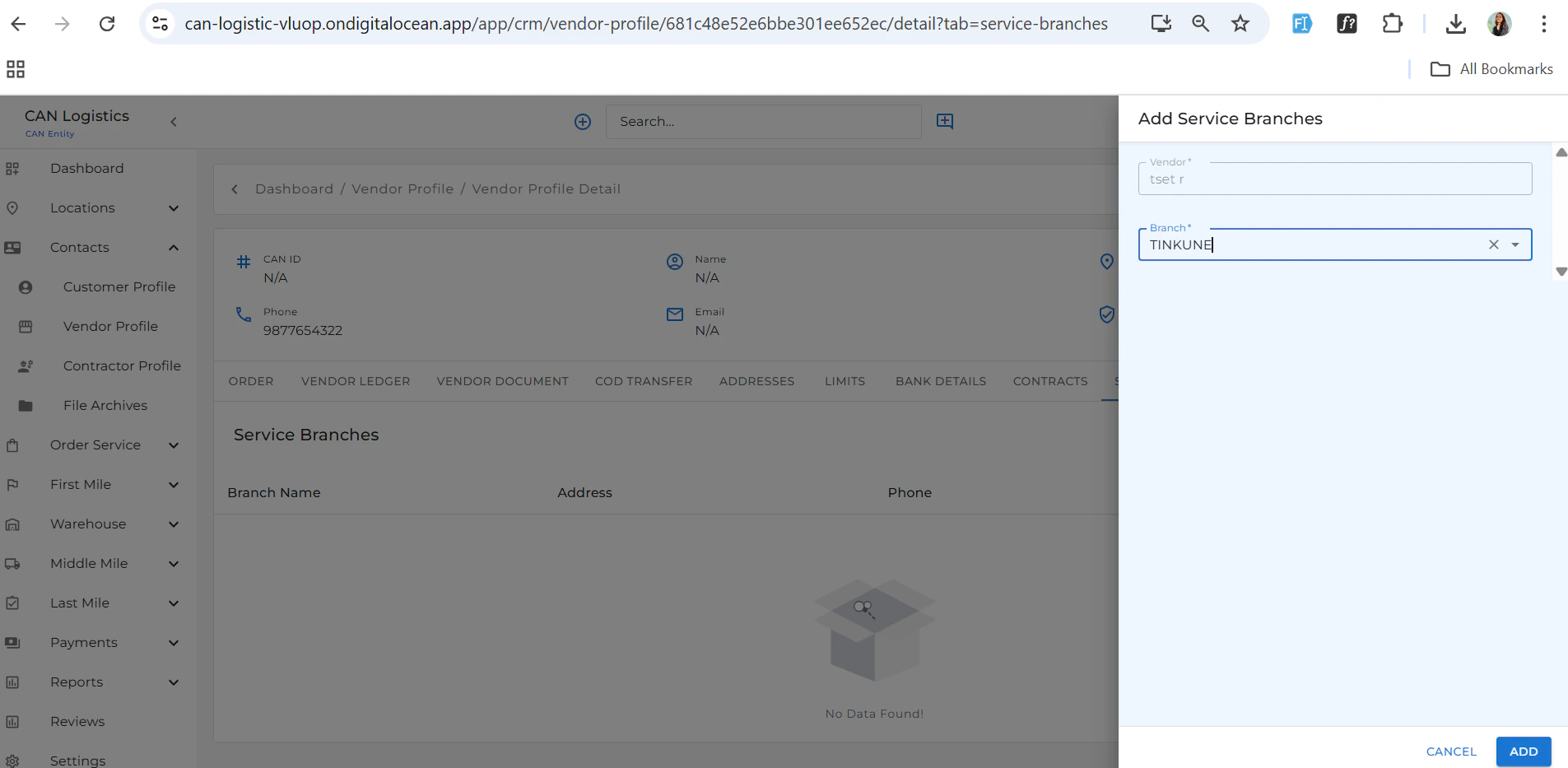
Service Branches
- Assign services and serviceable branches based on your business preferences.