Features
Search Bar (Top Section)
A search bar is placed at the top of the page, allowing users to search for specific products by name or keyword.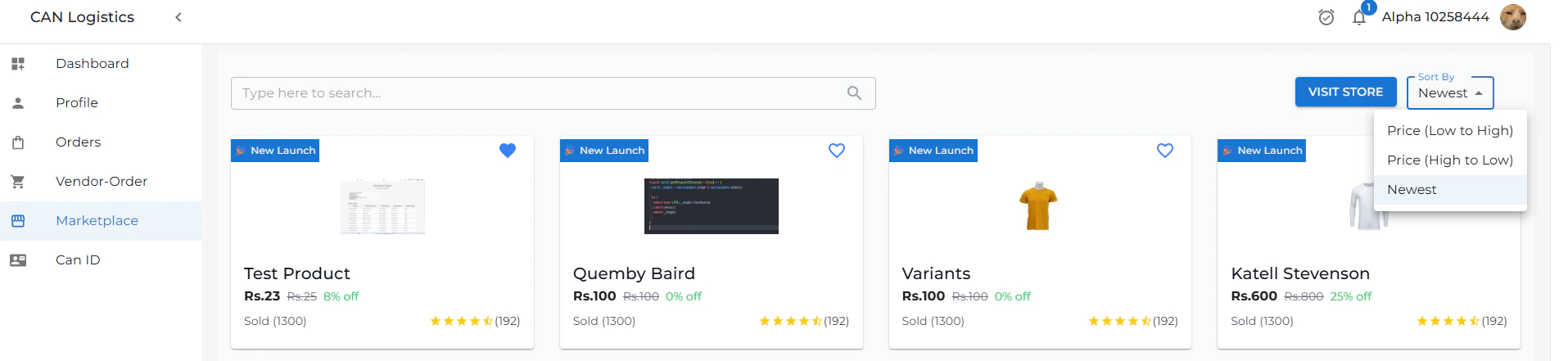
Product Listings
All available products are displayed in a grid or list format, showcasing essential details such as product name, image, price, and availability.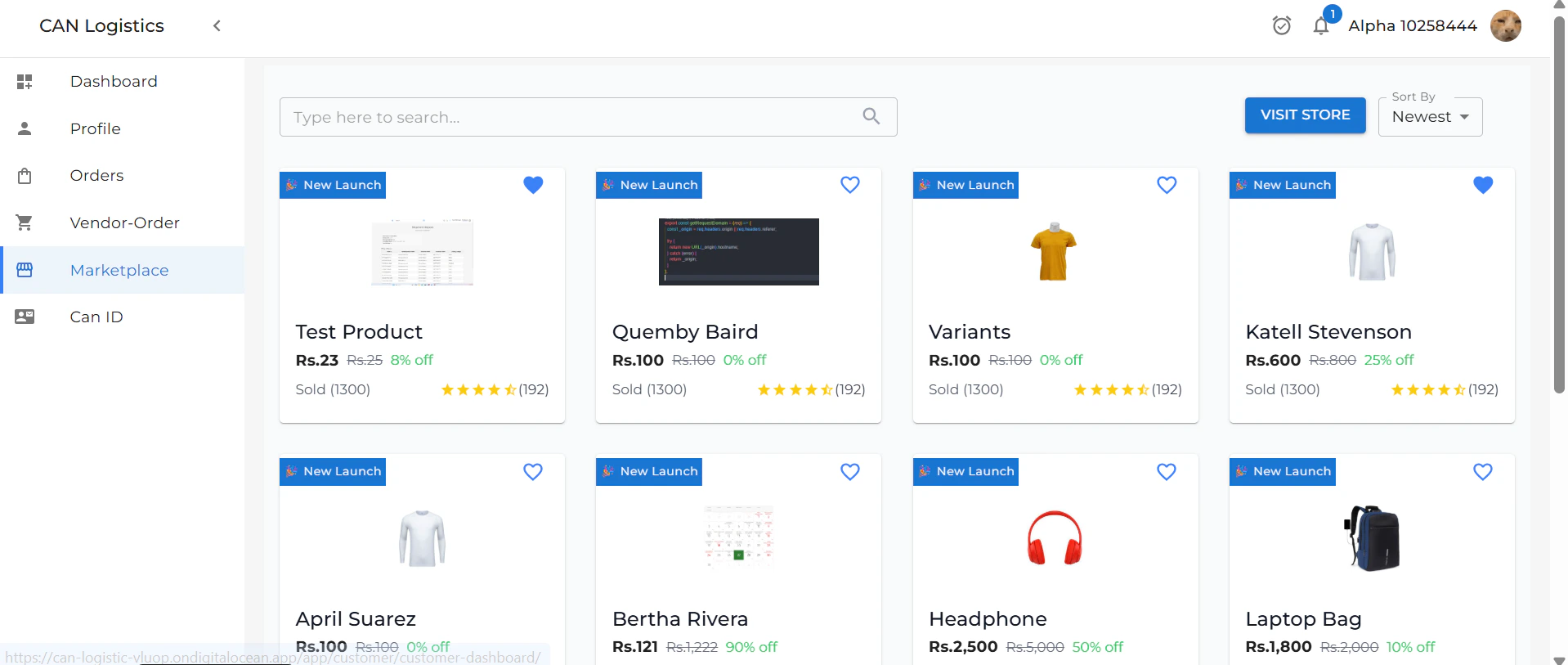
Sort By
Users can sort the product listings using various criteria (e.g., price, popularity, newest first) to find items that best match their needs.Product Detail
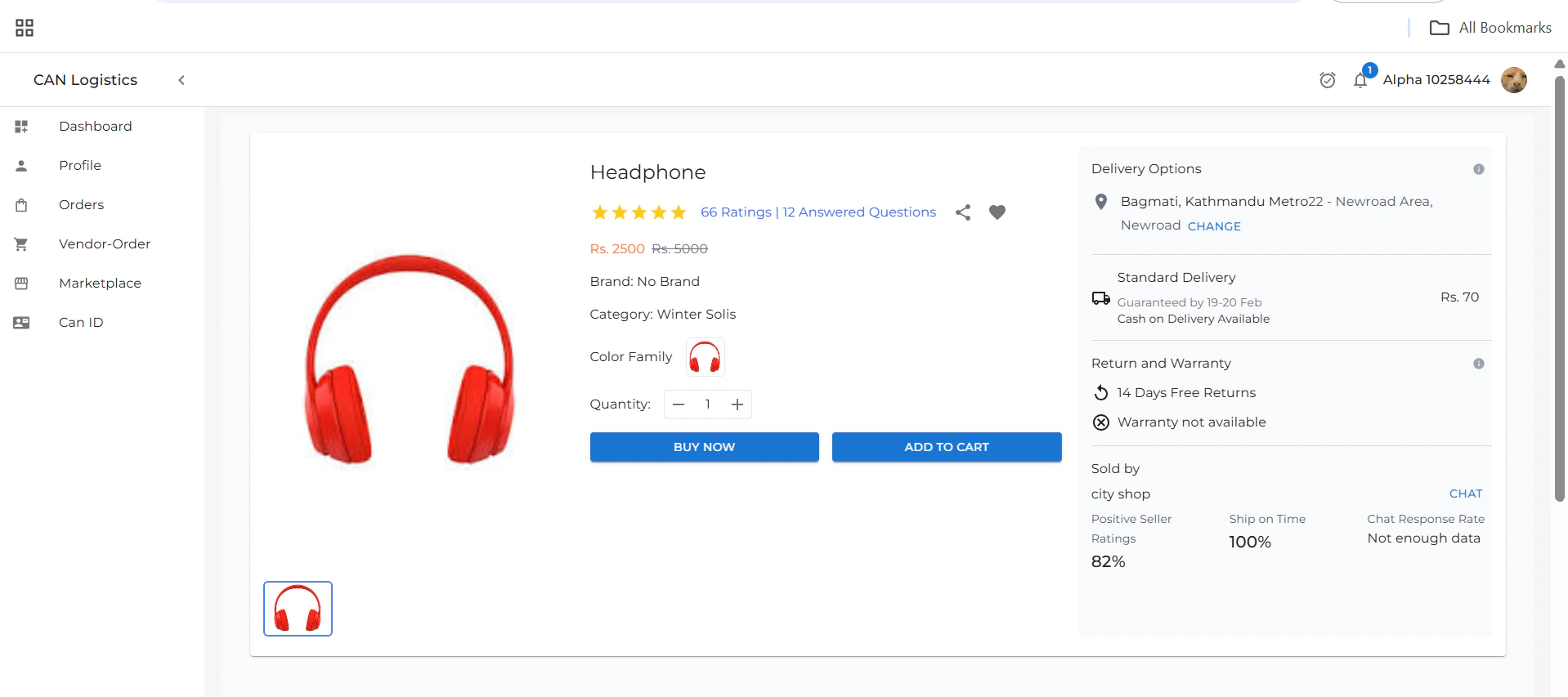
The Product Detail page provides comprehensive information about a specific product and allows users to proceed with a purchase.Product Information
This section displays all the key details about the selected product, including:- Product name
- Description
- Price
- Availability
- Images
Quantity Selector
Users can choose the quantity of the product they wish to purchase based on their requirement.Purchase Options
There are two main actions available:- Buy Now – Instantly proceed to checkout and place the order.
- Add to Cart – Add the item to your shopping cart for later purchase.
Delivery Options
Users can view and select available delivery options such as:- Standard Delivery
- Express Delivery
- Estimated delivery date
Additional Product Details
Additional information may include:- Product specifications
- Warranty
- Return policy
- Customer reviews and ratings
Related Products
Below the product details, a Related Products section showcases similar or complementary items. This helps users explore alternatives and discover more products that match their interests. These may be based on:- Product category
- User browsing history
-
Frequently bought together
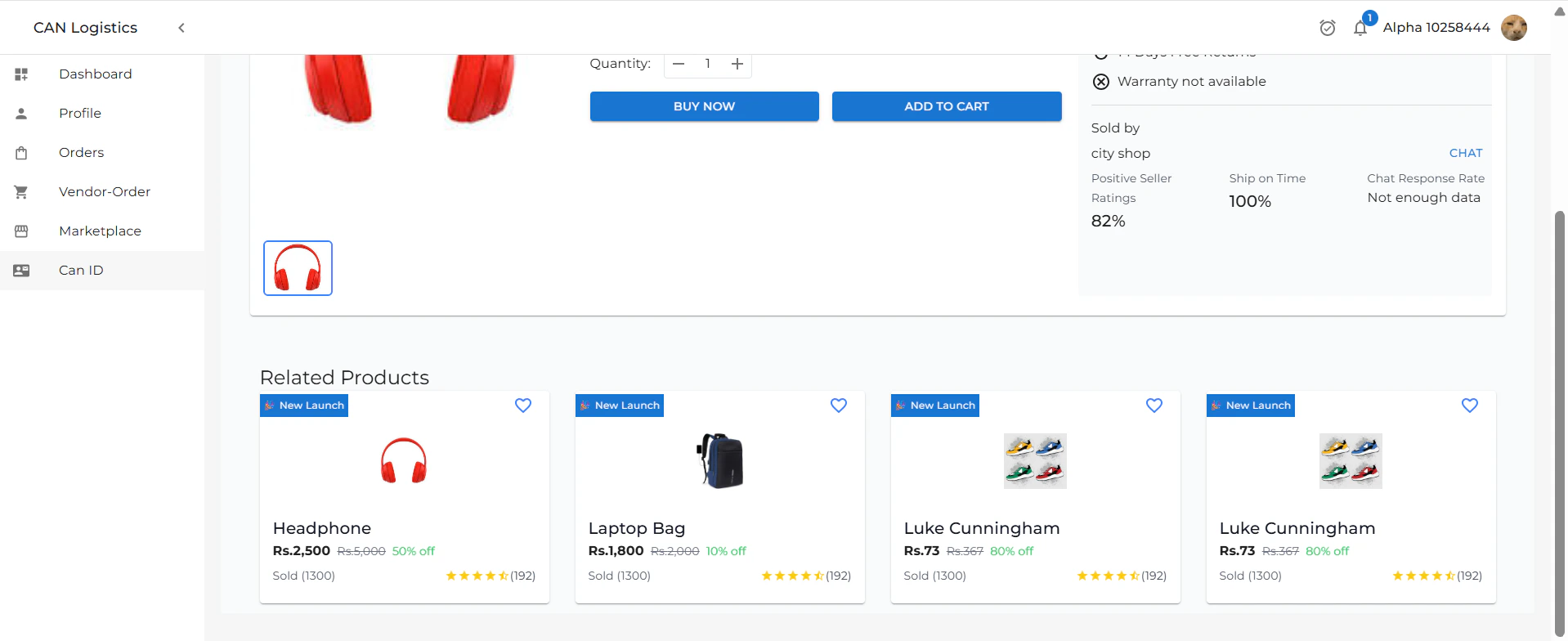
Add to Cart
- When you click Add to Cart, the product is successfully added to your cart.
- You can review all items in your cart later.
- This allows you to purchase multiple items at once or complete your purchase whenever you’re ready, based on your preferences.
Buy Now Flow
Clicking Buy Now takes the user to the Checkout Page, which includes:- A summary of all selected products
- Shipping details form
- Order details and total pricing
-
An optional field to enter a discount code
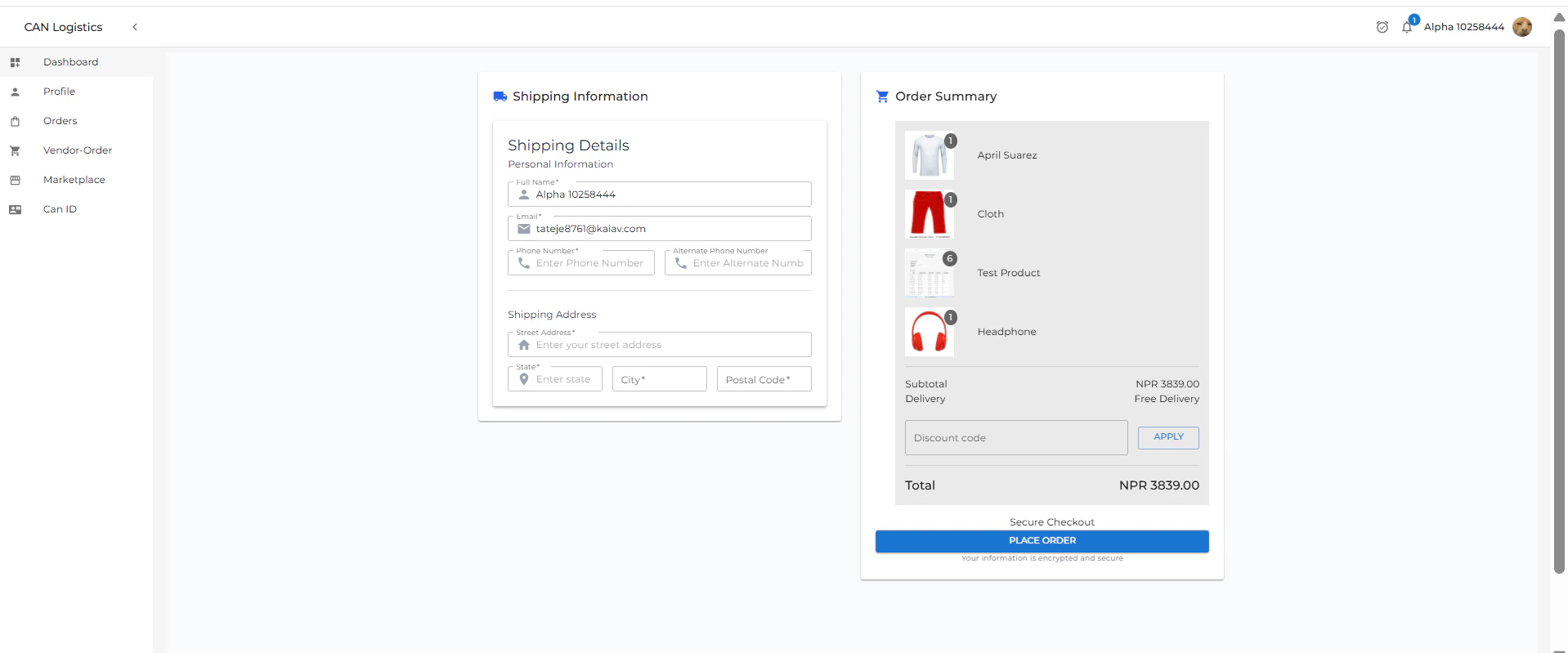
- The user can place the order
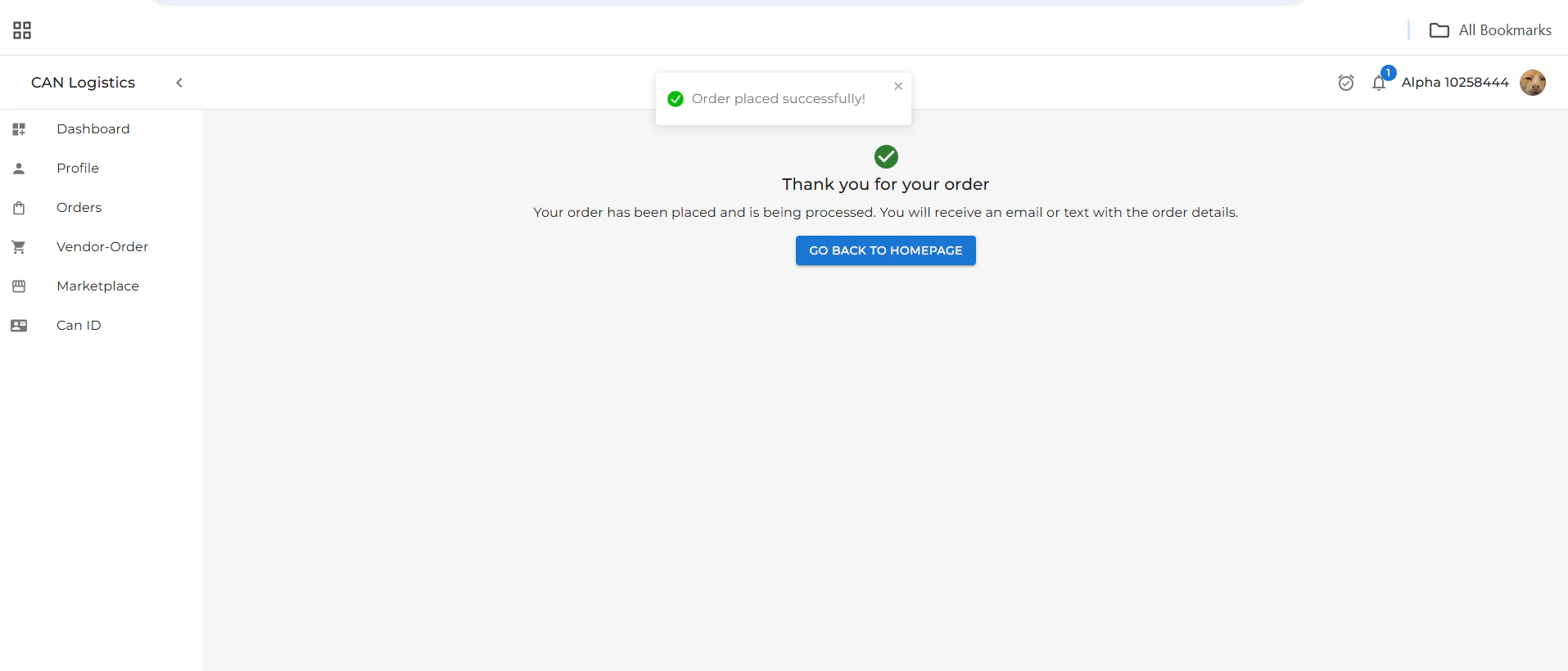
- A confirmation message is shown:
Your order has been placed successfully!