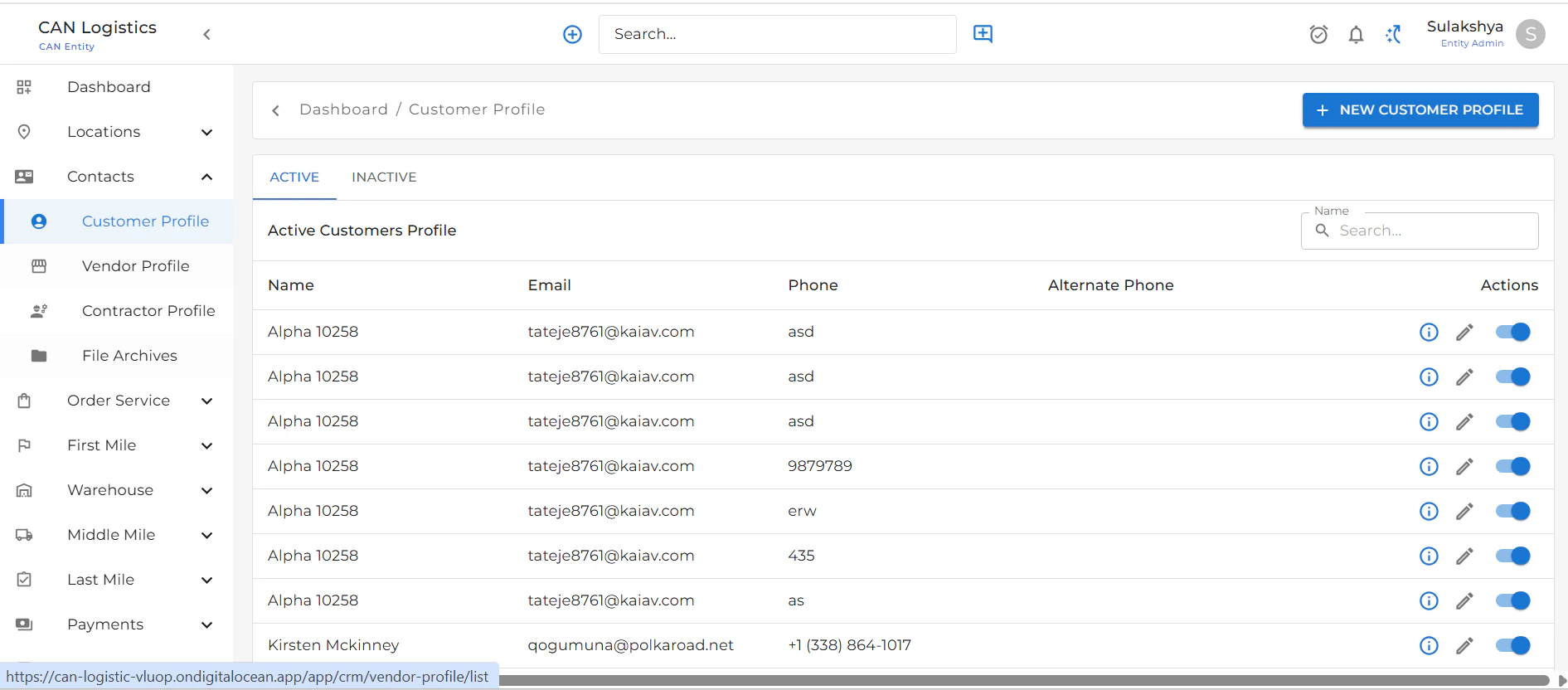
Customer Profile List
- Displays a list of all customer profiles.
- Use the Create New Profile button at the top-right to add a new customer.
- Each row includes an Edit button to update customer details.
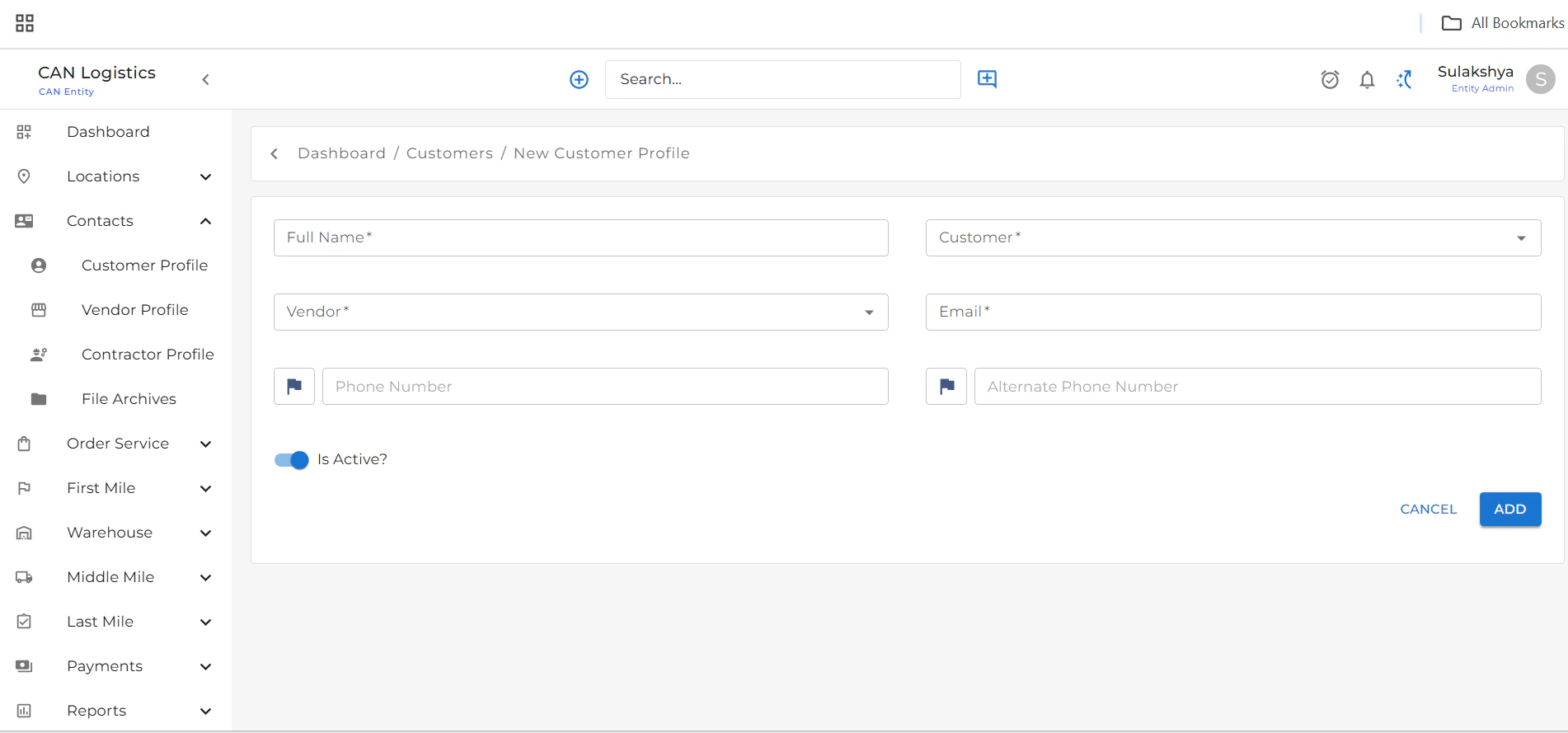
Create New Customer Profile
To create a new customer profile:- Click the Create New button from the top-right corner of the list screen.
- Fill in the basic details:
- Name
- Phone Number
- Vendor
- Other necessary fields
- Click Save to create the profile.
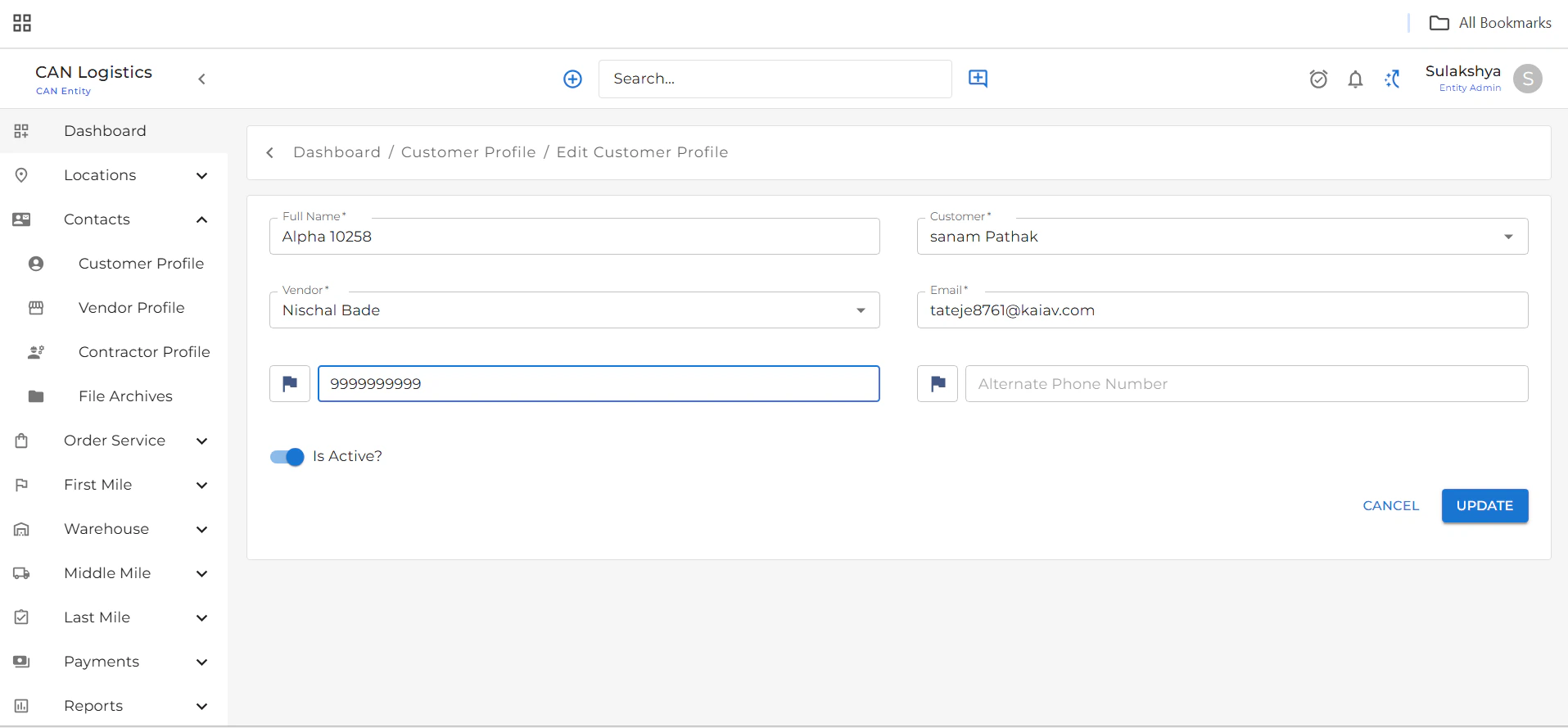
Edit Customer Profile
- From the list view, click the Edit button next to any customer.
- Update the required fields.
- Click Update to save changes.
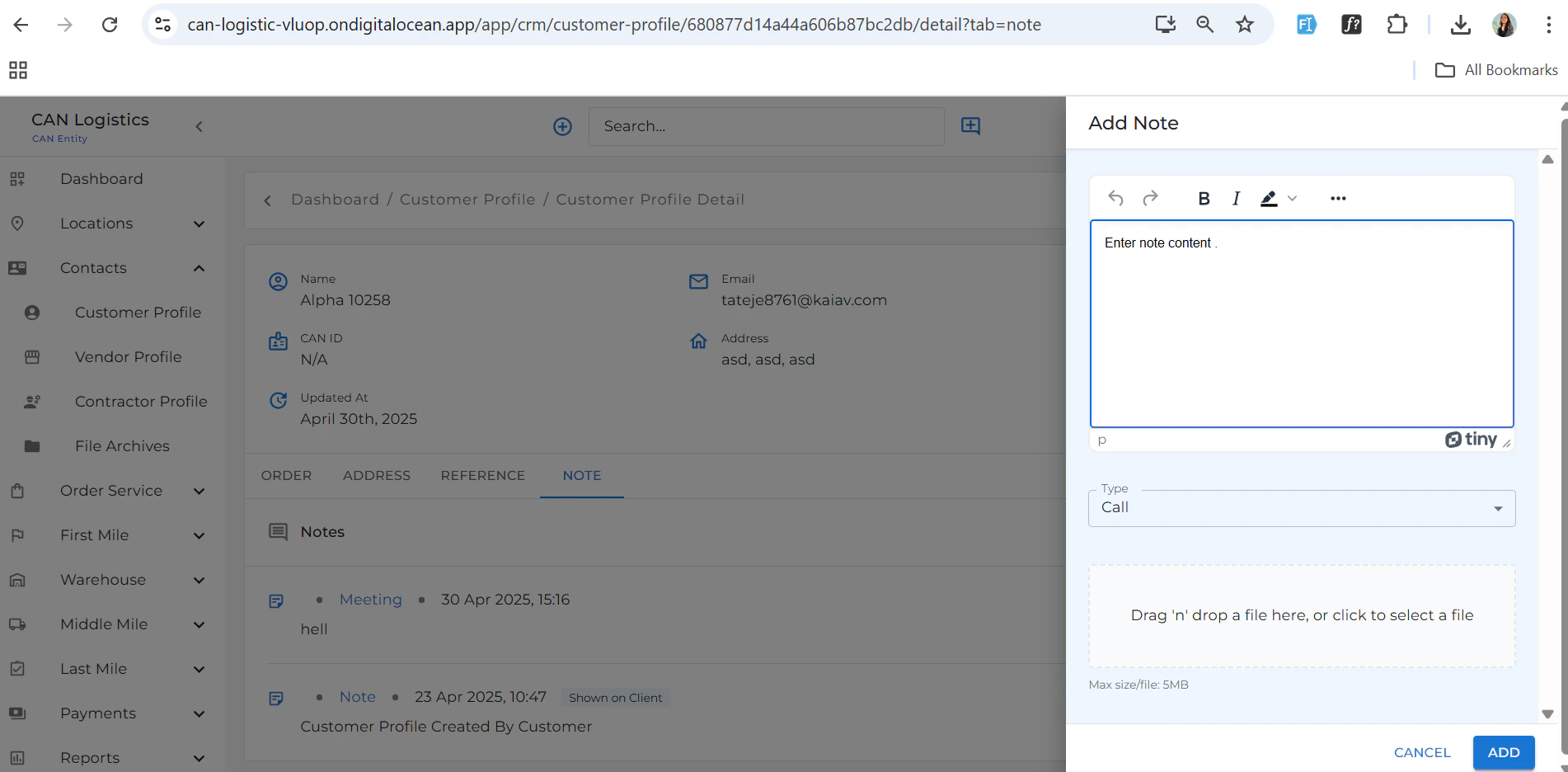
Customer Detail Screen
Displays all the information related to a selected customer. Below the main customer details, you’ll find several tabs: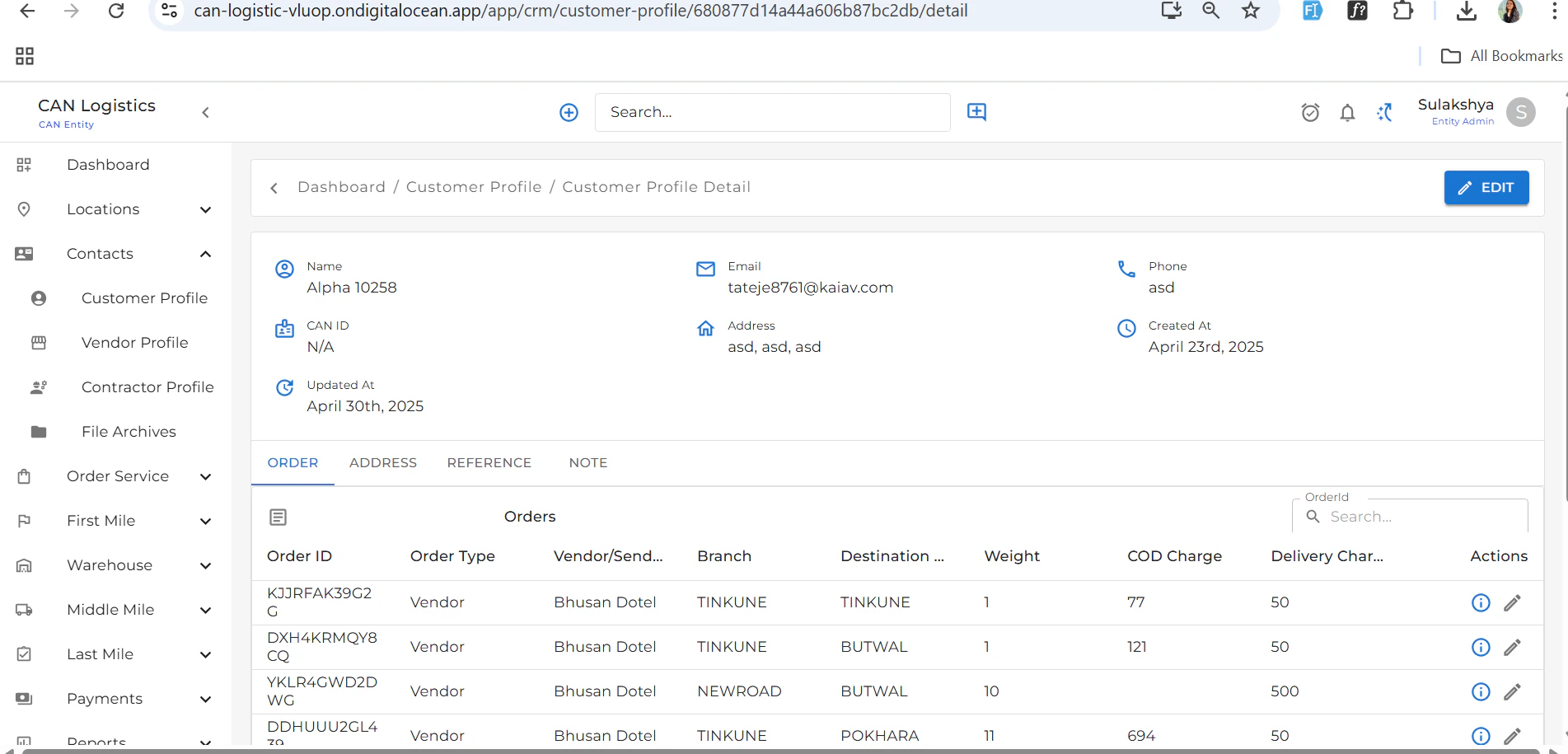
Orders
- Lists all orders related to the customer.
- Orders can also be edited from this tab.
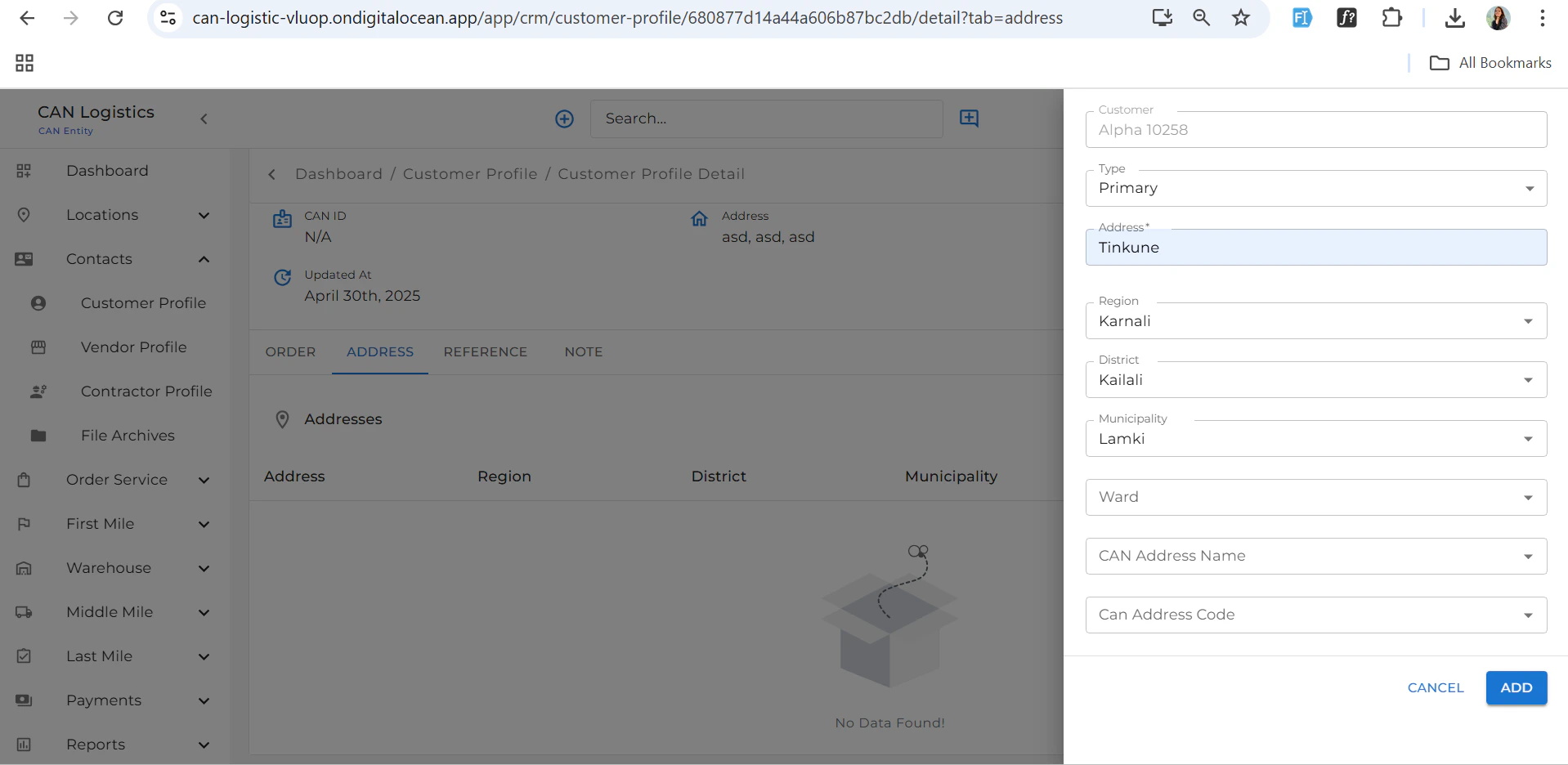
Address
- Add or edit the customer’s addresses.
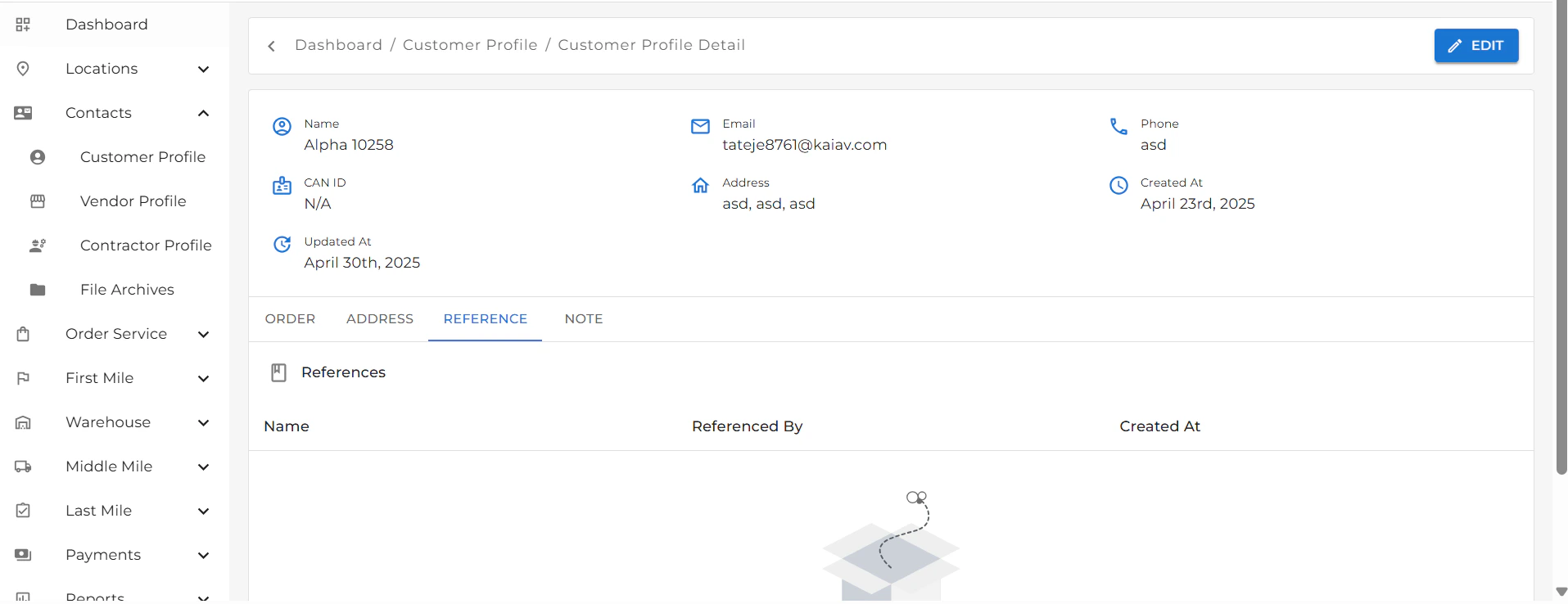
References
- View or manage references linked to the customer.
Notes
- Add any relevant notes for internal use or record-keeping.