Product
Adding a New Product
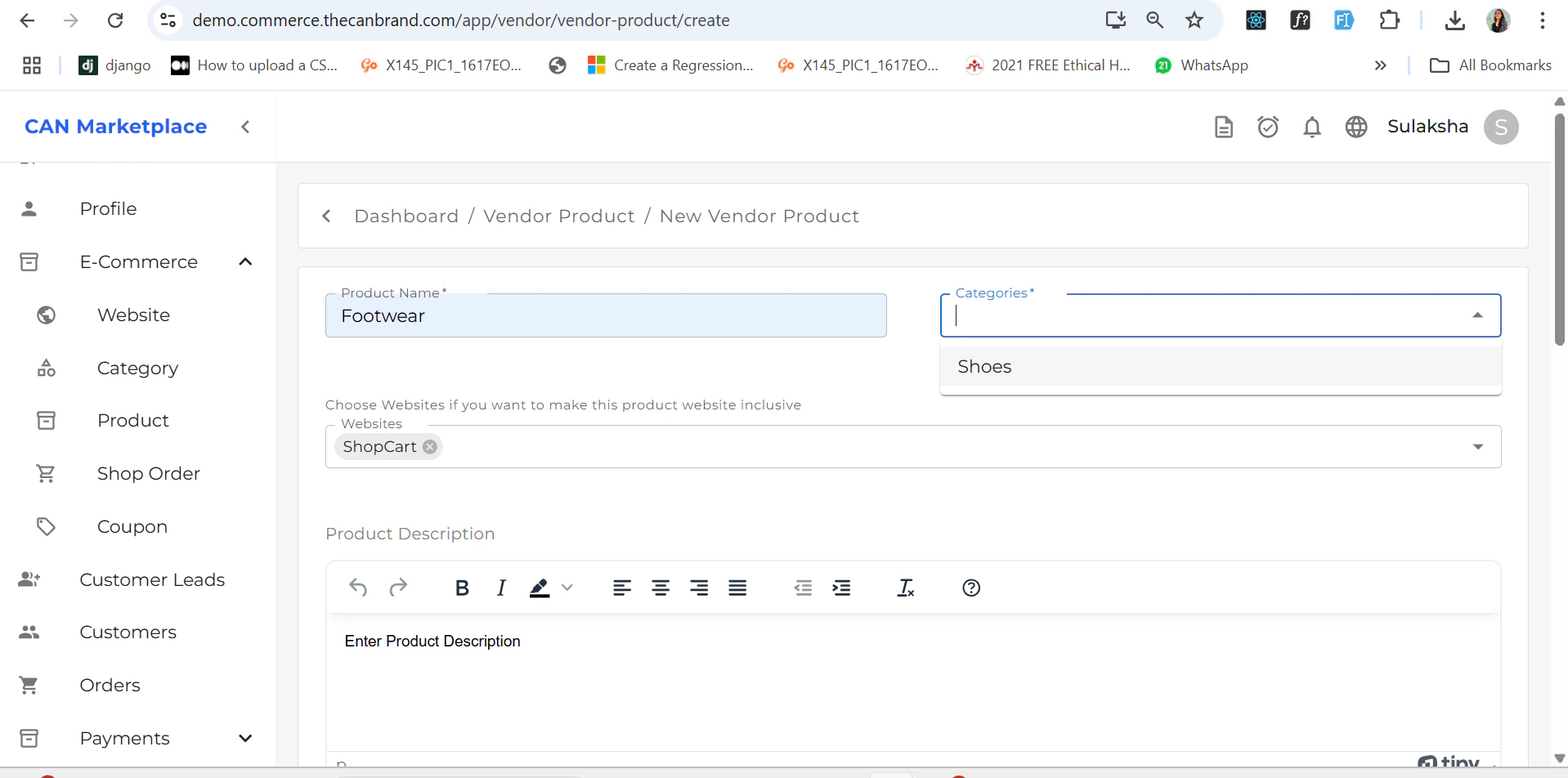
To add a new product:- Go to the Products section.
- Click on the “Add Product” button located at the top-right corner of the screen.
Adding Variants
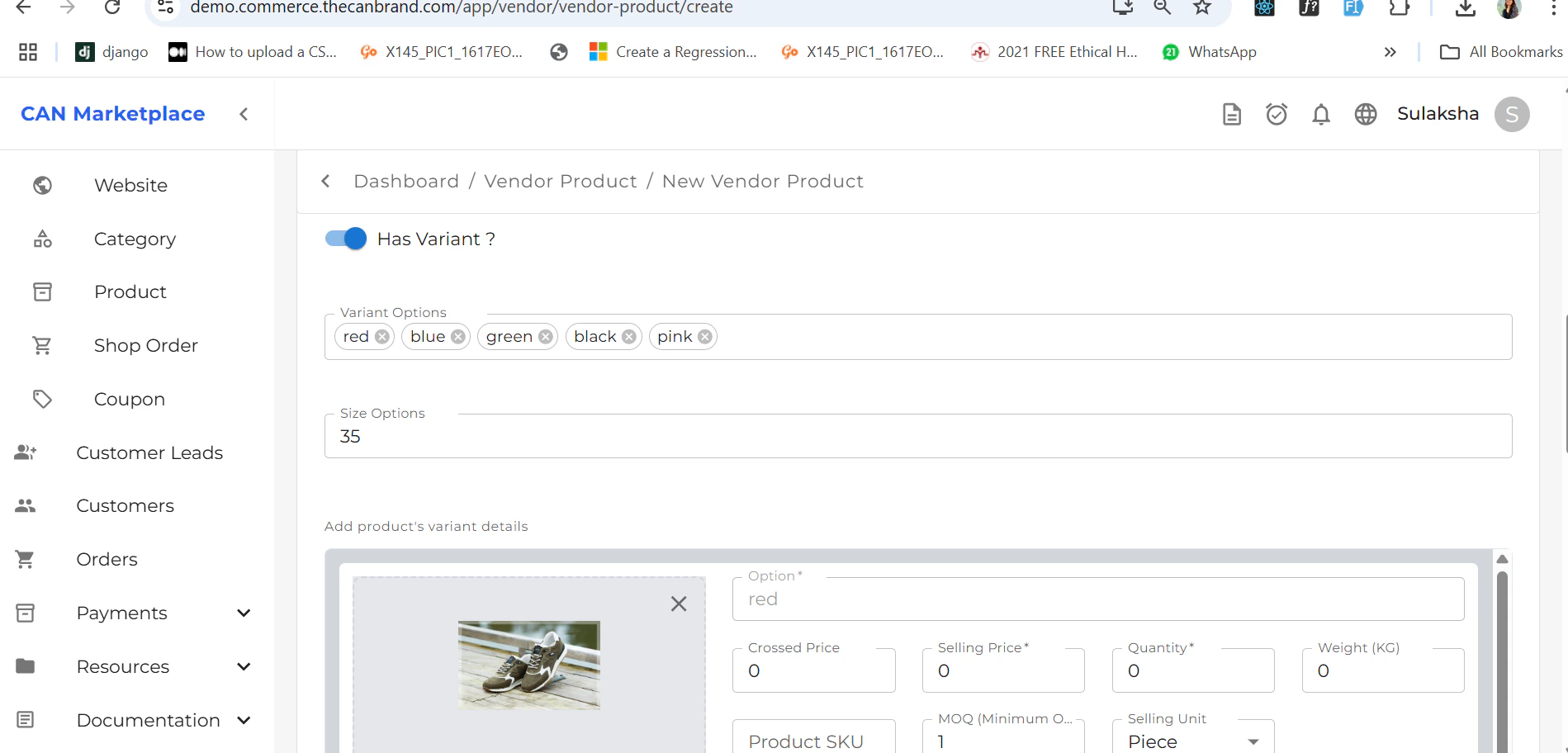
You can add product variants (like color or size) by scrolling down to the Variants section in the product form.How to Add a Variant:
- Choose the variant type (e.g., Color).
- Enter each variant option by typing and then pressing the Enter key.
- For example:
TypeRed→ PressEnter
TypeBlue→ PressEnter
TypeBlack→ PressEnter
- For example:
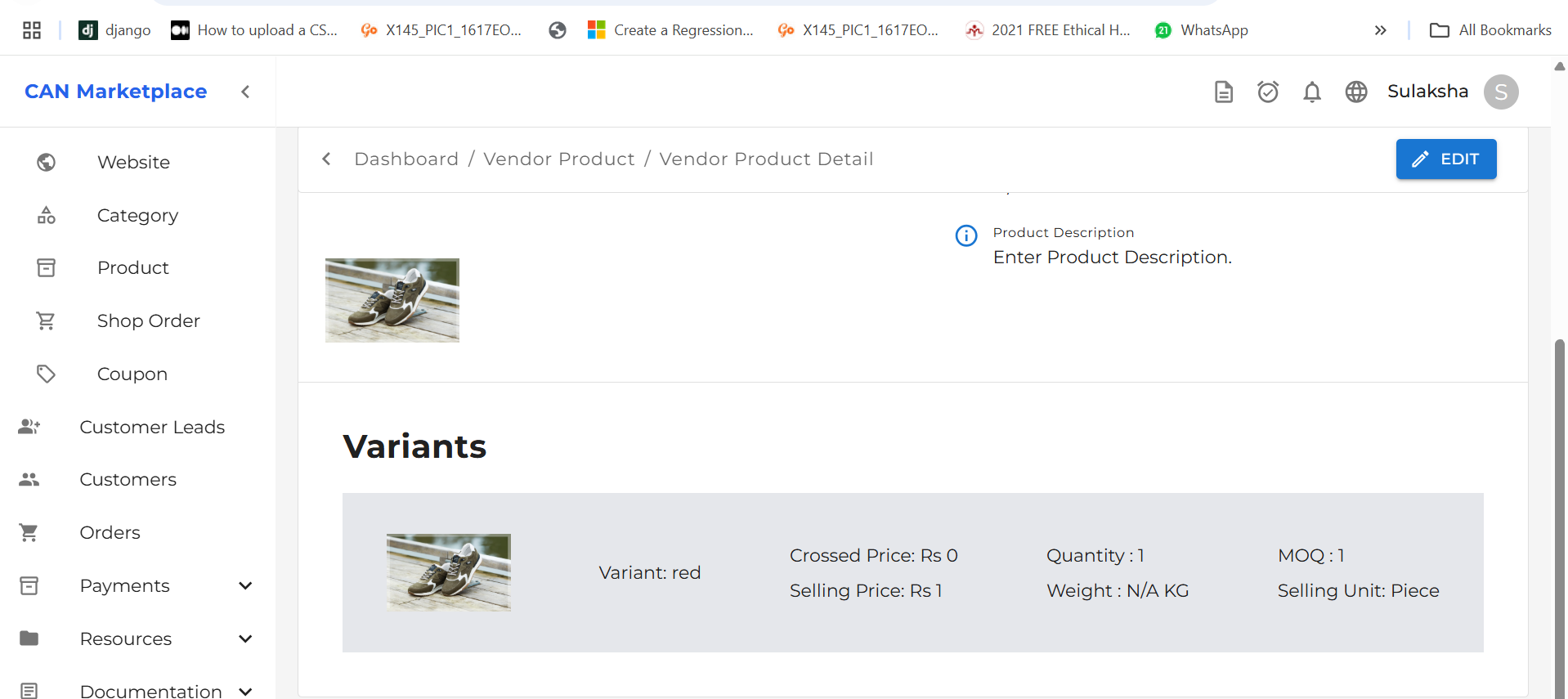
⚠️ Note: You must press Enter after typing each variant option to register it correctly.Once variants are added, they will be displayed within the product details.
Product List
After saving the product, it will appear in the Product List screen, where you can view, edit, or manage it further.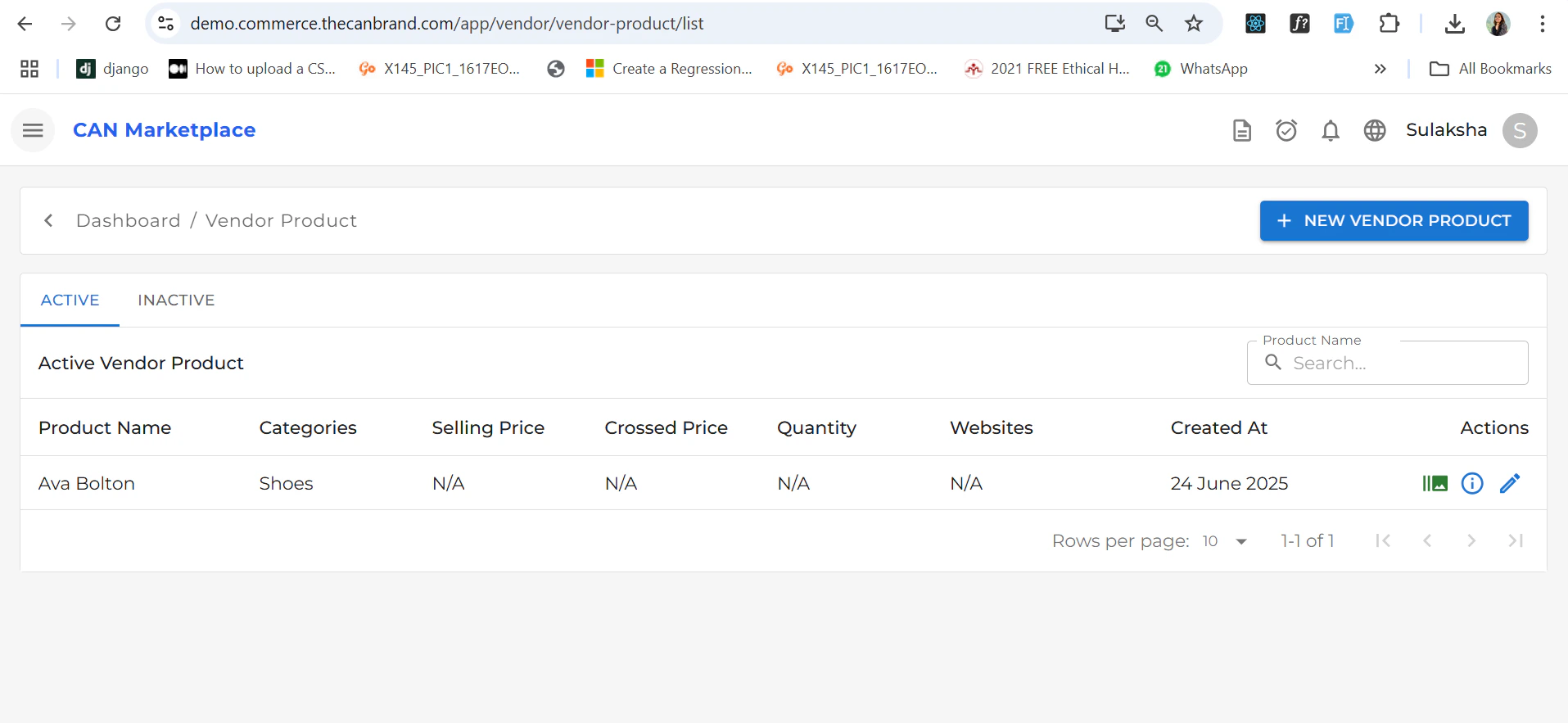
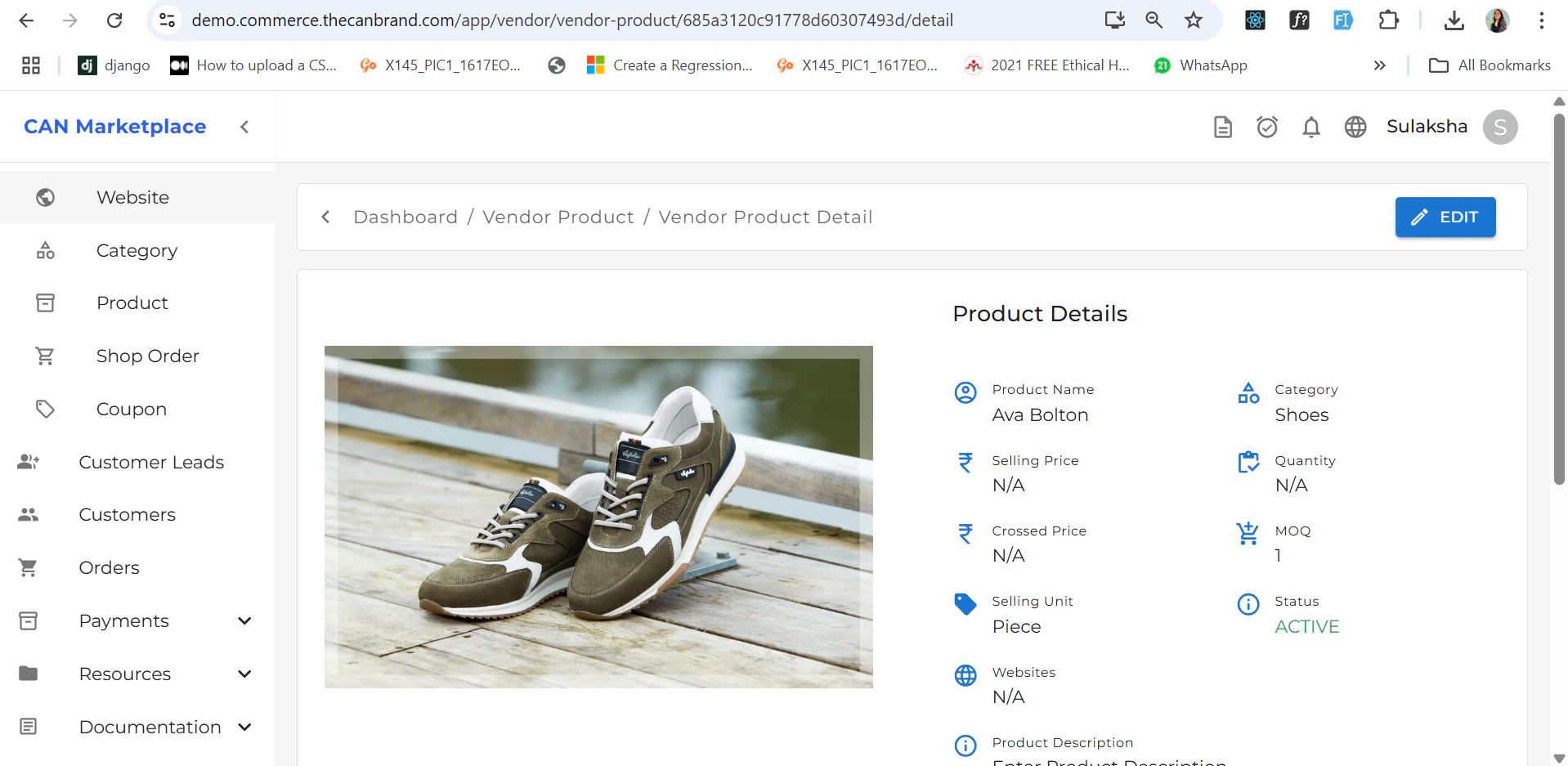
Product Detail
The Product Detail page allows you to view complete information about a specific product with variant if you have added.