“Forgot Password”
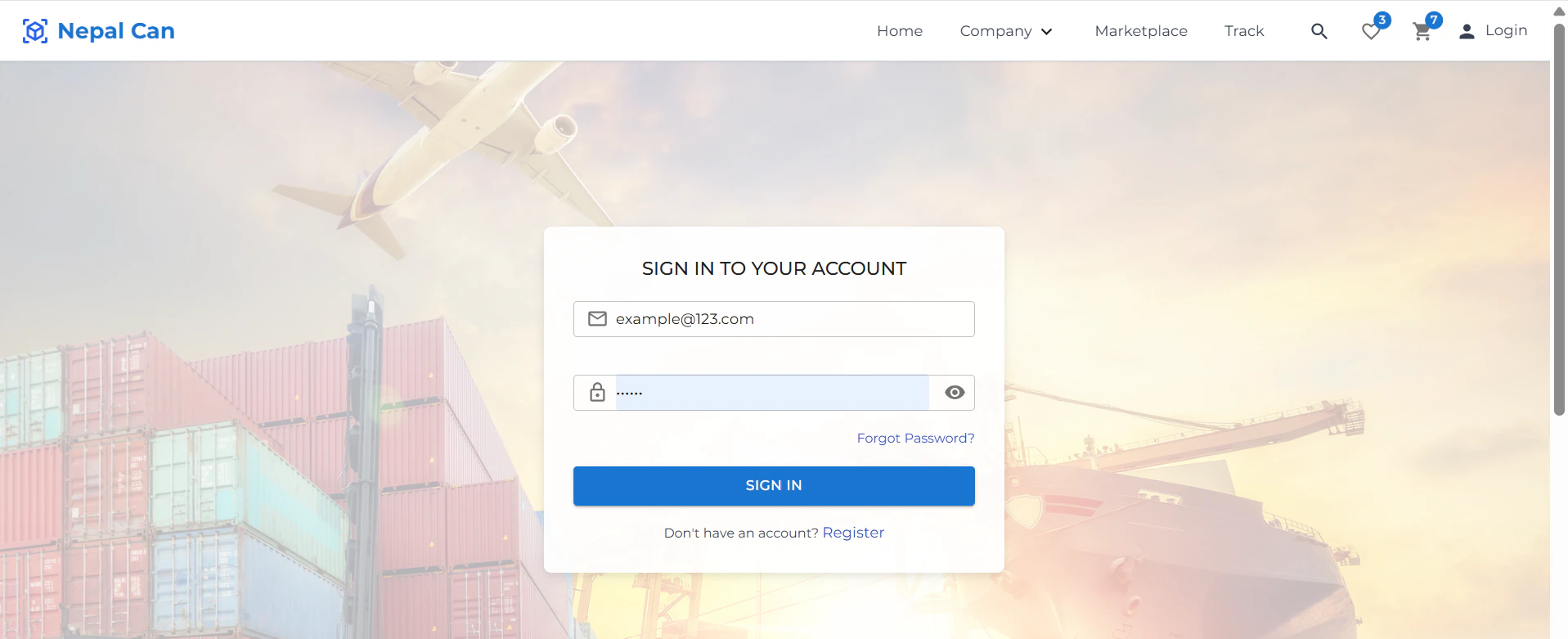
If you’ve forgotten your password, follow these steps to reset it:Step 1: Navigate to Forgot Password
- On the login screen, click on “Forgot Password?”.
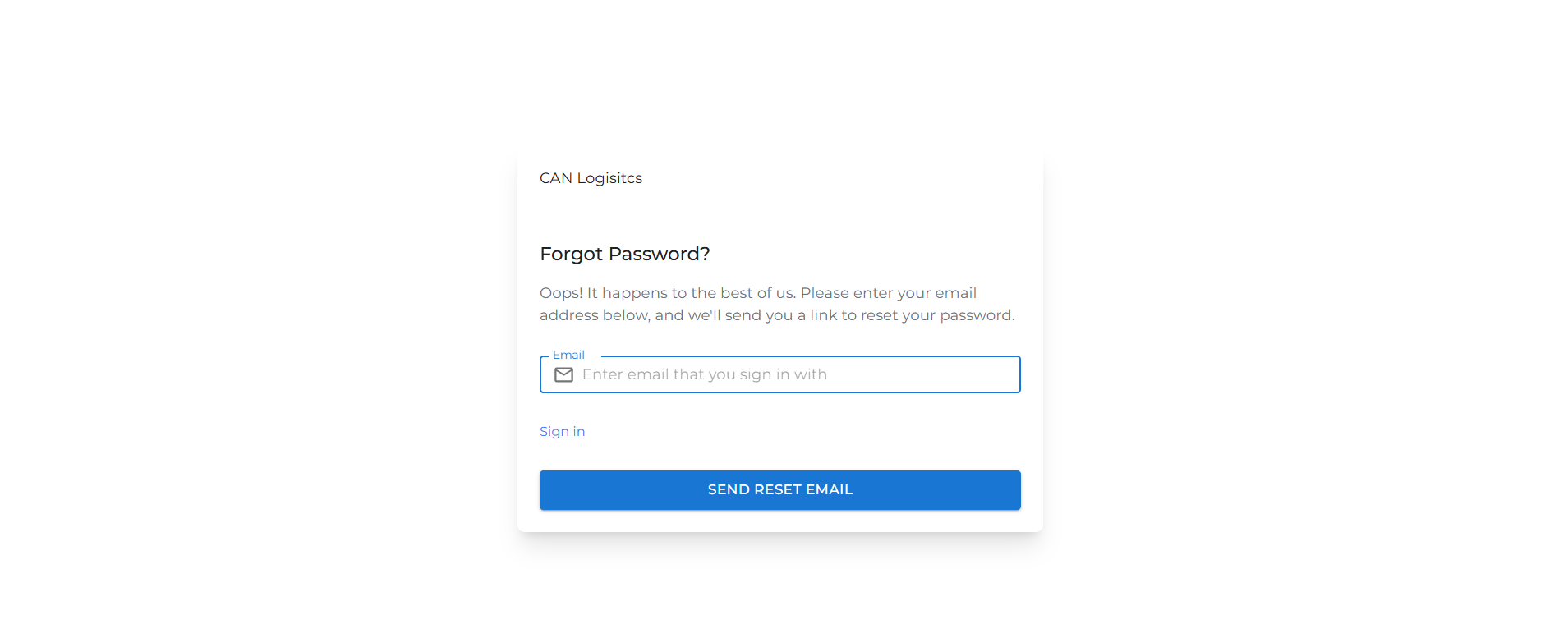
- You will be redirected to the password recovery page.
Step 2: Enter Your Email Address
- Provide the email address associated with your account.
- An OTP (One-Time Password) will be sent to your email.
Step 3: Enter the OTP
- Check your email inbox for the OTP.
- Enter the received OTP in the designated field on the screen.
Step 4: Reset Your Password
- After verifying the OTP, you’ll be prompted to set a new password.
- Enter your new password and confirm it.