Communications Module
Manage your communication-related content such as Blogs, Billing Items, and Resources from a single module.Blogs
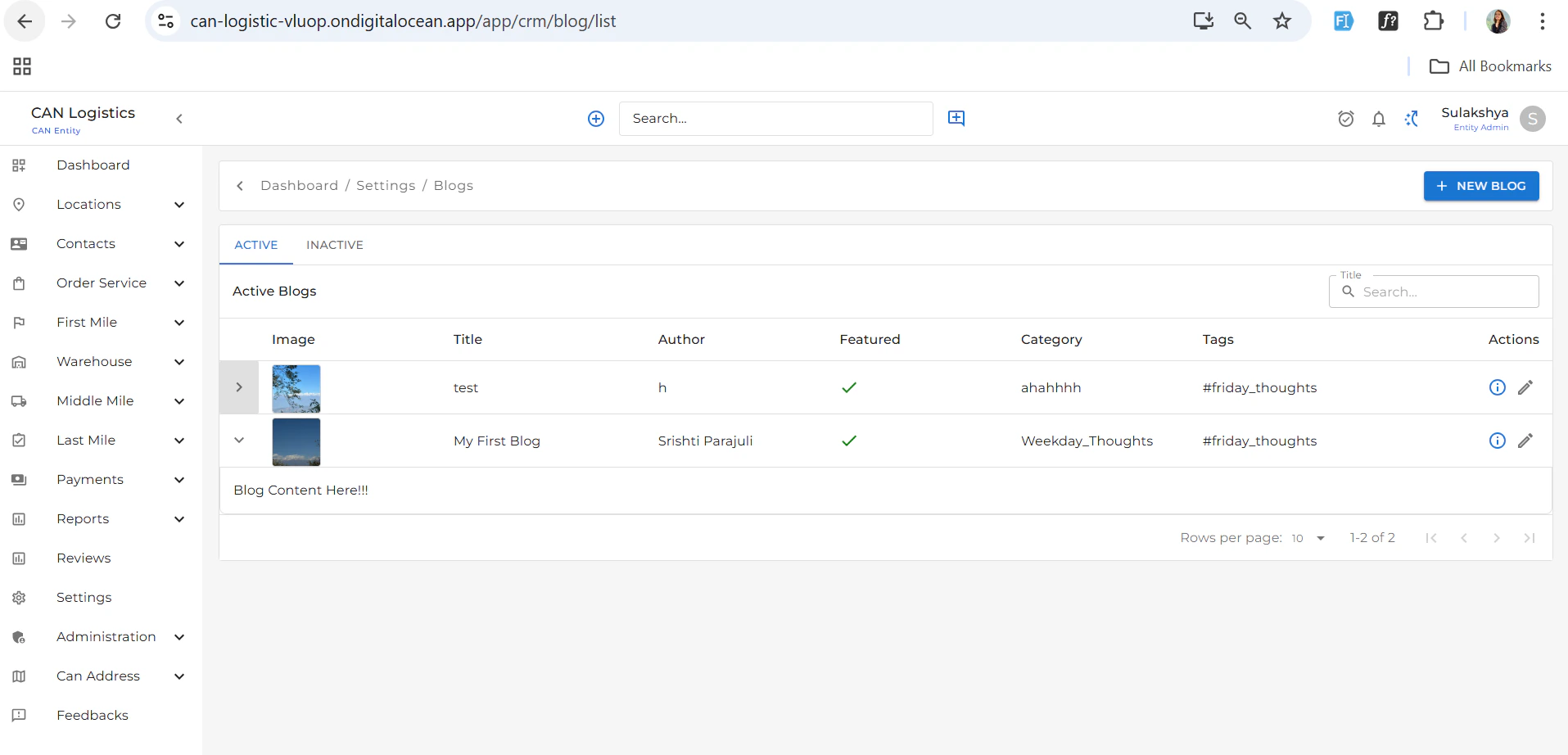
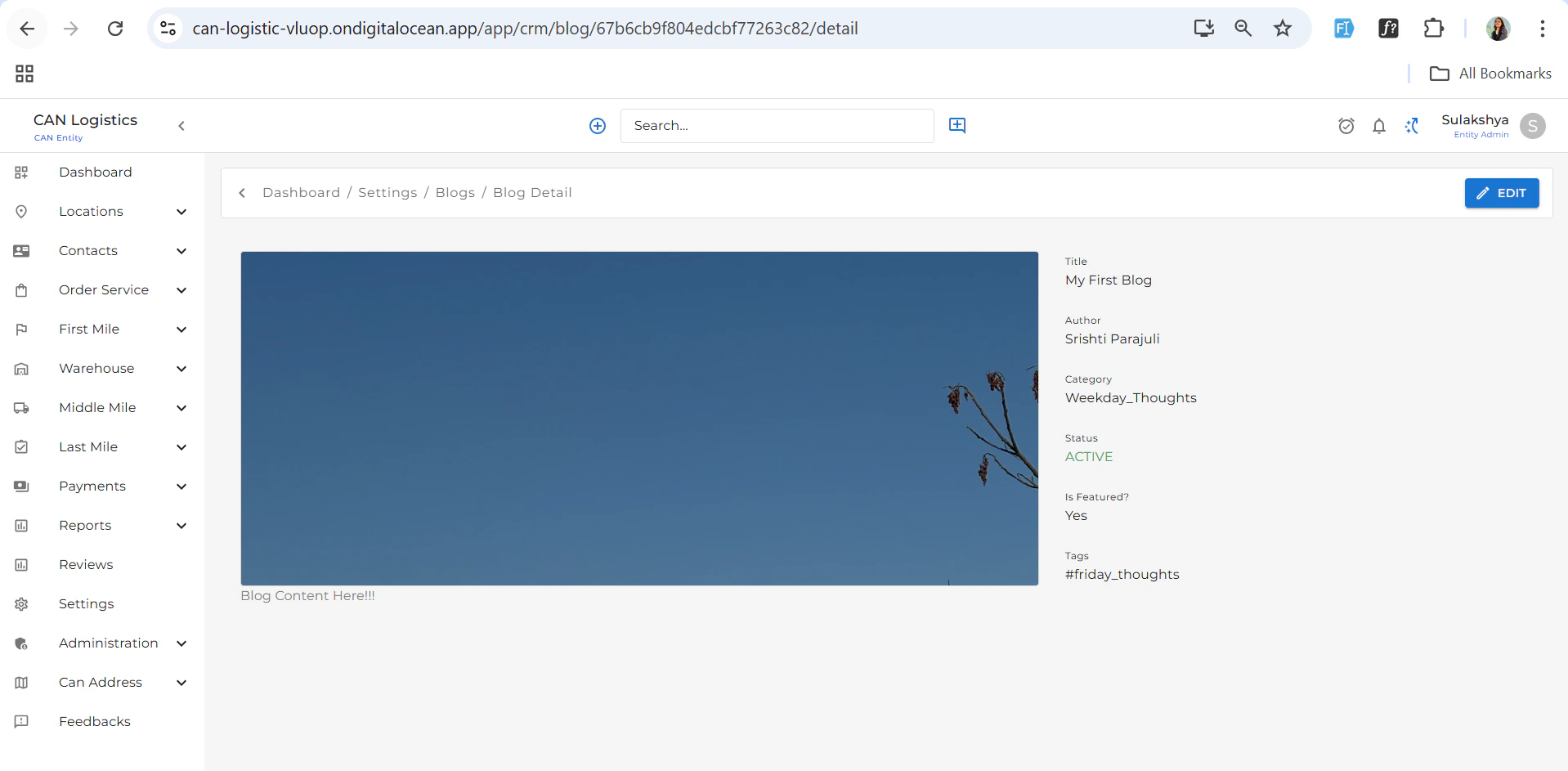
The Blogs section allows you to manage blog content published on your platform.- The list screen displays all the blogs you’ve added.
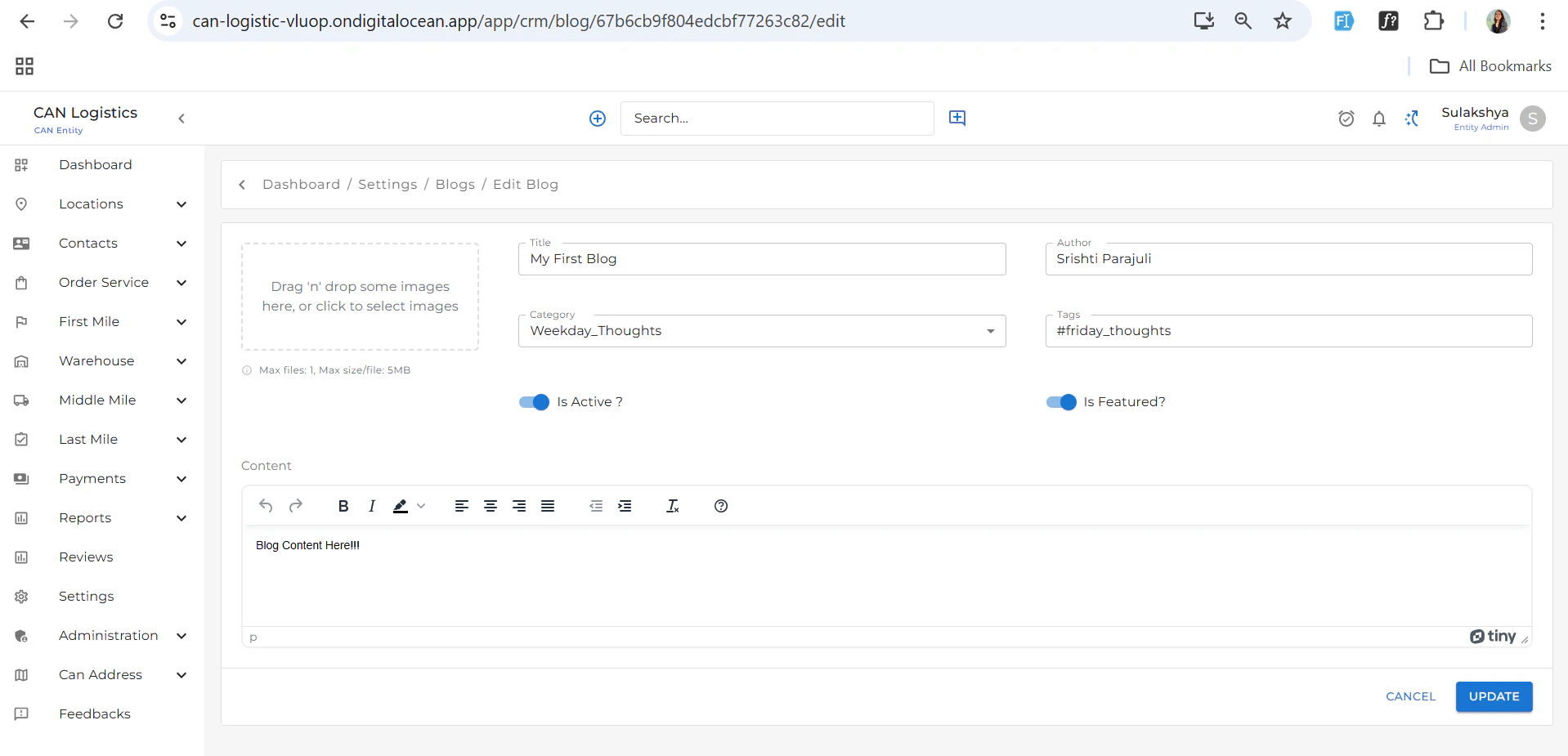
- Use the ➕ Create Blog button in the top-right corner to:
- Add a new blog post
- Include fields like title, content, tags, and category

Billing Items
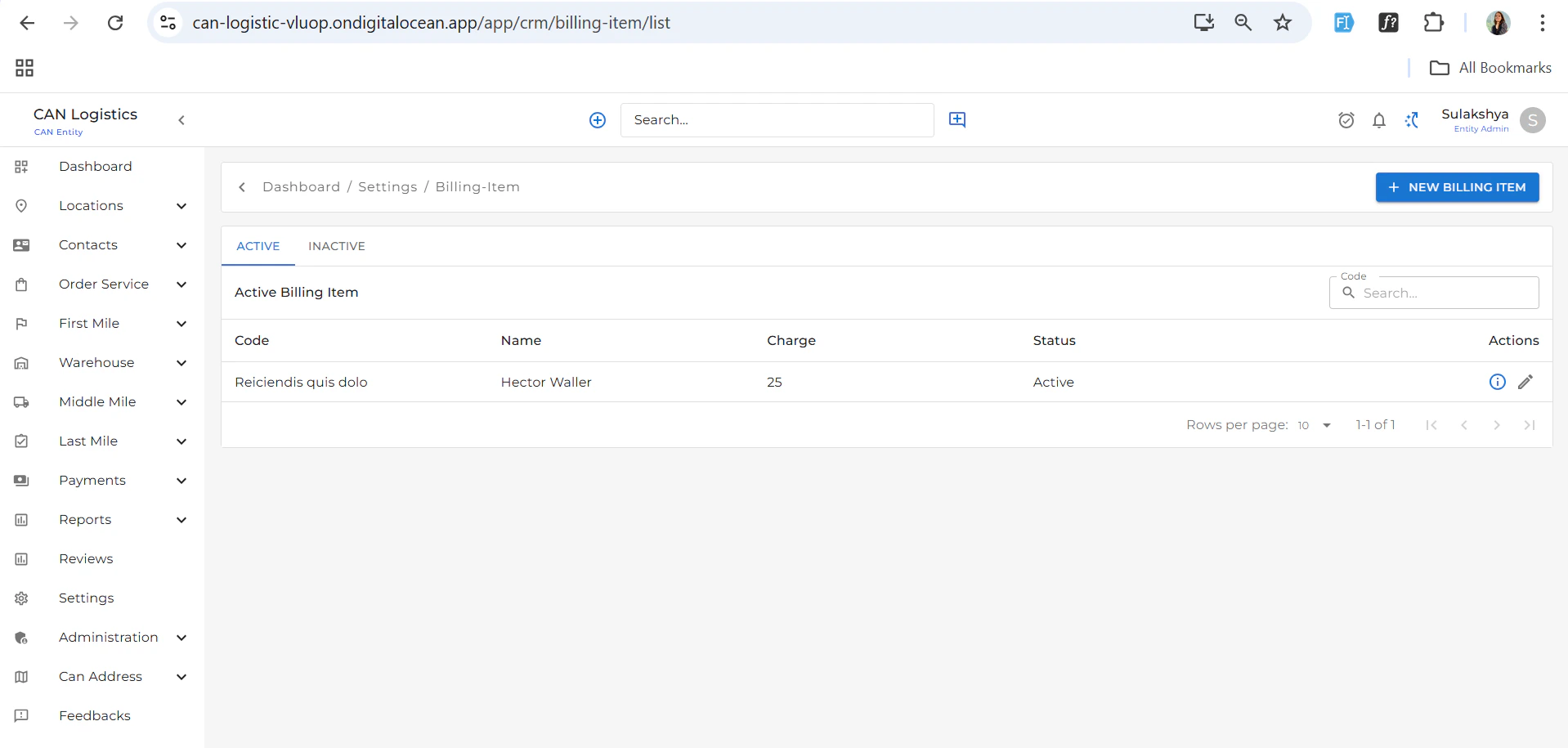
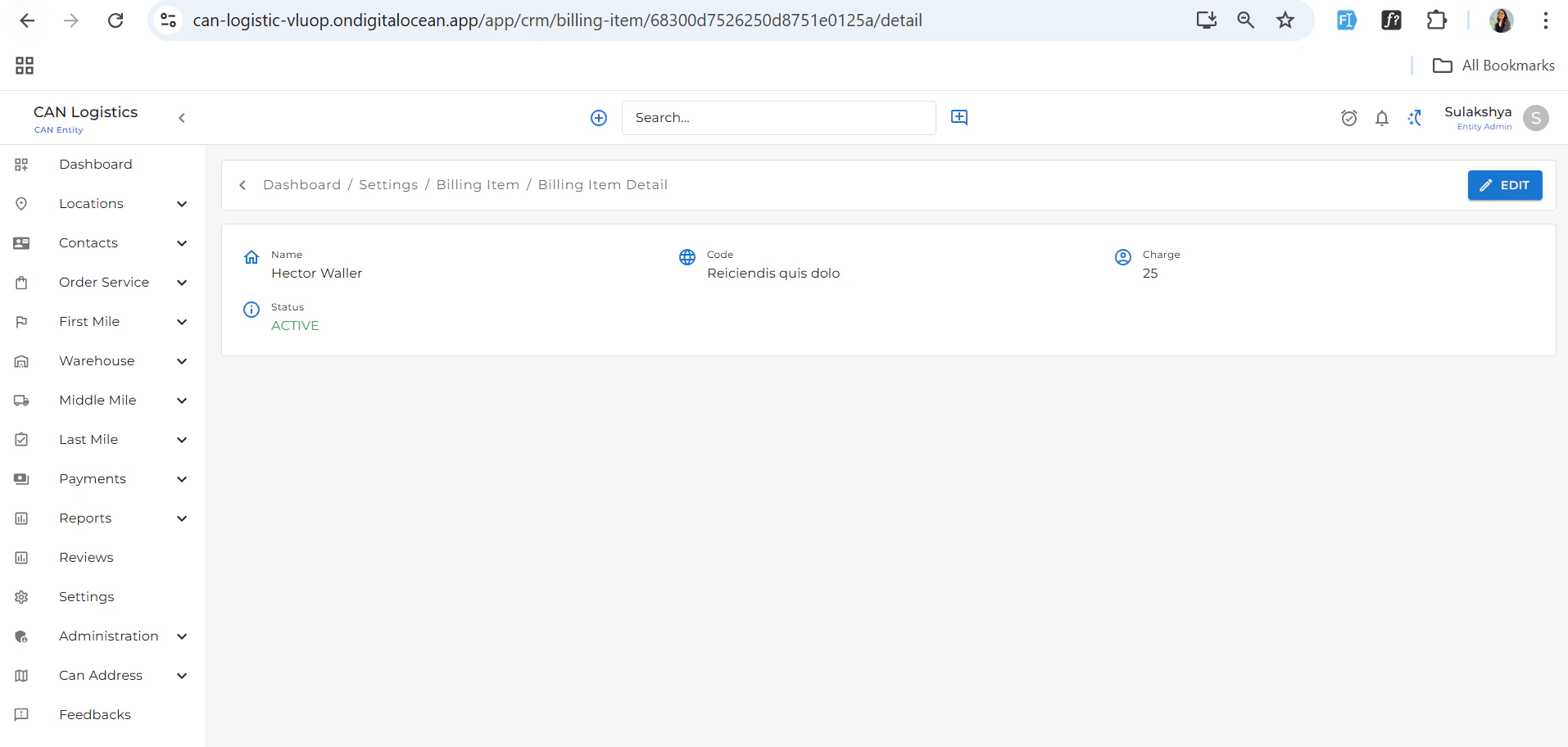
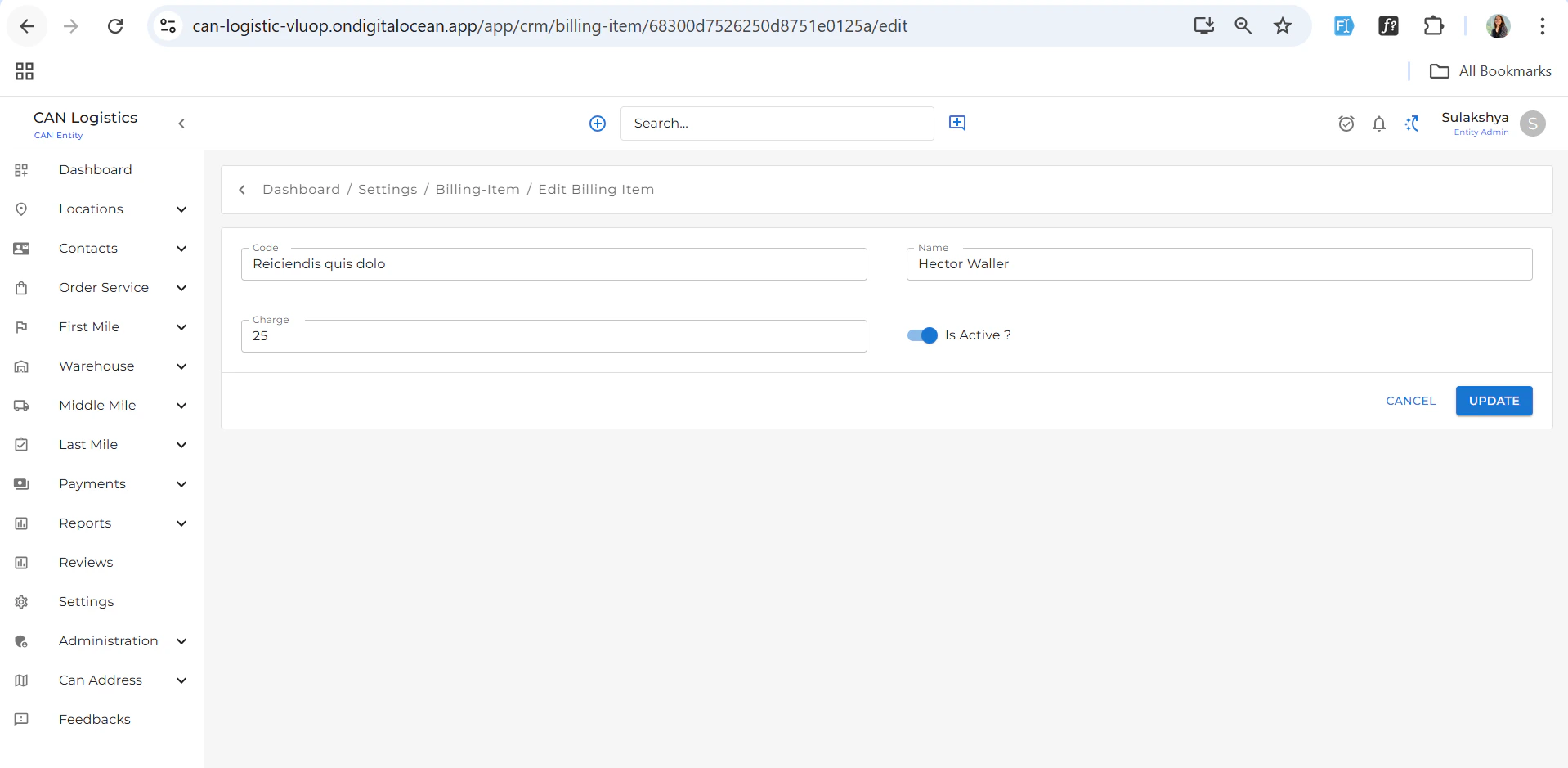
Manage pricing-related line items used in transactions or orders.- The list displays all Billing Items you have added.
- Each entry includes:
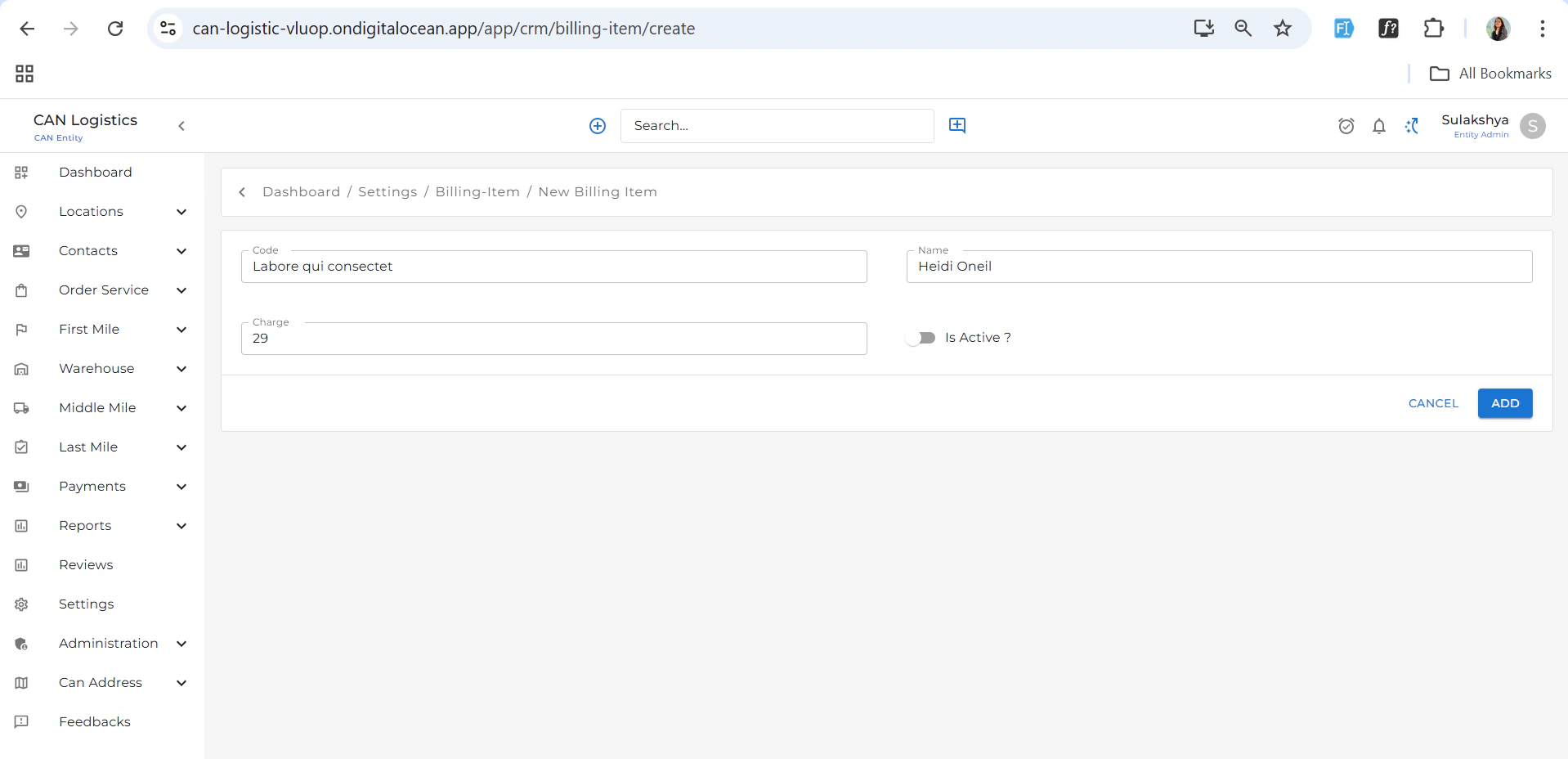
- Code
- Charge
- Name
- Use the ➕ Add Billing Item button in the top-right corner to create a new entry.
Resources
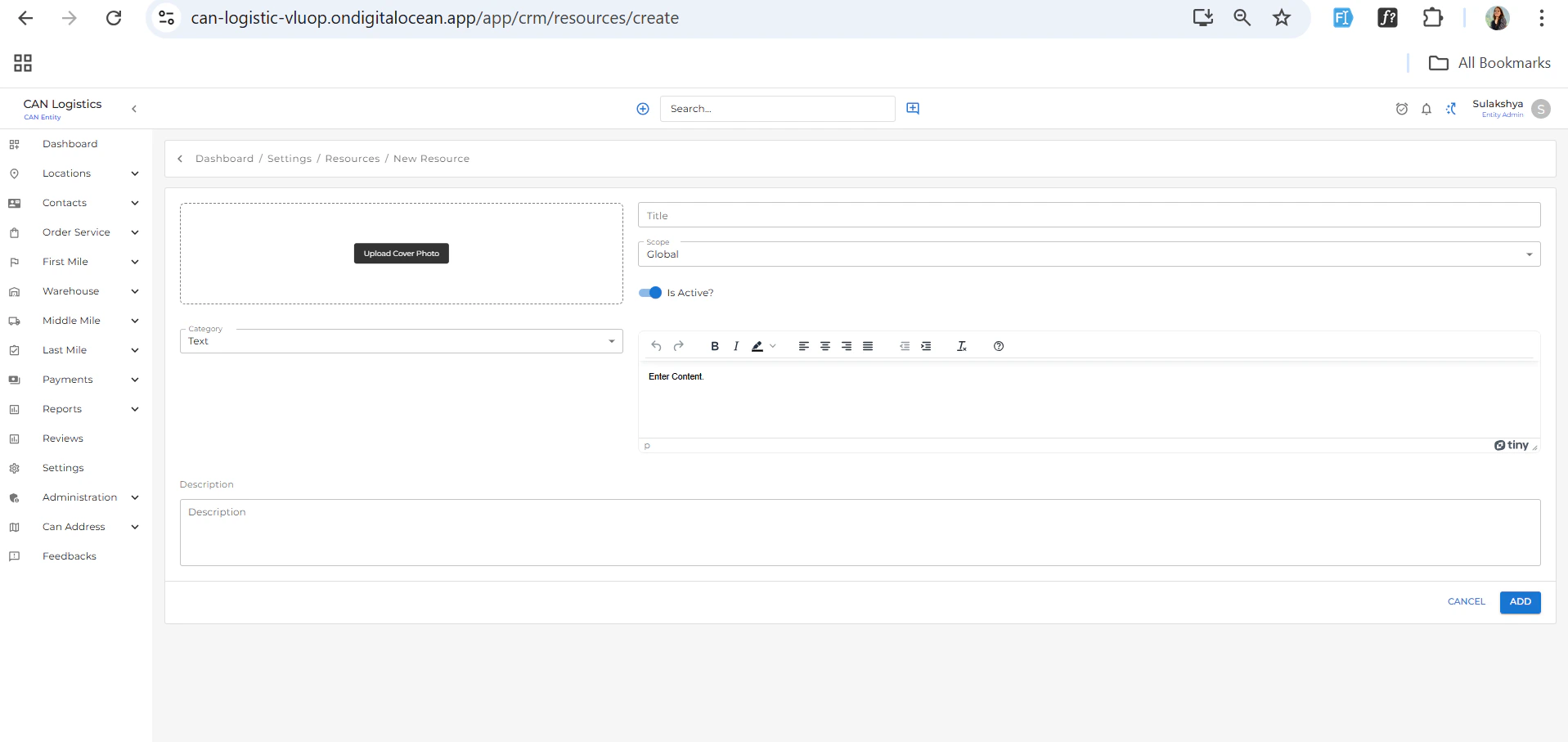
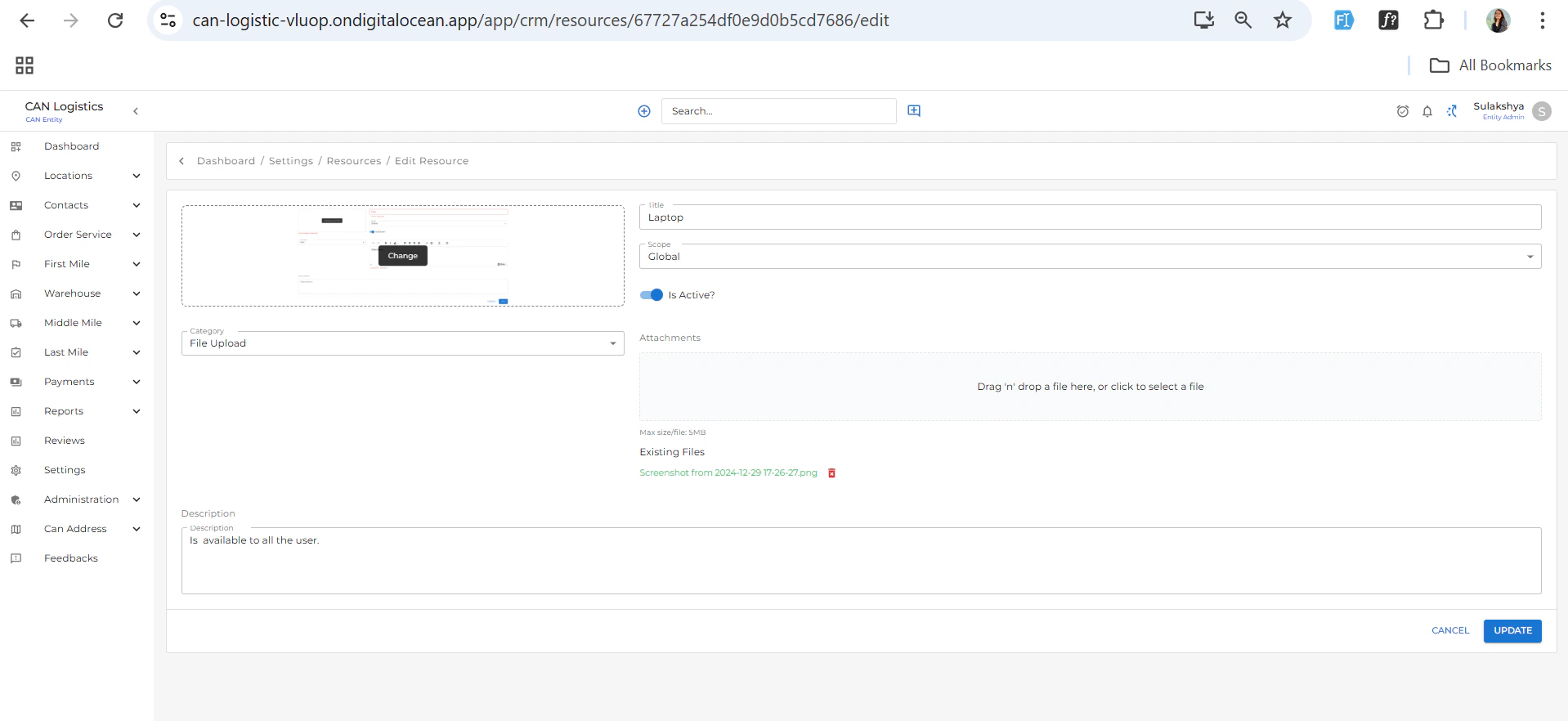
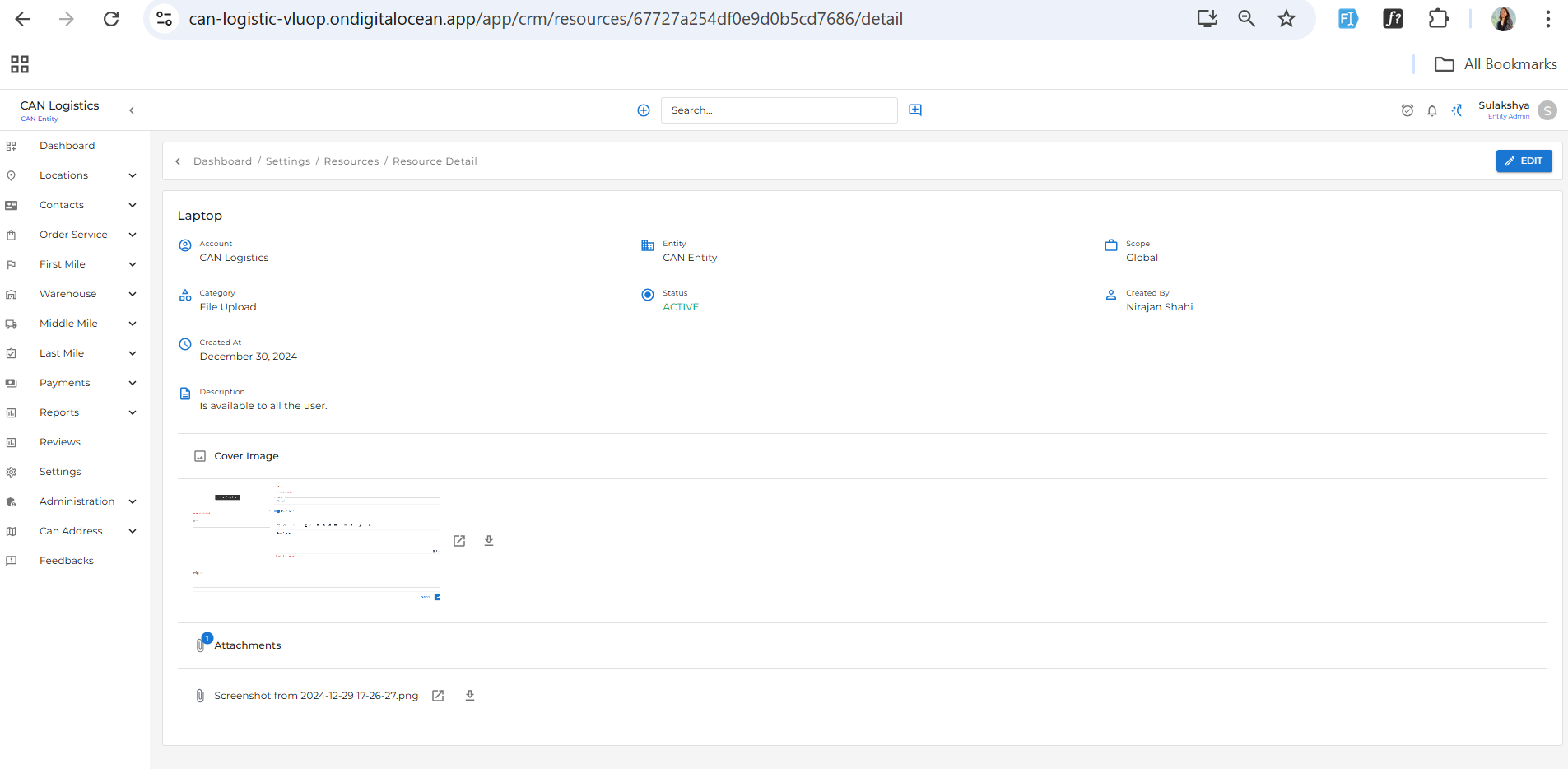
Manage external or internal reference materials, documents, and links.- The Resources List displays all the items you have added.
- Use the ➕ Add Resource button in the top-right corner to add:
- Resource name
- Link or upload
- Description
These resources can be reused across different modules or shared with users as helpful documentation.