Website Type Configuration
You can choose between two types of websites:- E-Commerce
- General
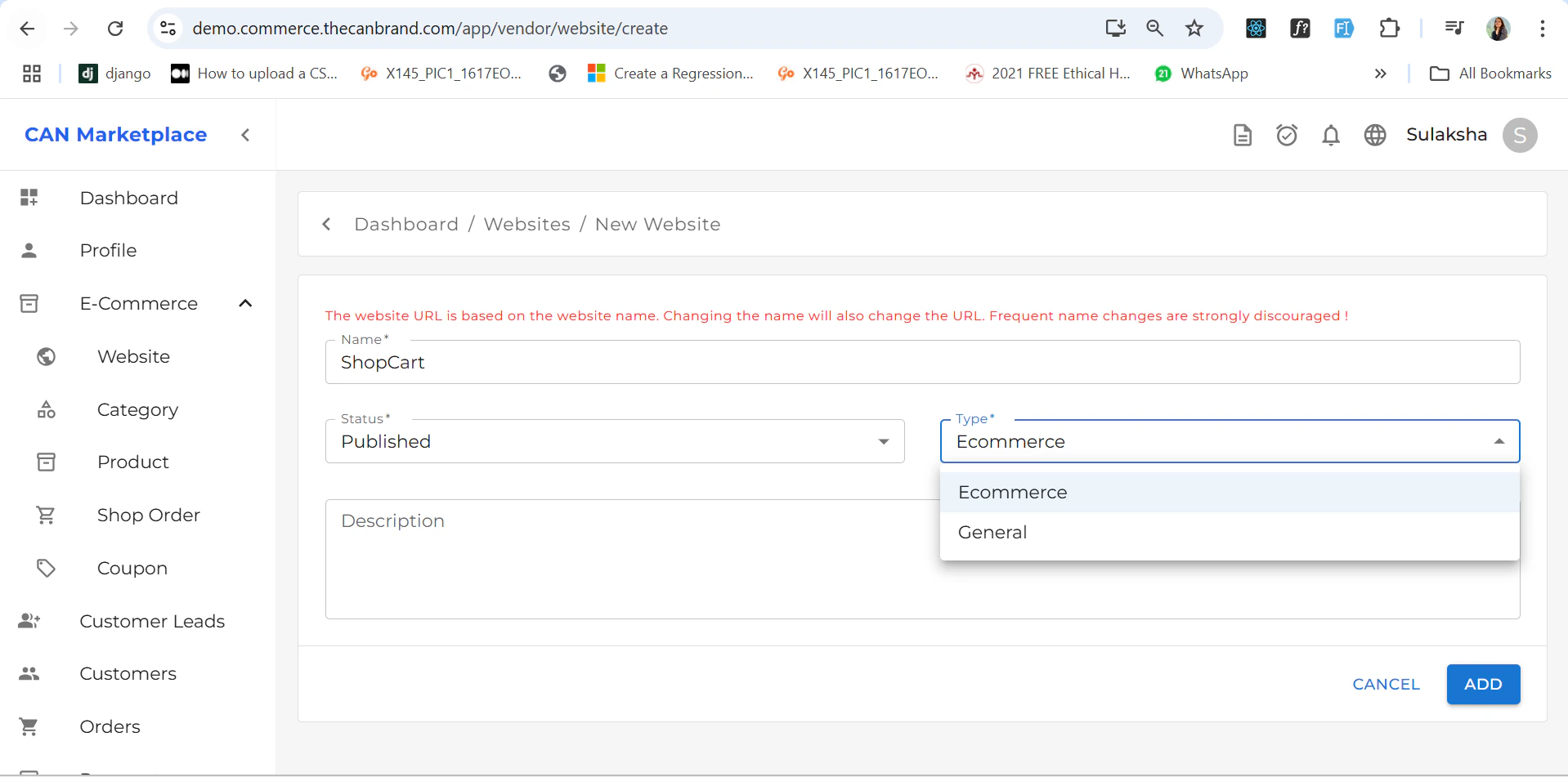
General Website
If the selected website type is General, then:- The Home page is set as the default page.
- All other pages (e.g., About, Contact, Services) are automatically configured.
Default Pages (Non-Editable)
The following pages are included by default and cannot be renamed or deleted:- Home
- Shop
- Wishlist
- Cart
- Checkout
- Order Track
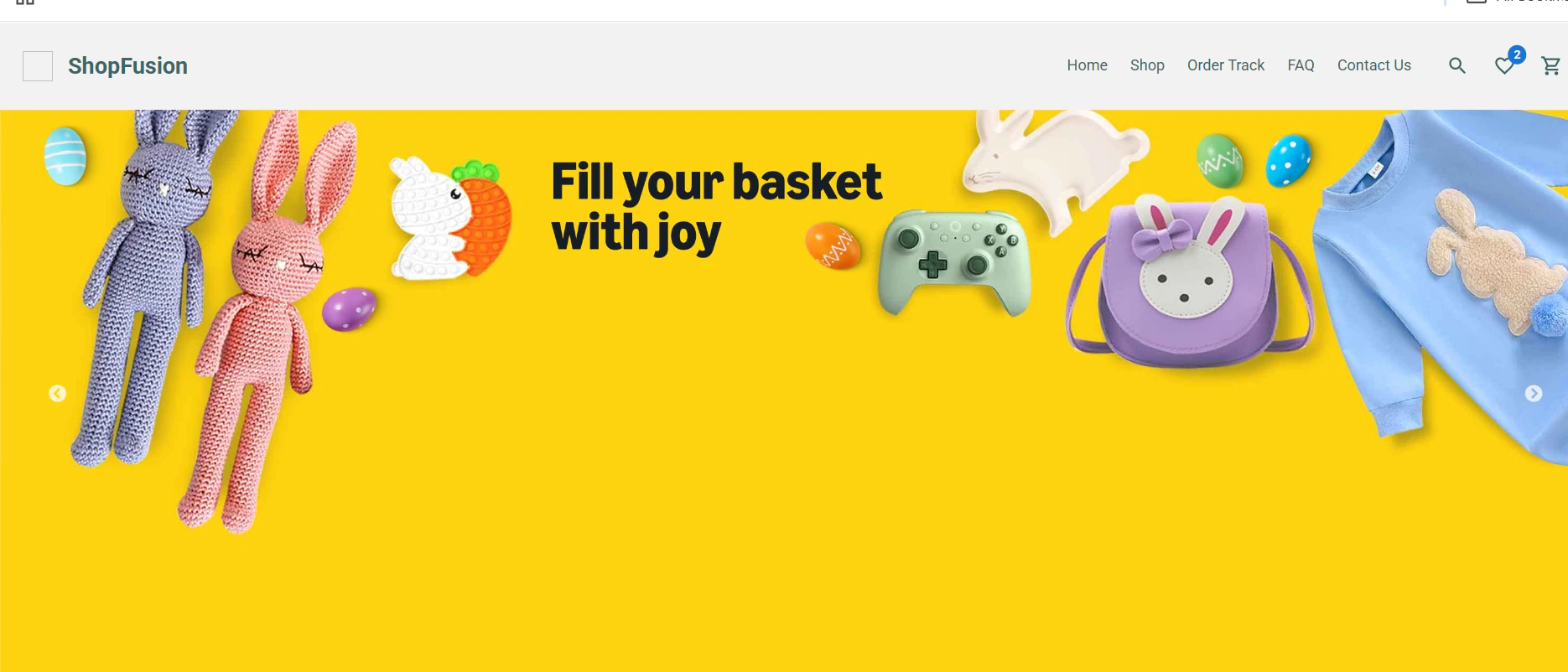
These are essential for core e-commerce functionality and are fixed for consistency.You can also add create multiples website , there is icon on top left corner where you can add new website and select the type if its general you can create new pages and if it’s e-commerces there is already default pages as mentioned below.
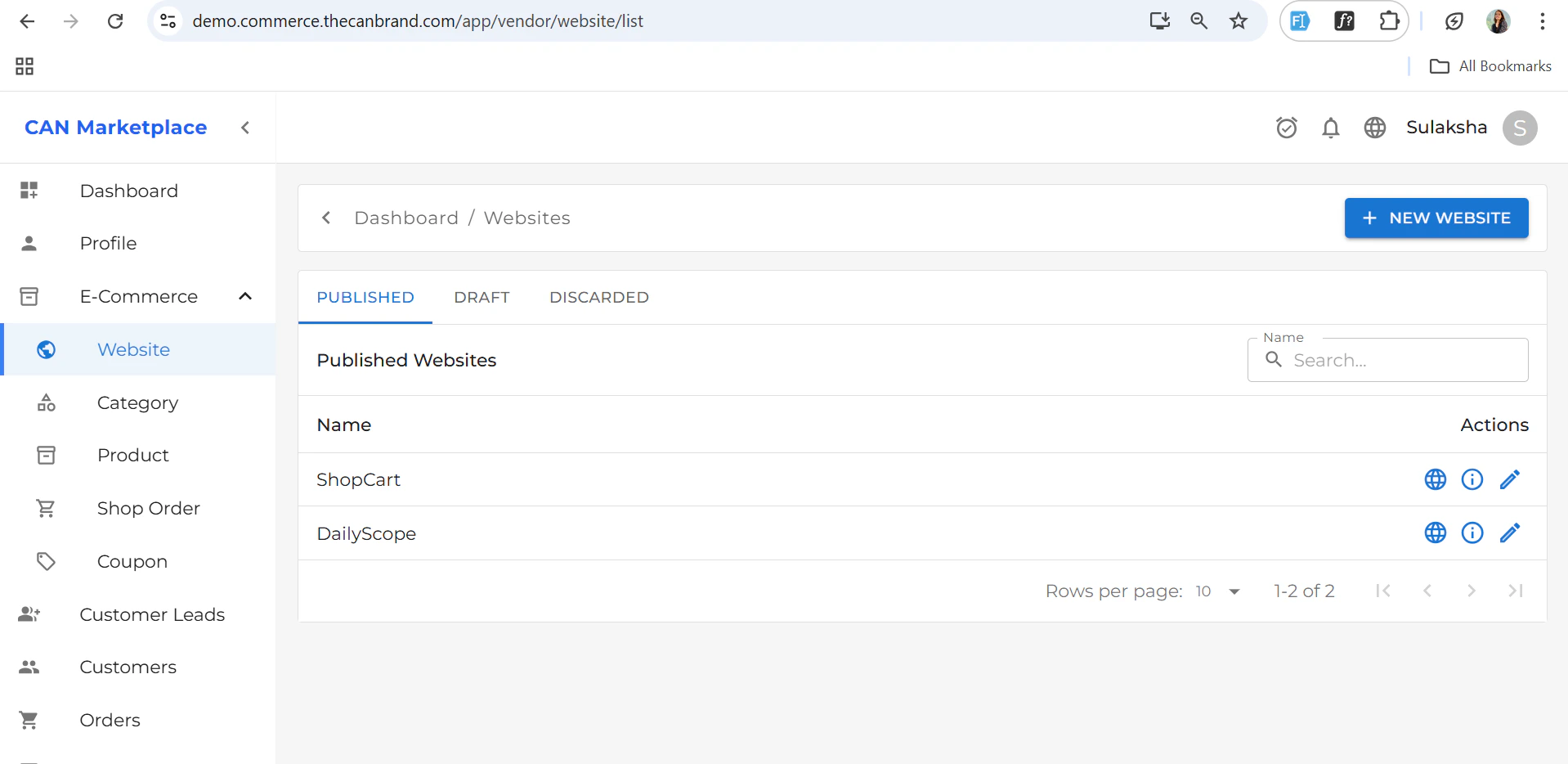
Adding Custom Pages
To add new pages:- Click the + (plus icon) at the top.
- Fill in the following details:
-
Display Name
The name shown in the website navigation (e.g., About Us, Contact, FAQ). -
Link
The URL or internal link where the page should navigate (e.g.,/about,/contact). -
SEO Title and Description
- The SEO Title is shown on the browser tab.
- The SEO Description is used when sharing links on social media.
These help improve visibility and click-through rates.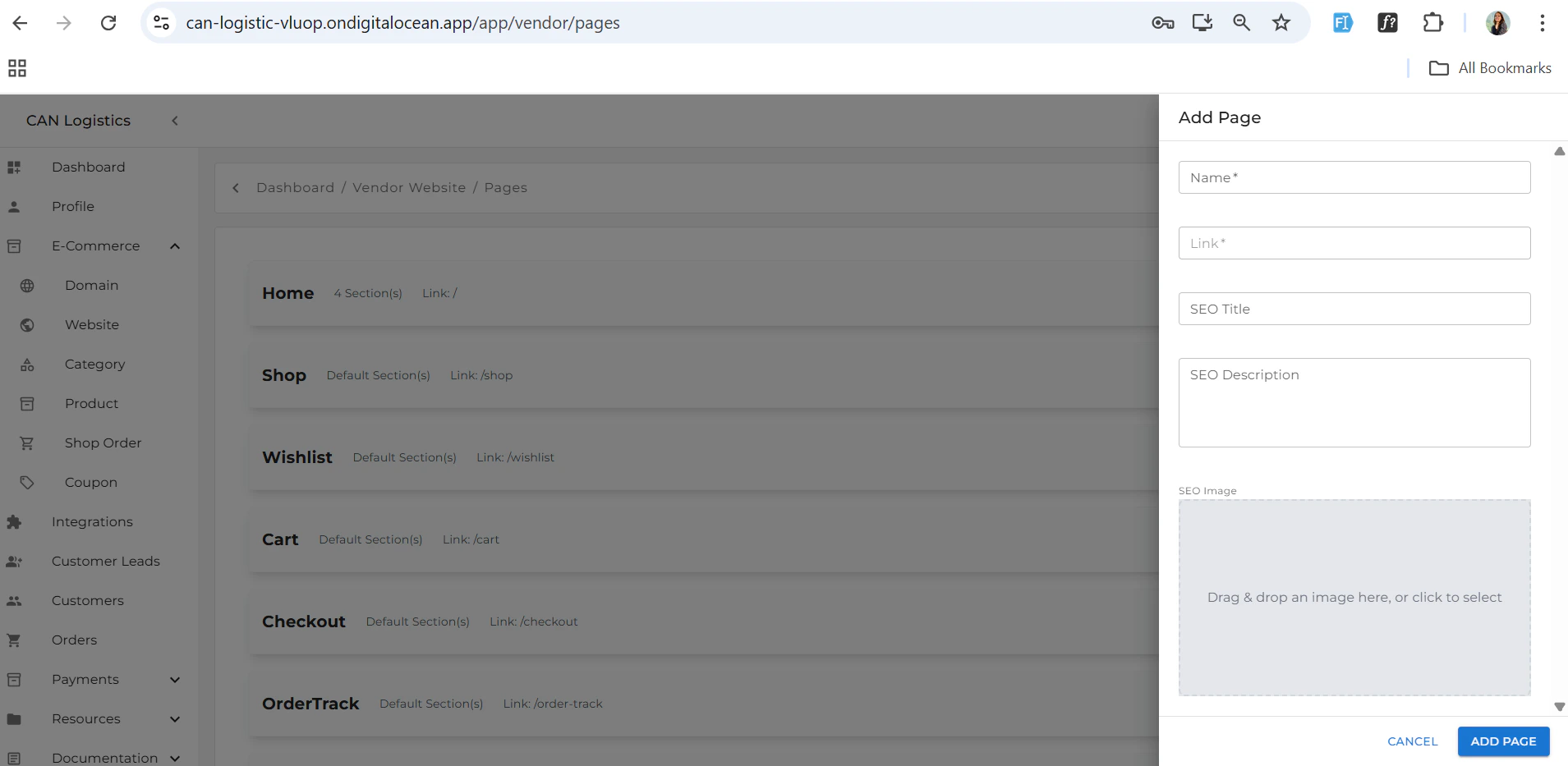

Deleting Pages
Each custom page added will include a delete icon.- Click the delete icon to remove the page from your website.

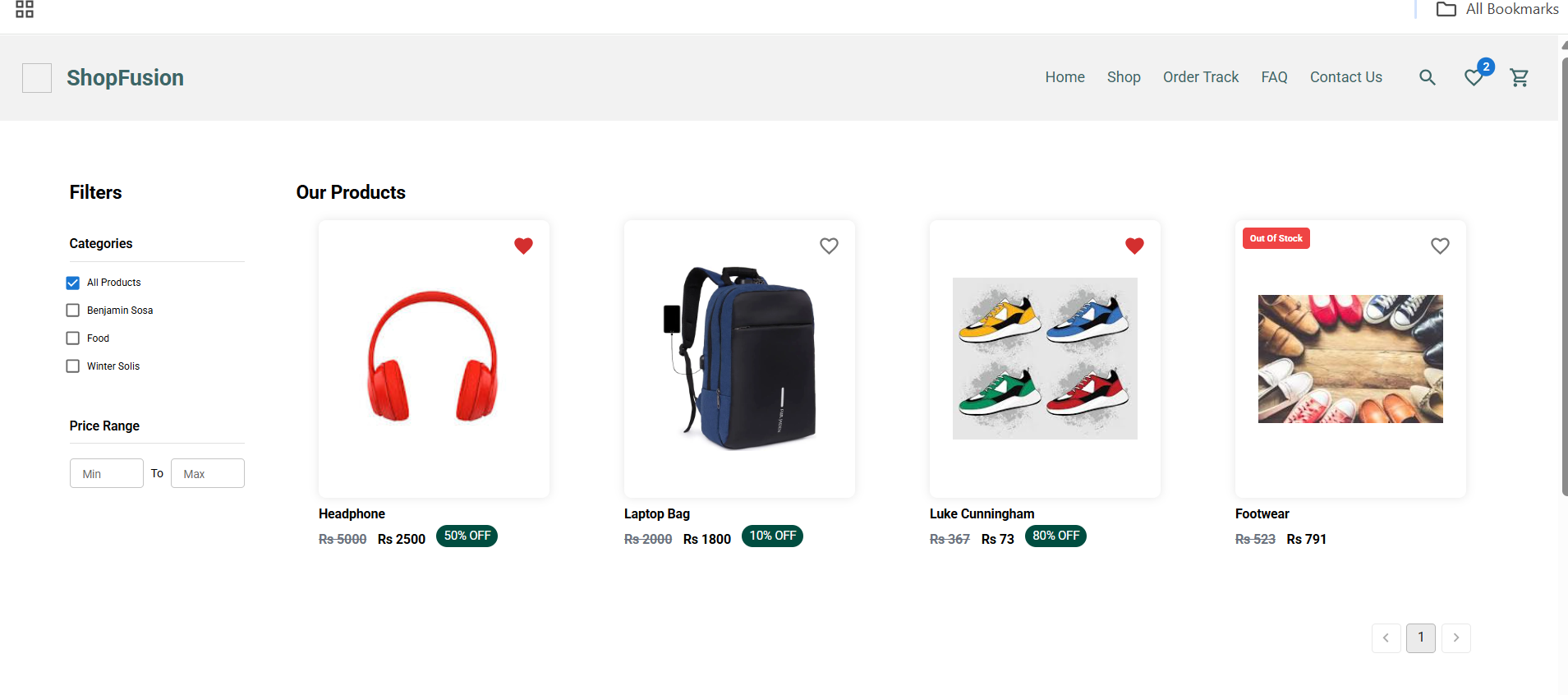
Shop
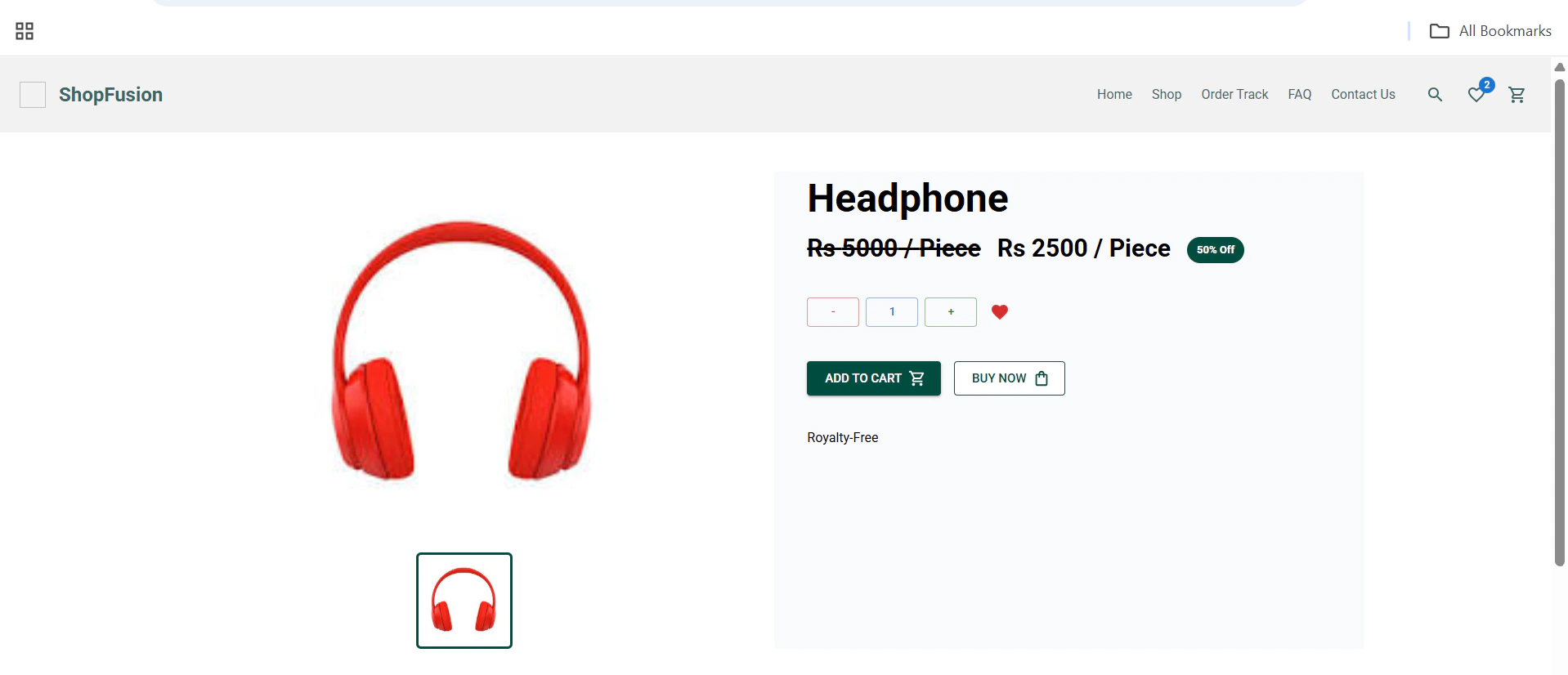
- View all products with price and details.
- Filters for categories, price range, and more.
Order Tracking
- Track order status and see order summary.
- Displays payment and shipping details, estimated delivery. 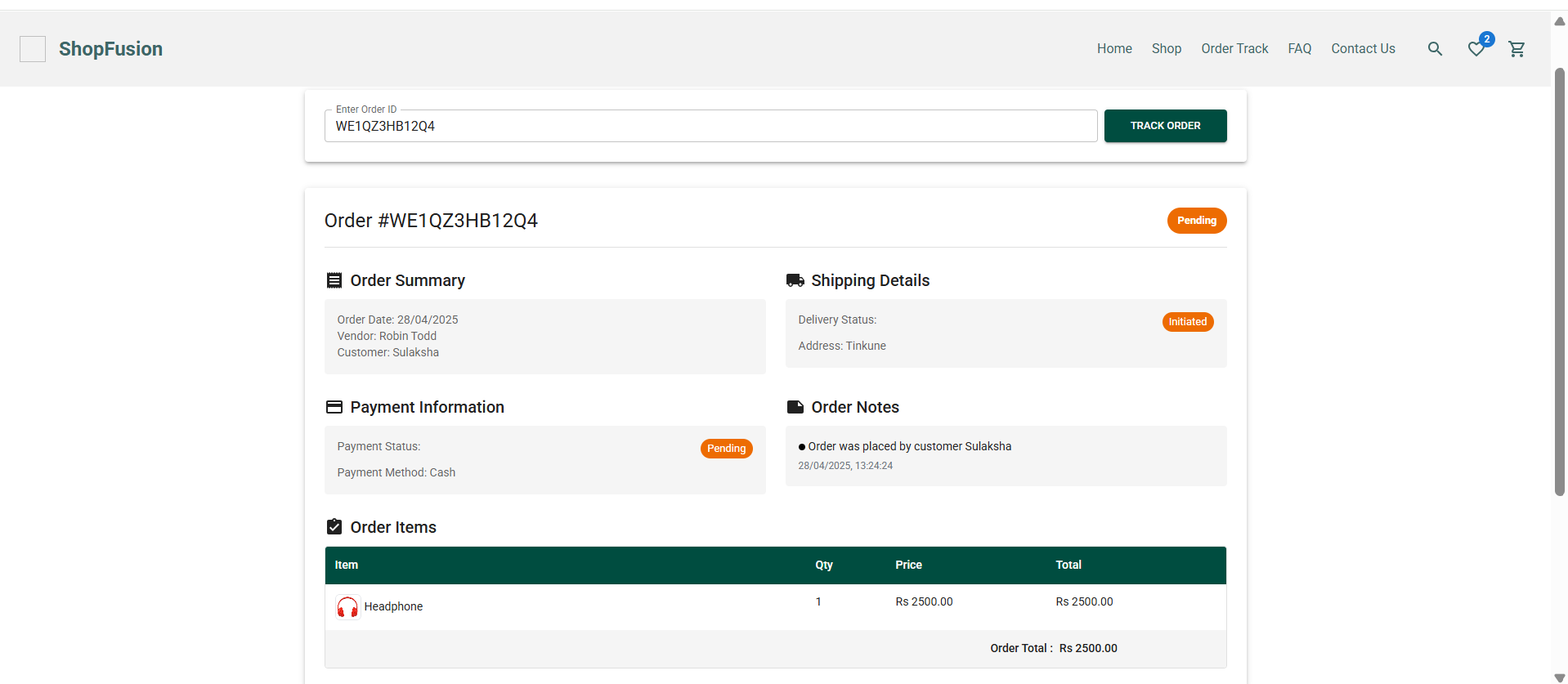
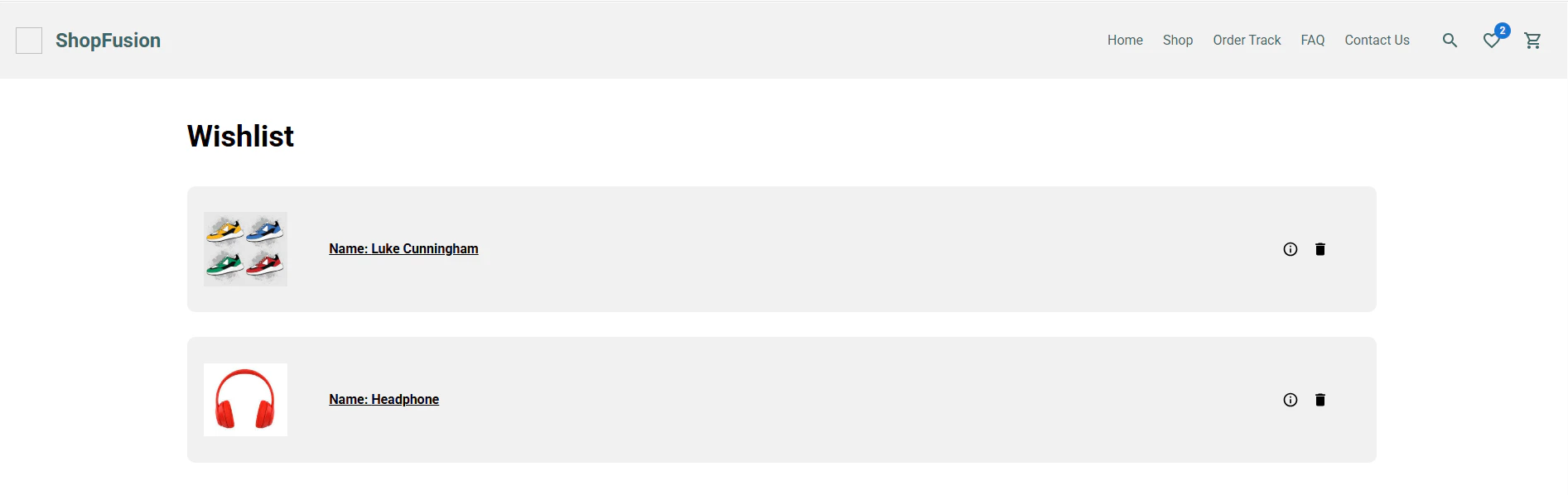
Wishlist
- Save and review products marked as favorites.
- Personalized based on user preferences.
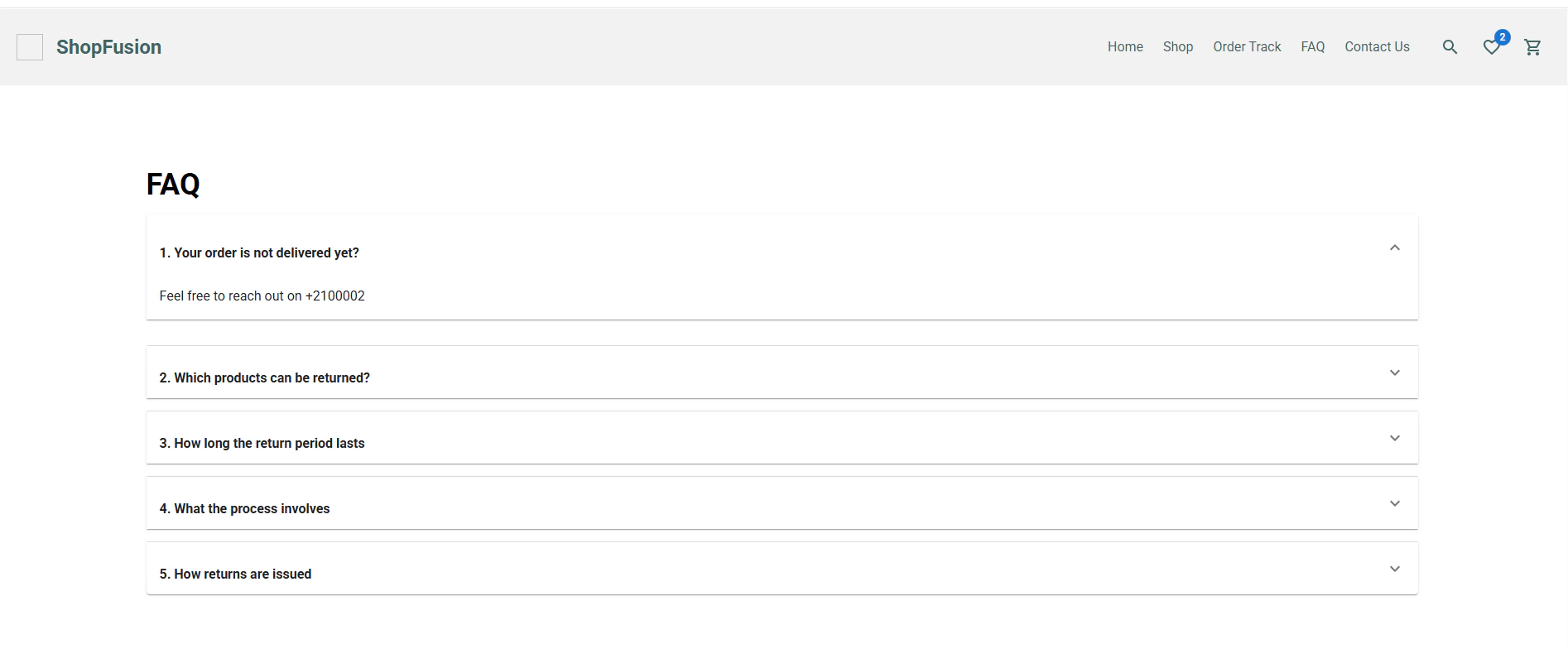
FAQ
- Search and browse common queries.
- Organized by topic (shipping, returns, etc.).
Contact Us
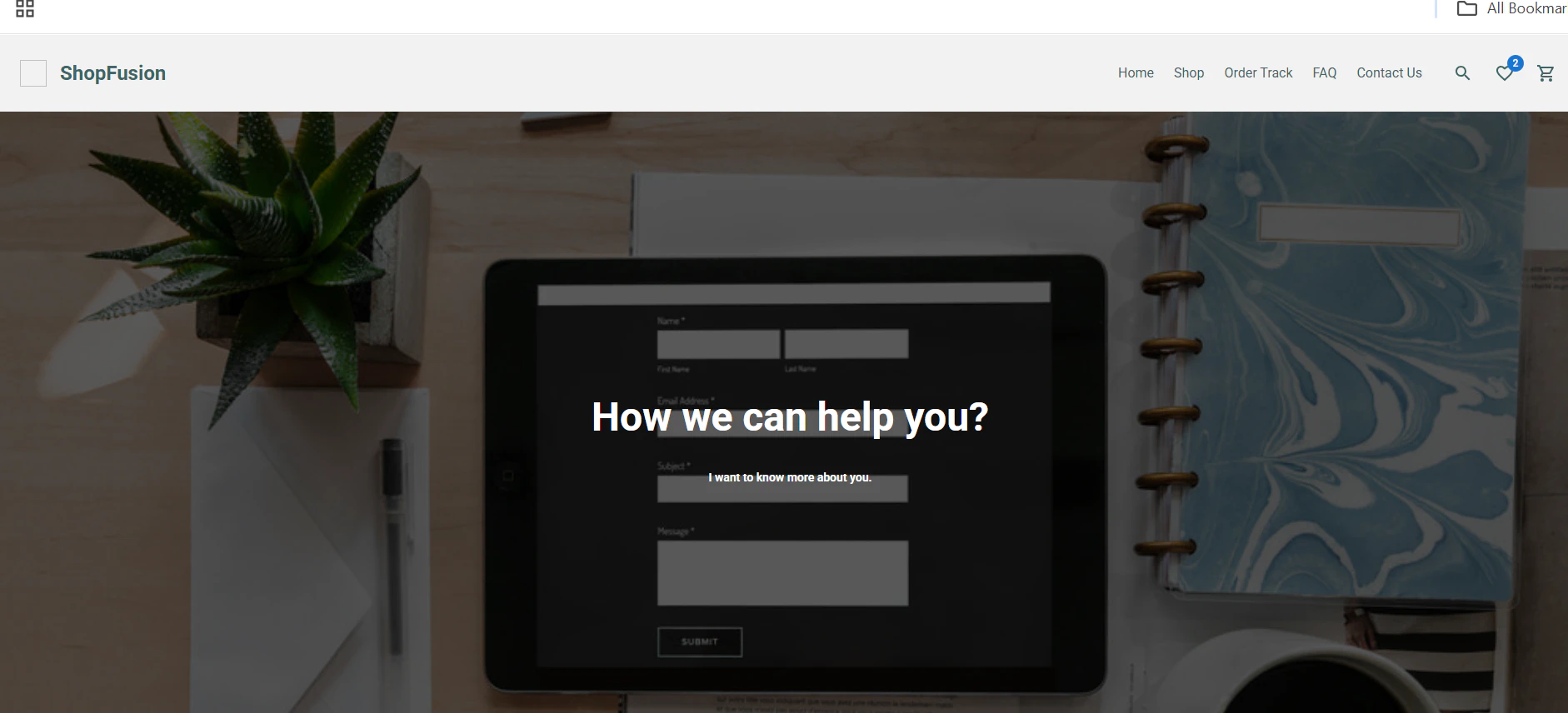
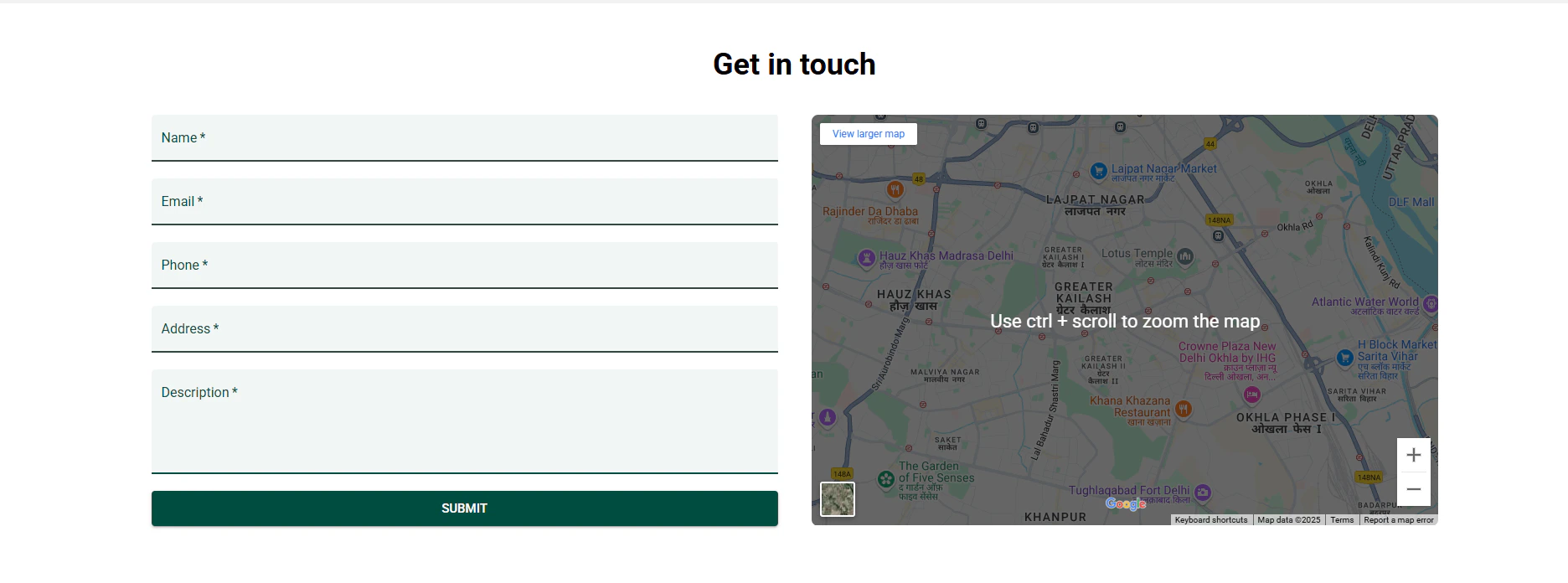
- Contact form for inquiries and support.
- Includes email, phone, and live chat options.
Custom Pages
- Create custom pages like blogs, promotions, etc.
- Flexible layout and content management.