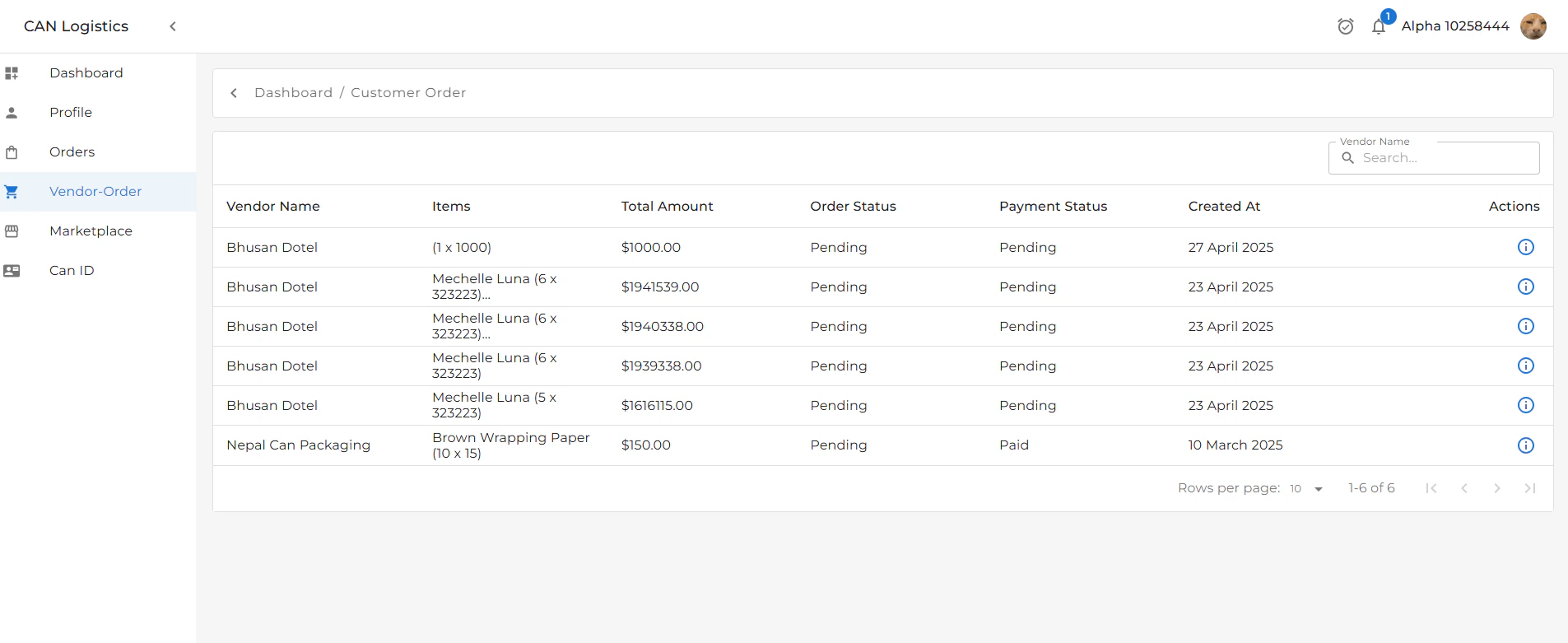
List View
The list view displays key information about each vendor order:- Vendor’s Name
- Order Status
- Total Amount
- Payment Status
- Date Created
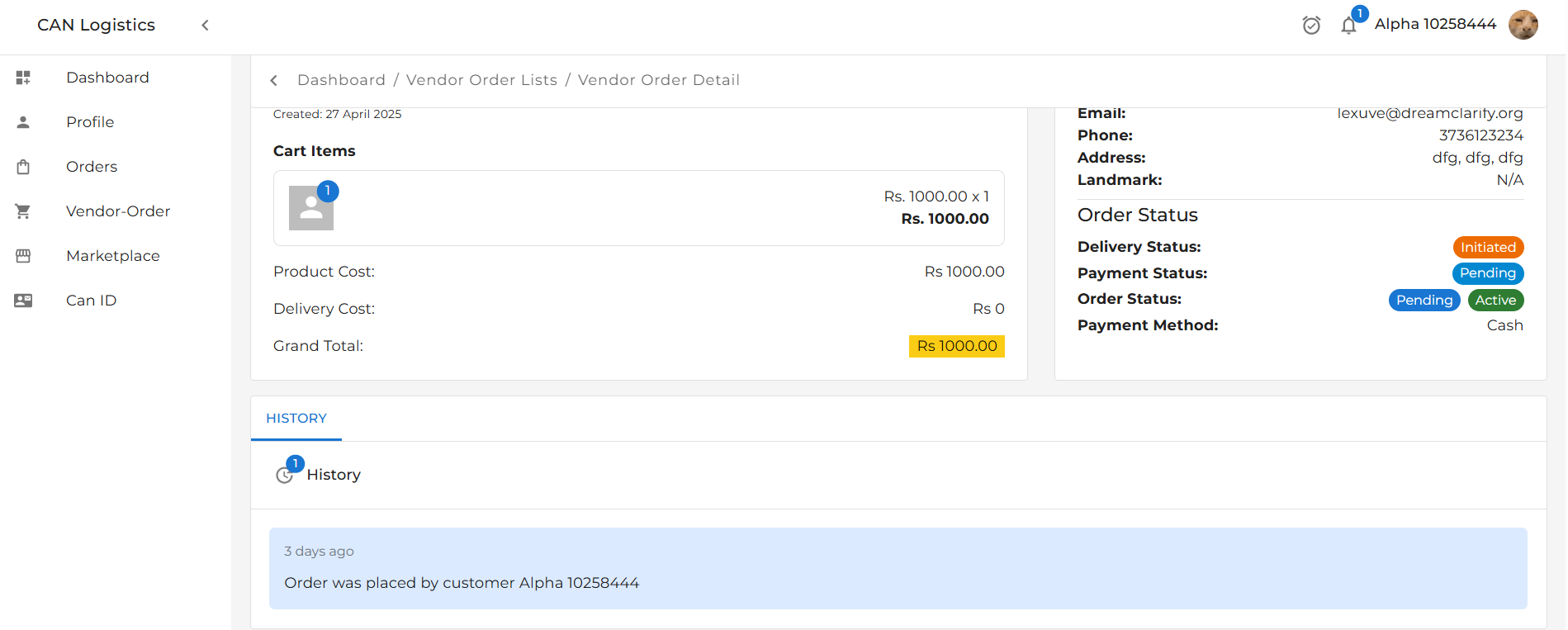
Detail View
The detail view provides an in-depth look at a selected vendor order. It includes:1. Vendor Details Summary
- Vendor name
- Contact information
- Company details
2. Order Details Summary
- Products/services ordered
- Quantity, pricing, and subtotal
- Delivery and payment info
3. Customer Details
- Customer name
- Contact information
- Shipping address

Order History
A History Section logs all updates related to the order, including:- Delivery Status Changes
- e.g., Shipped → Out for Delivery → Delivered
- Payment Status Updates
- e.g., Pending → Paid → Refunded