Create a Shop Order
You can create a Shop Order by selecting a particular customer. Once the customer is selected and the order is submitted, it will be created successfully.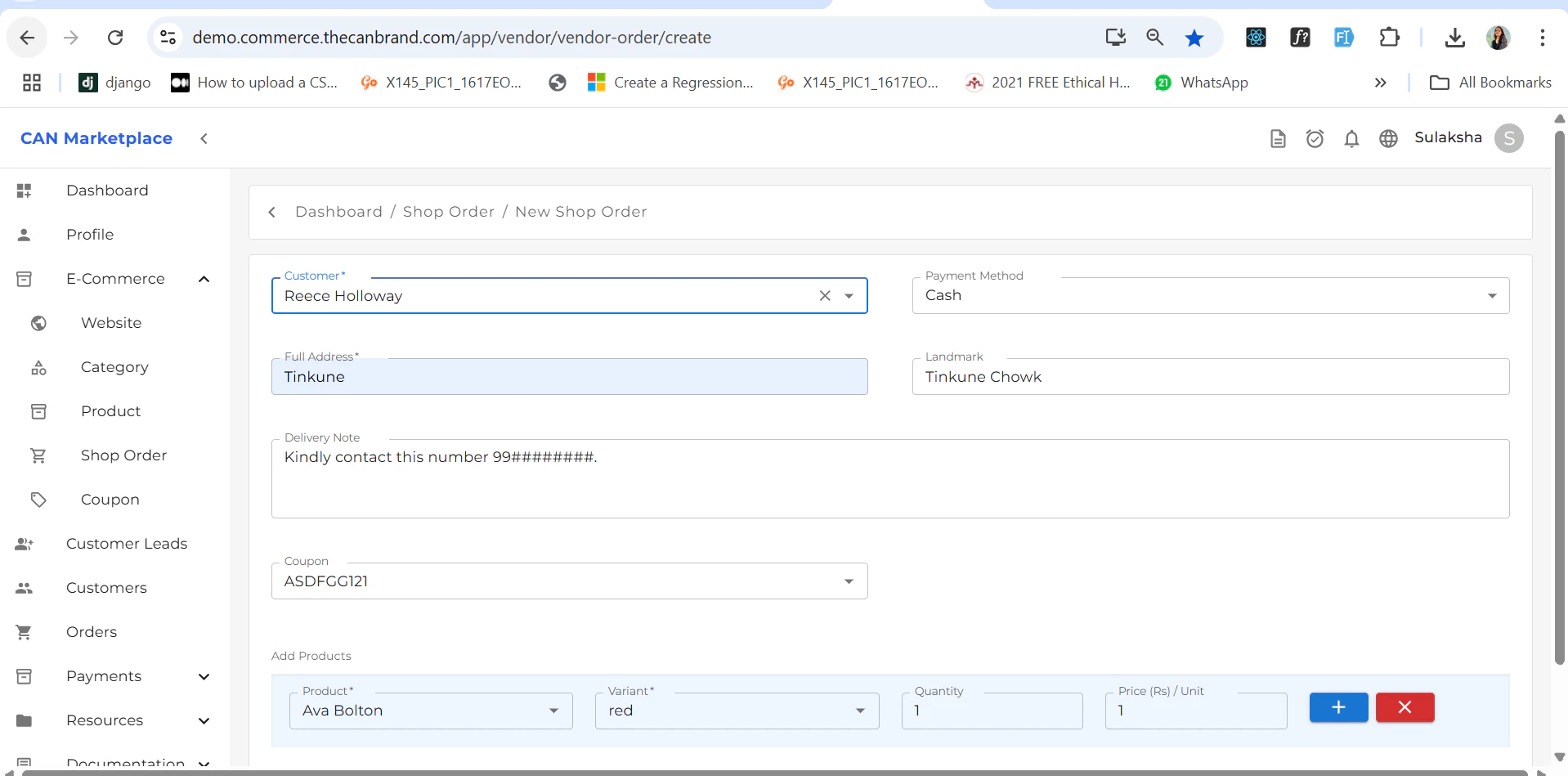
Order Listing
Once a shop order is added, it will appear in the Shop Order List Screen where you can view all created orders.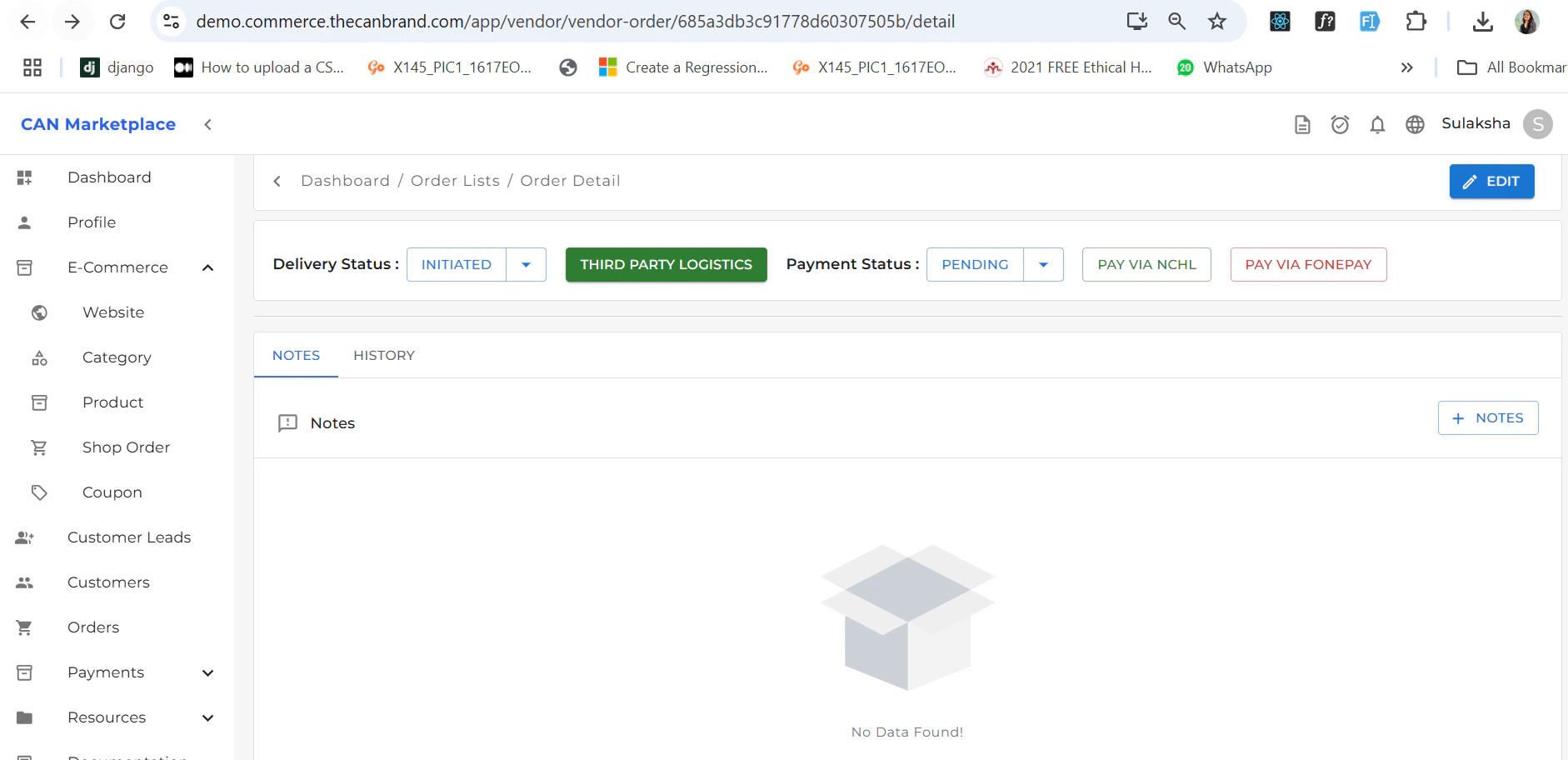
Order Details
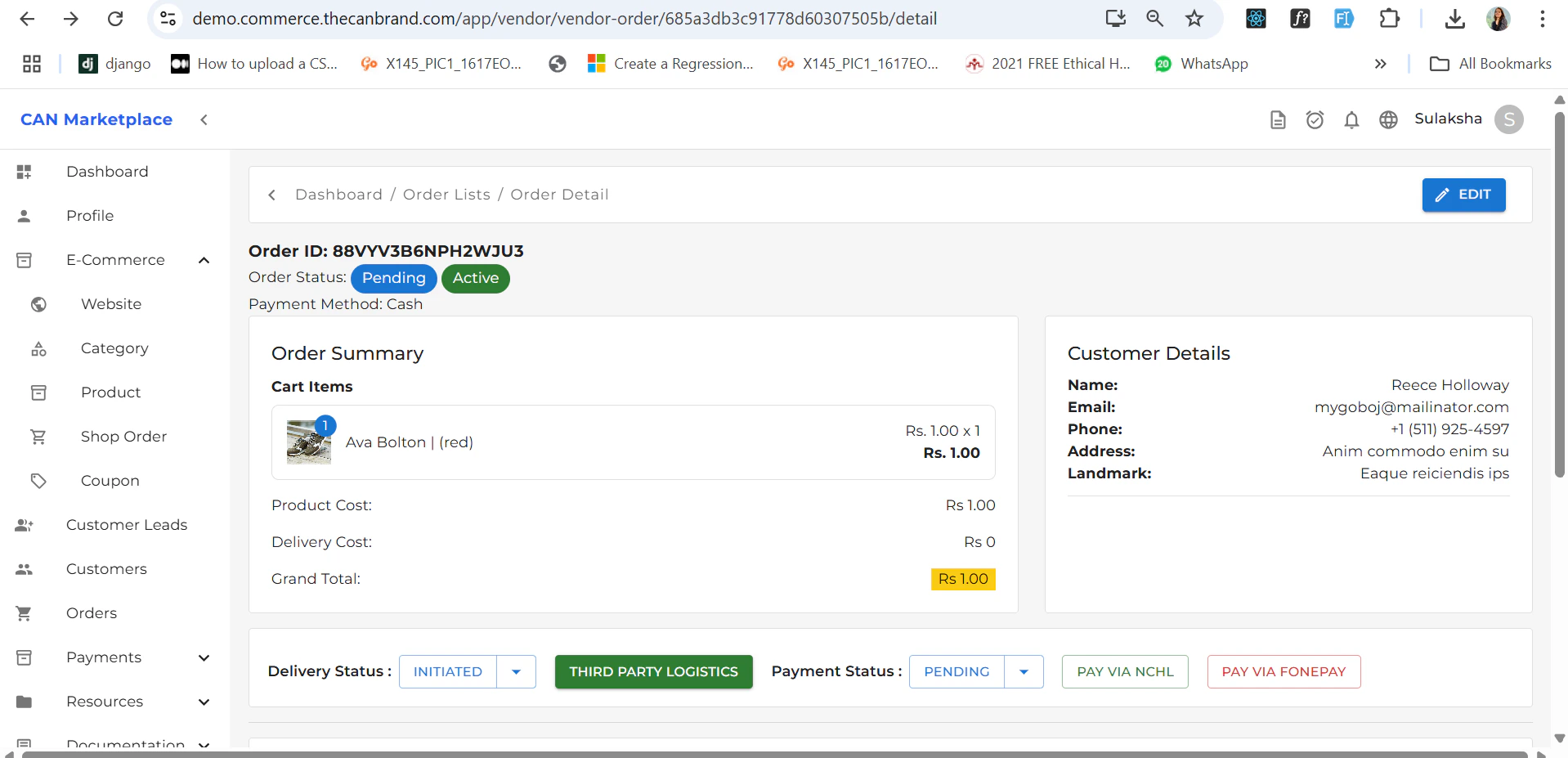
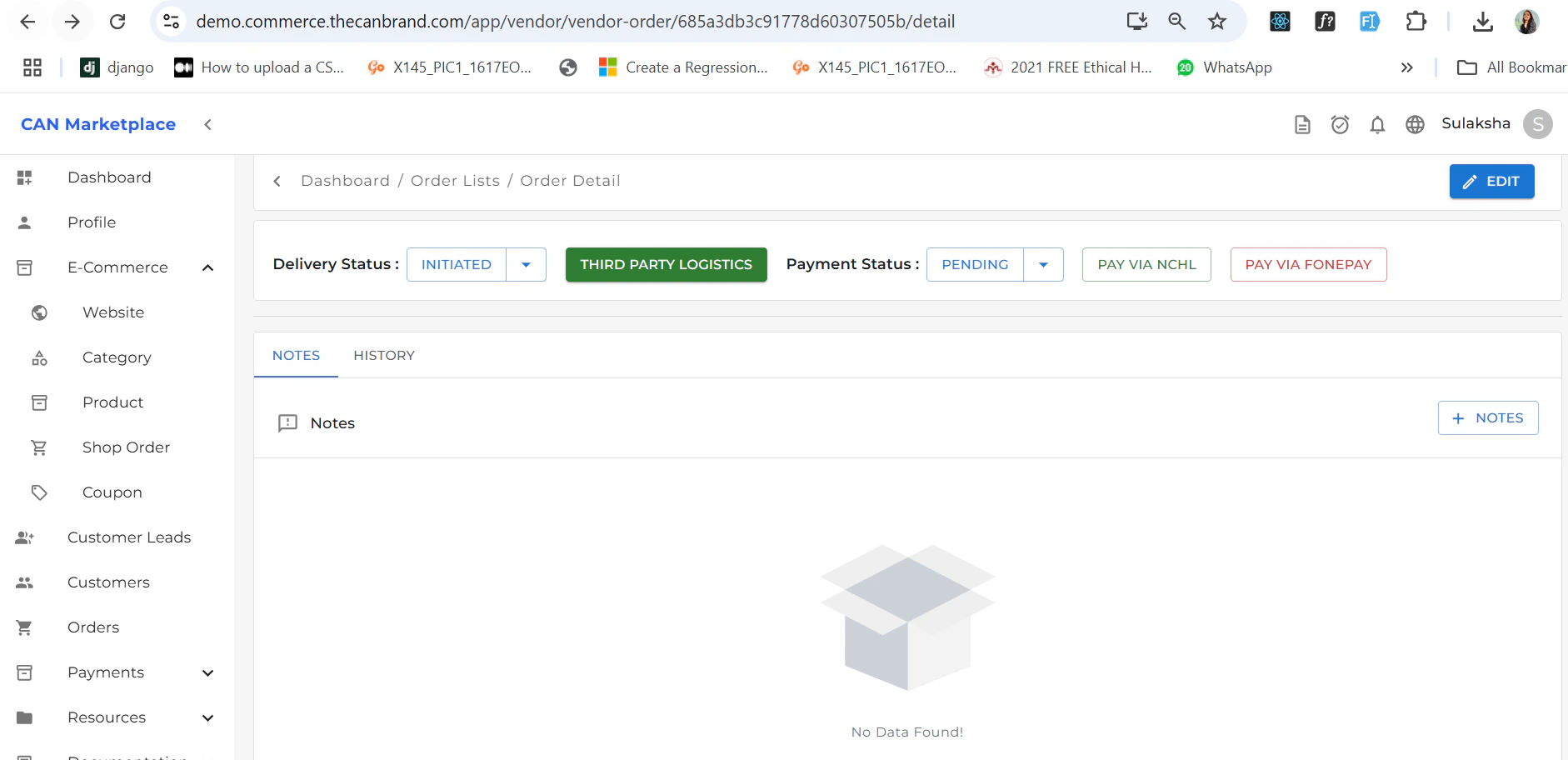
Clicking on an order will open its Detail Screen, which includes:- Order Summary
- Delivery Status
- Order Status
-
Payment Status
You can make payments either online or by cash.