File Archive
Overview
The File Archive module helps you manage stored files in your system. It includes features to list, add, view, and edit file entries, including replacing existing files with updated ones.File Archive List
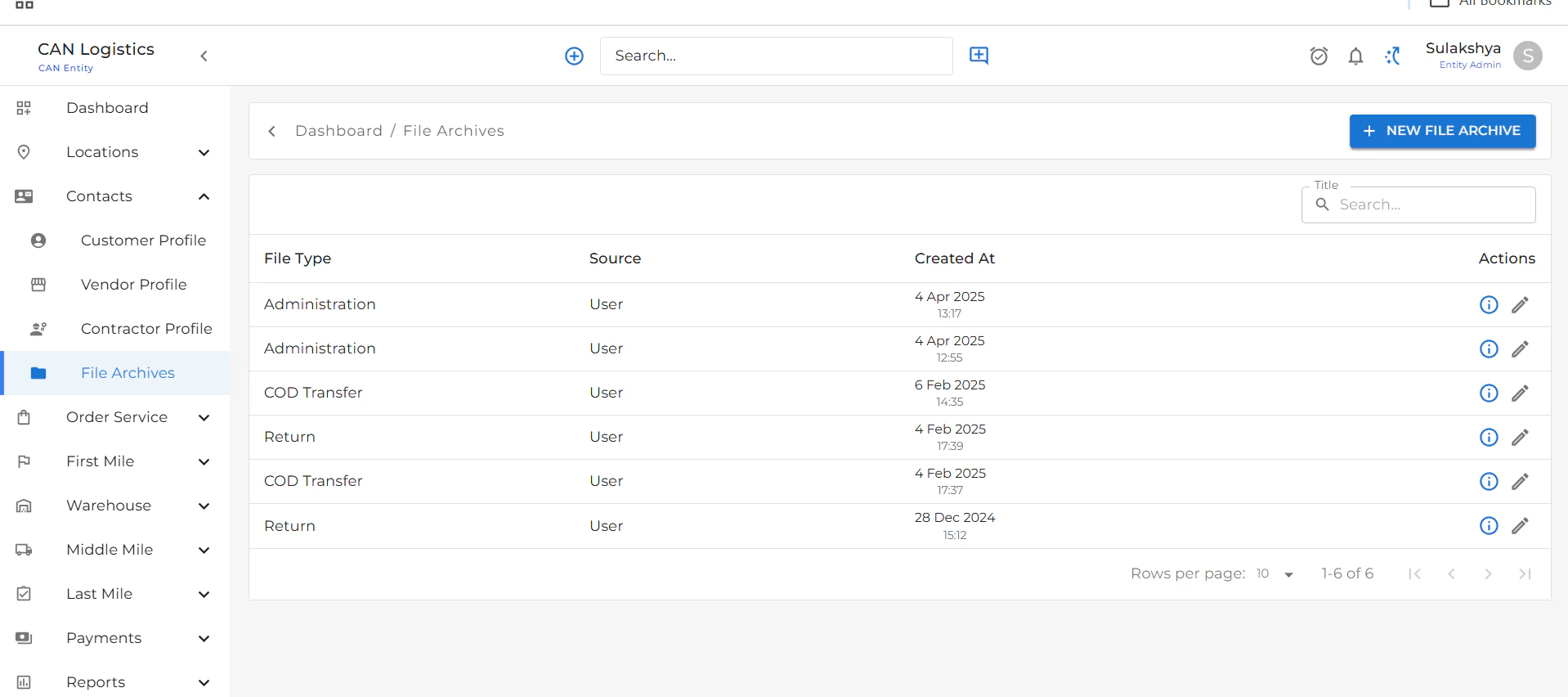
- Displays a complete list of all archived files.
- Shows file details including File Name, File Type, and other relevant metadata.
New File Archive
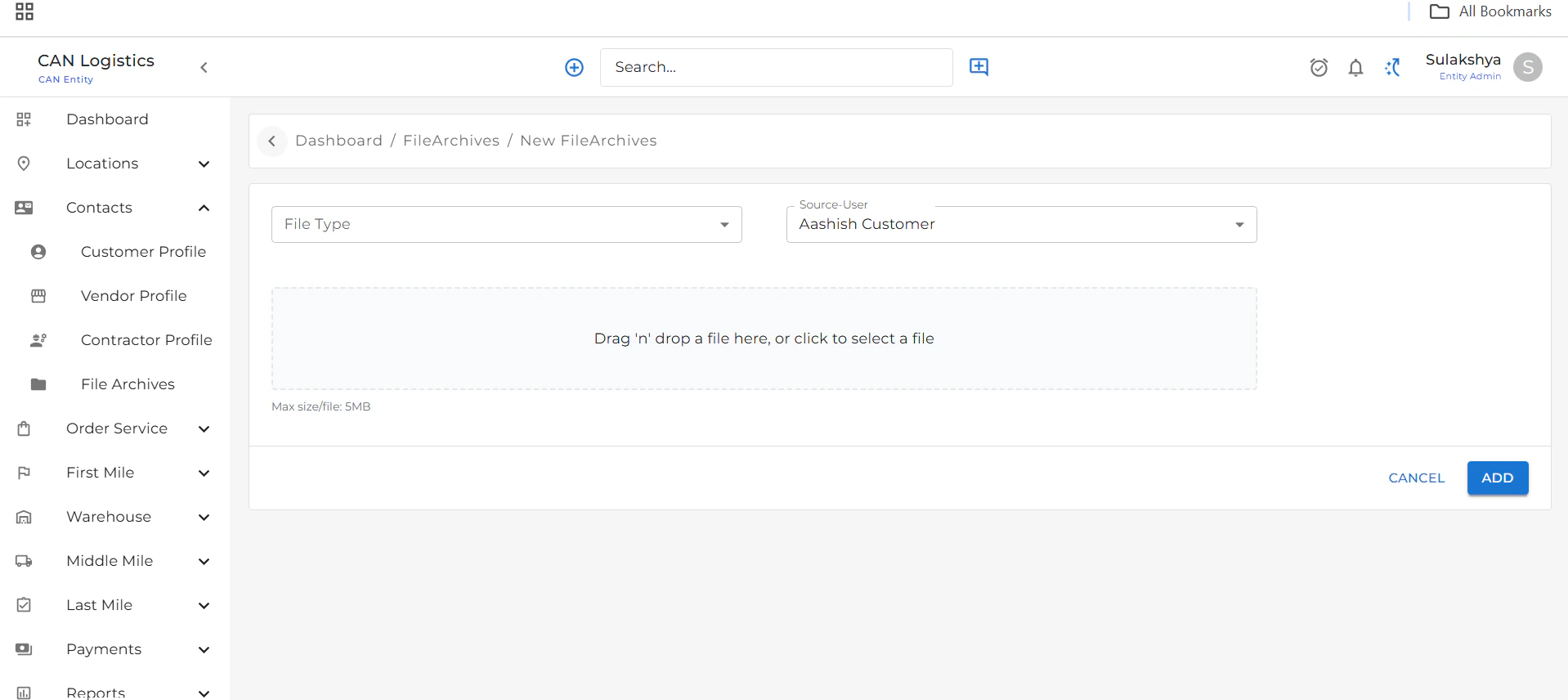
To add a new file archive:- Click the Add New File button.
- Fill in the required details:
- File Name
- File Type
- Upload File
- Submit the form to save the new file archive.
File Archive Detail
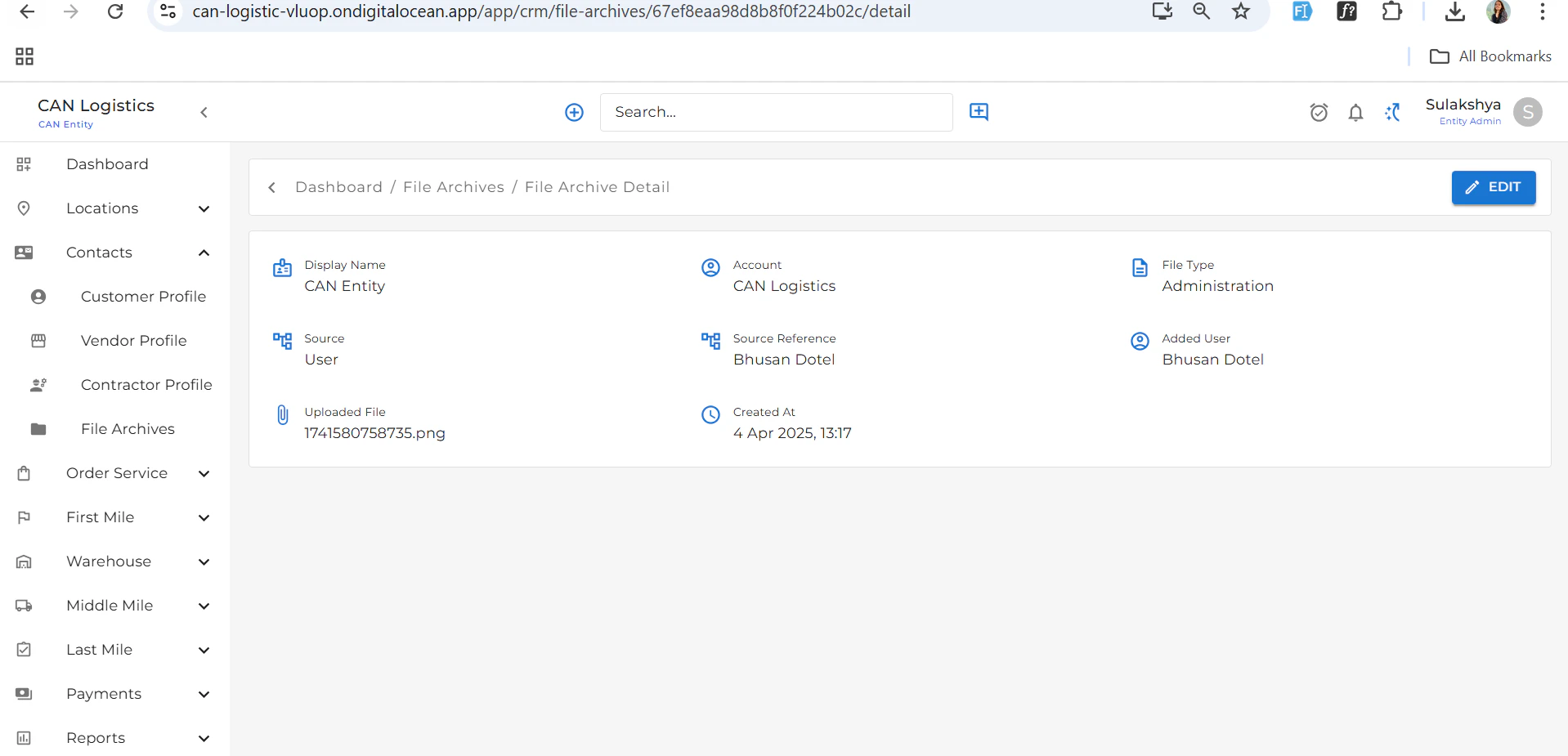
- Displays all information related to the selected file.
- Useful for reviewing metadata and downloading the file if needed.
Edit File Archive
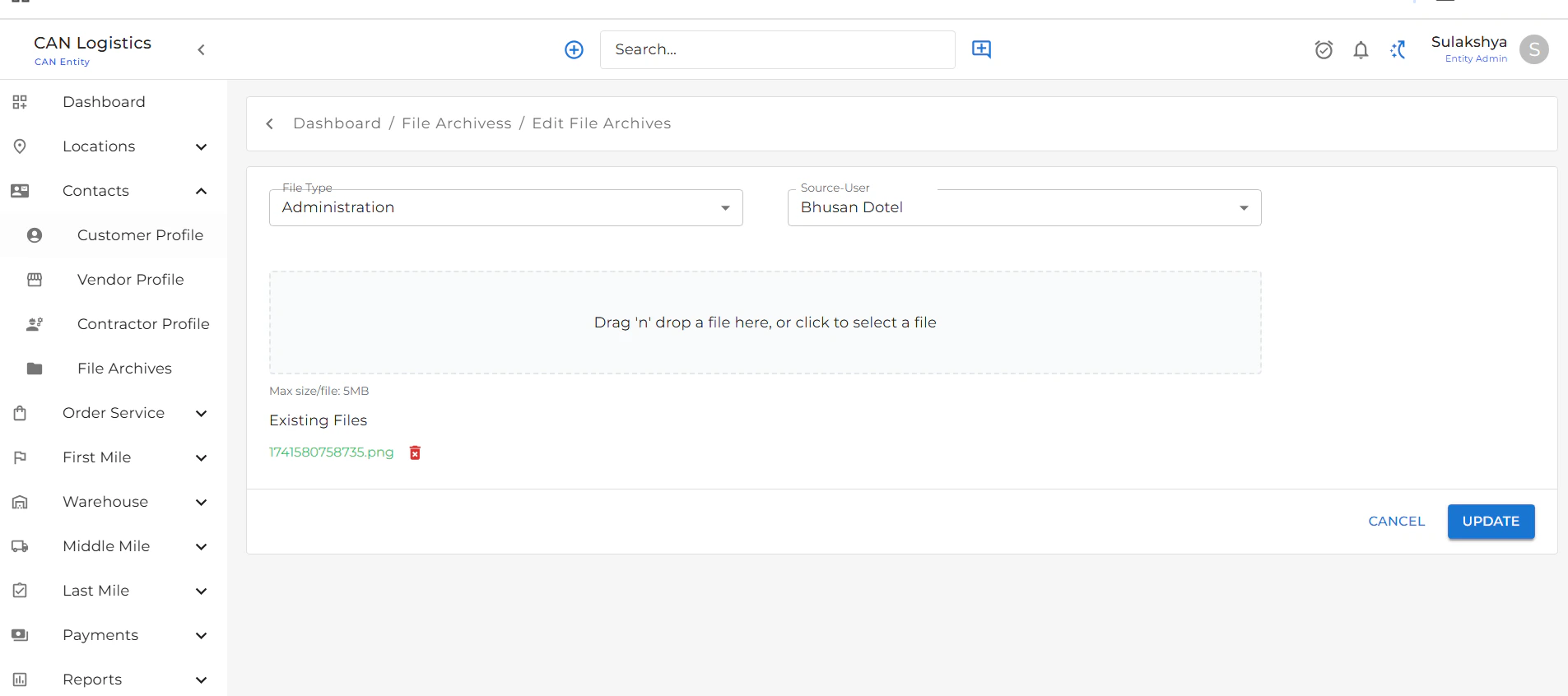
- Use the Edit button from the list or detail view to update a file.
- You can:
- Change metadata (like file name or type)
- Replace the existing file with a new one
- Save your changes to update the file archive.