Overview
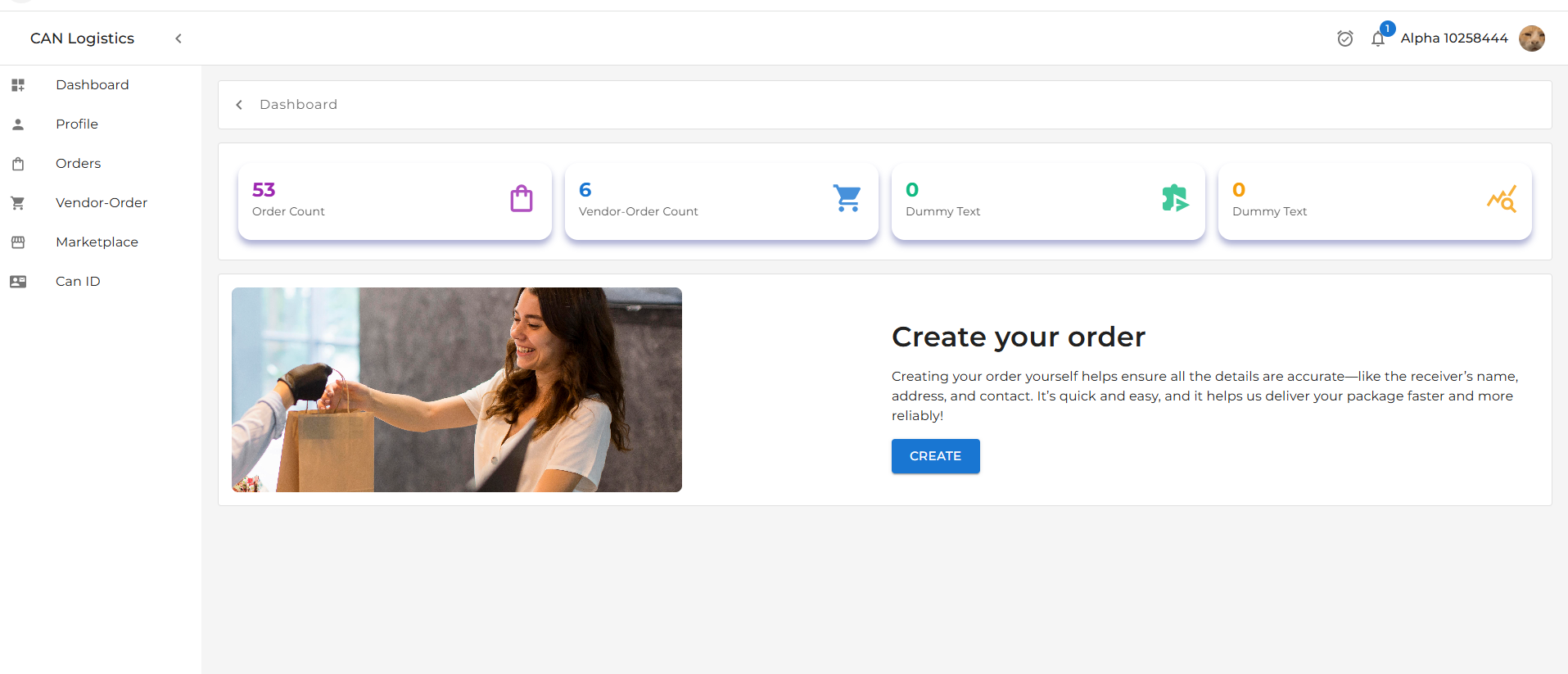
The Dashboard displays:- Order Count: Total number of orders associated with the profile.
- Vendor Order Count: Number of vendor-specific orders linked to the profile.
Example
Example:
- Orders:
128- Vendor Orders:
45
Navigation
To access the Dashboard:- Login to the application.
- Navigate to the Dashboard section via the sidebar or top navigation.
This section helps users get a quick overview of their account-related activity.