Settings Overview
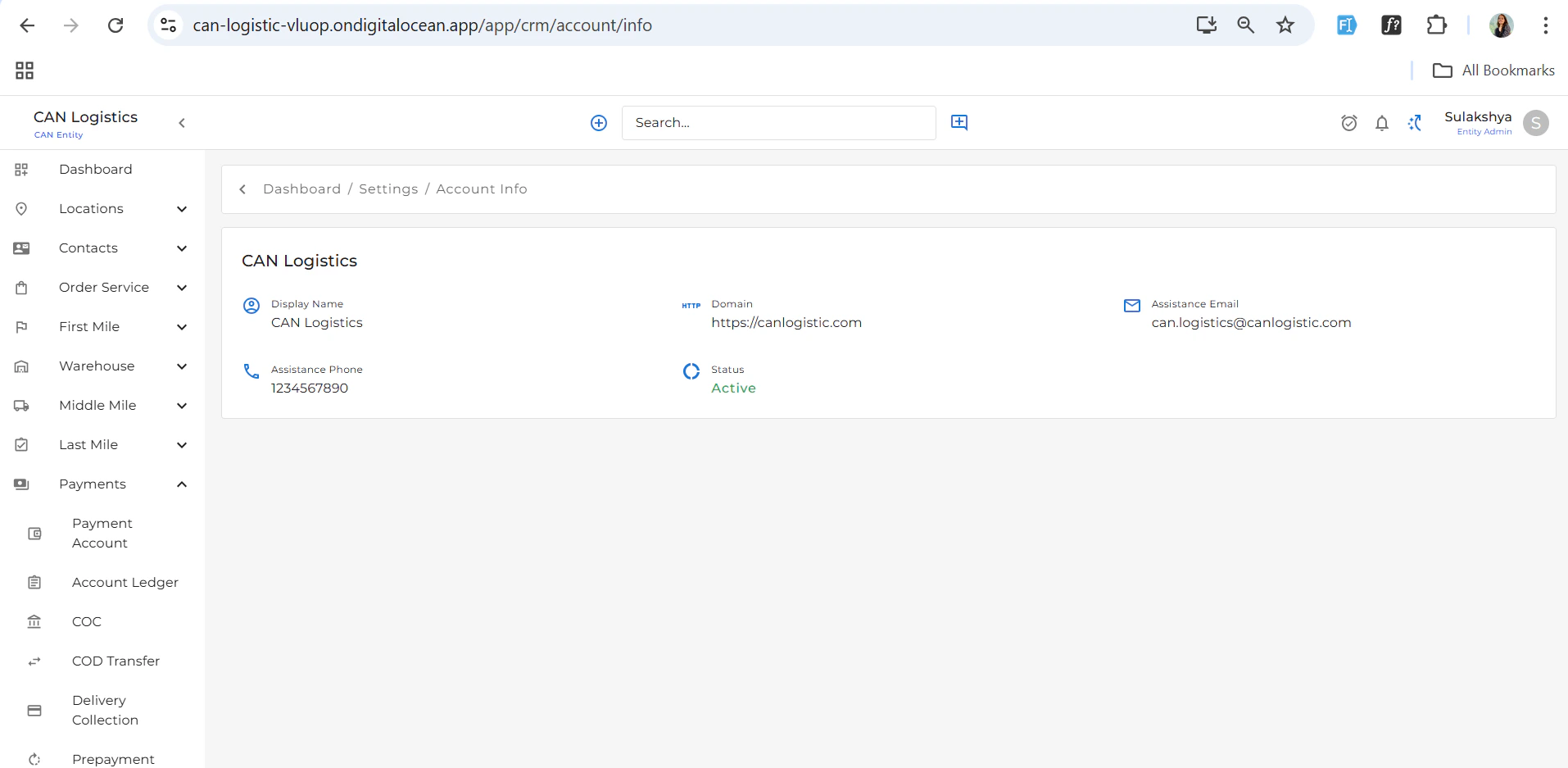
Account Info
The Account Info section displays essential details about the currently logged-in account, including:- Account name
- Account type
- Creation and update dates
User Management
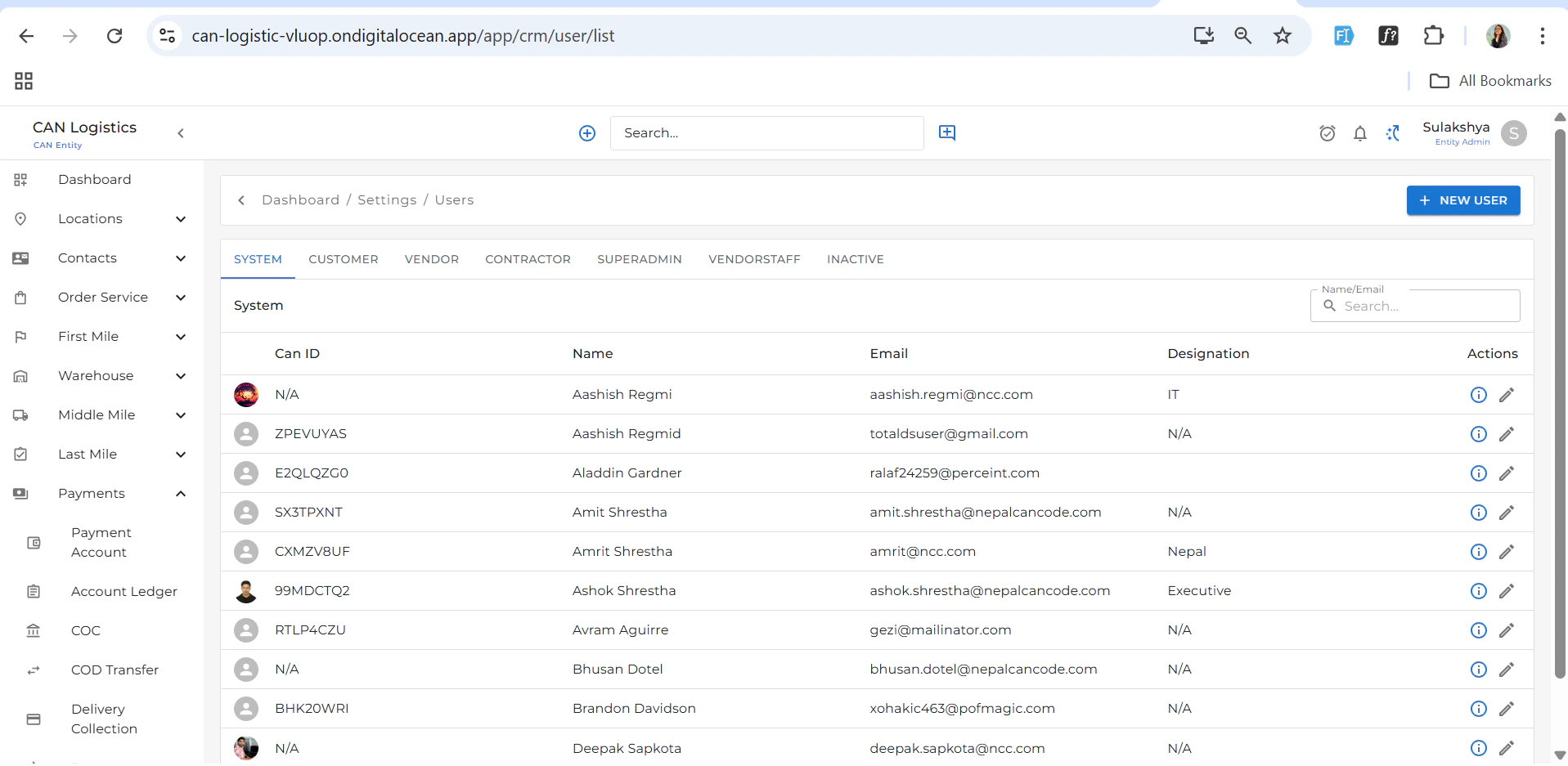
User Types (Tabs)
The Users module is divided into tabs for easier categorization:- System
- Customer
- Vendor
- Contractor
- Superadmin
- Vendor Staff
- Inactive
Features
- ➕ New User: Accessible via the top-right button.
- While creating a new user, you can select the user type, and the form fields will dynamically update based on the selected type.
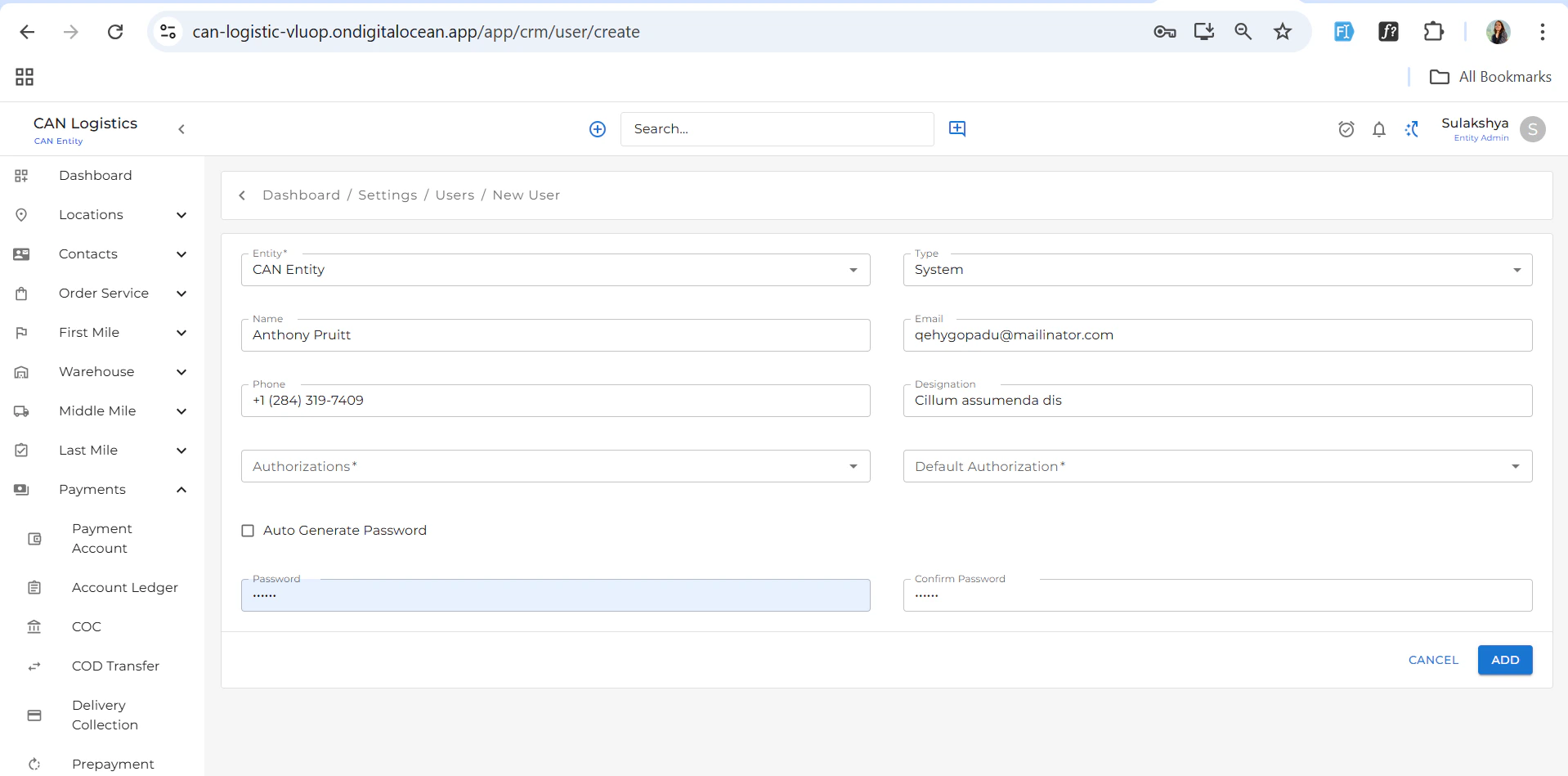
- While creating a new user, you can select the user type, and the form fields will dynamically update based on the selected type.
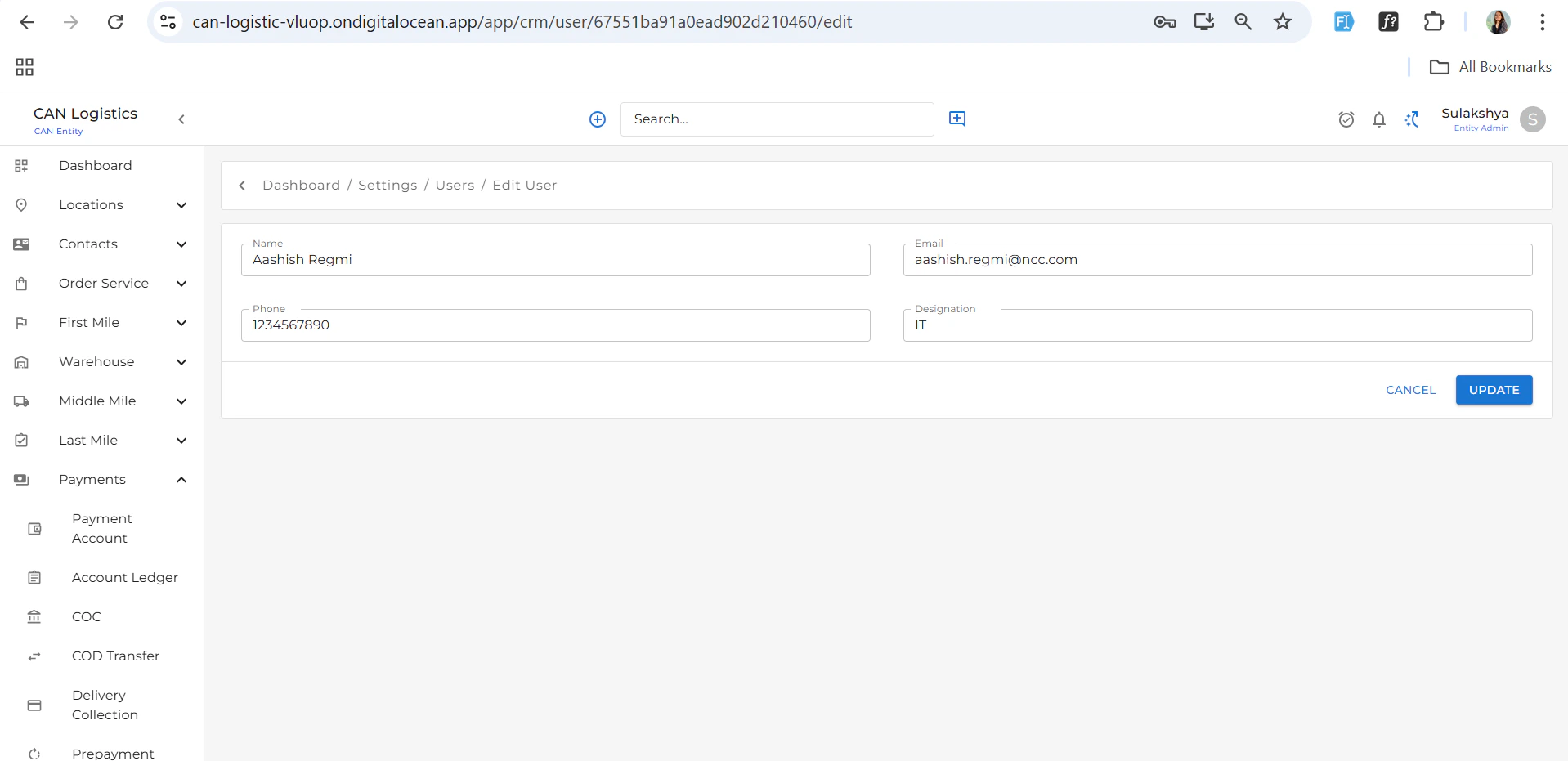
User Detail
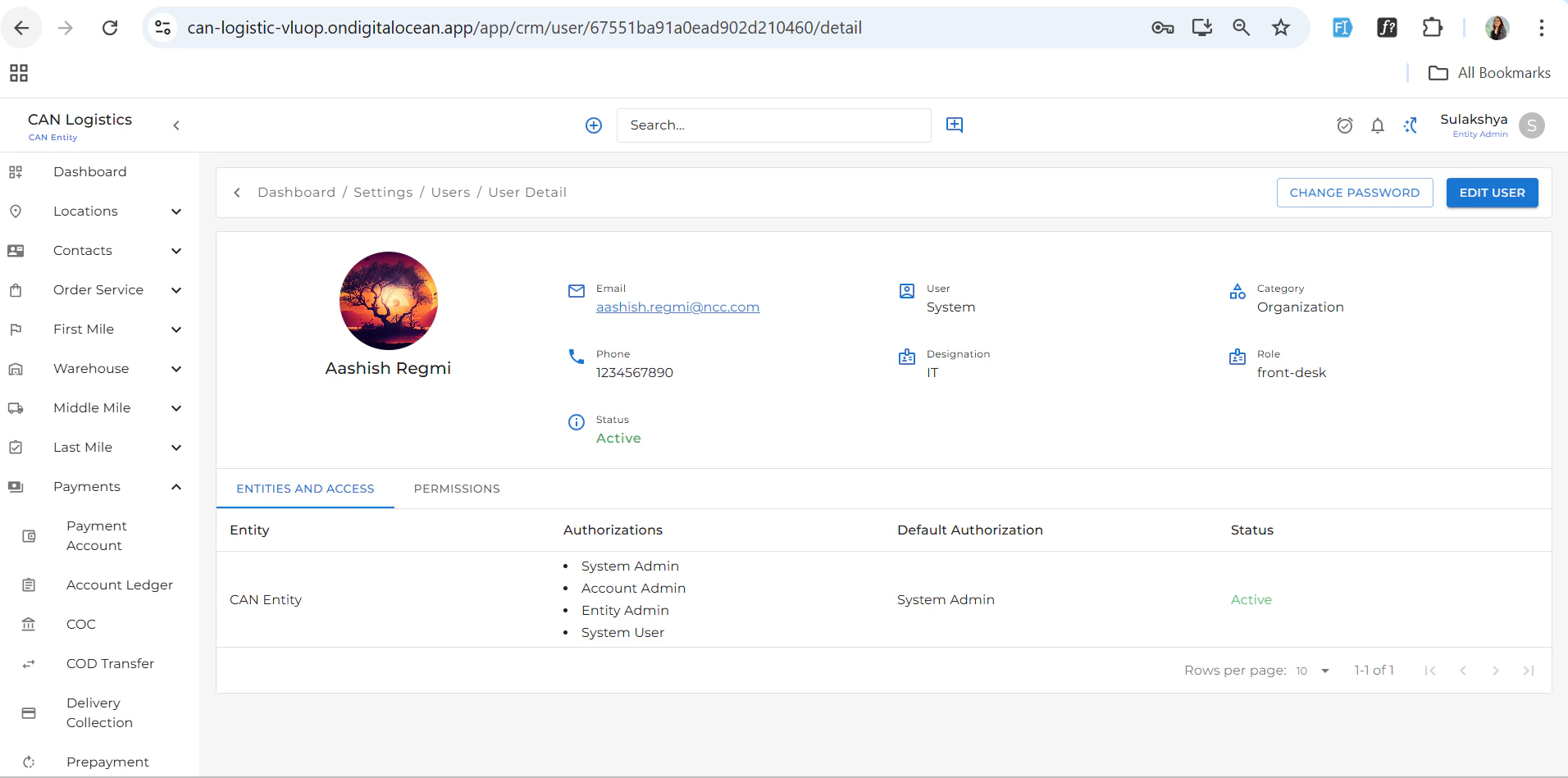
Clicking on a user opens the User Detail View, which includes:- Full name
- User type
- Status
- Assigned roles and permissions
Team Management
Create and manage teams based on roles or departments:- Group users by department (e.g., Sales, IT, Operations).
- Useful for assigning role-based access and managing workflows.
Pricing Setup
Create Pricing Setup
You can create a new pricing configuration based on the following criteria:- Entity
- Order Type
- Pricing Type
- Default Price
Pricing Setup List
A listing view displays all pricing configurations added:
- View existing pricing entries
-
Edit or delete configurations as needed

Roles & Pricing
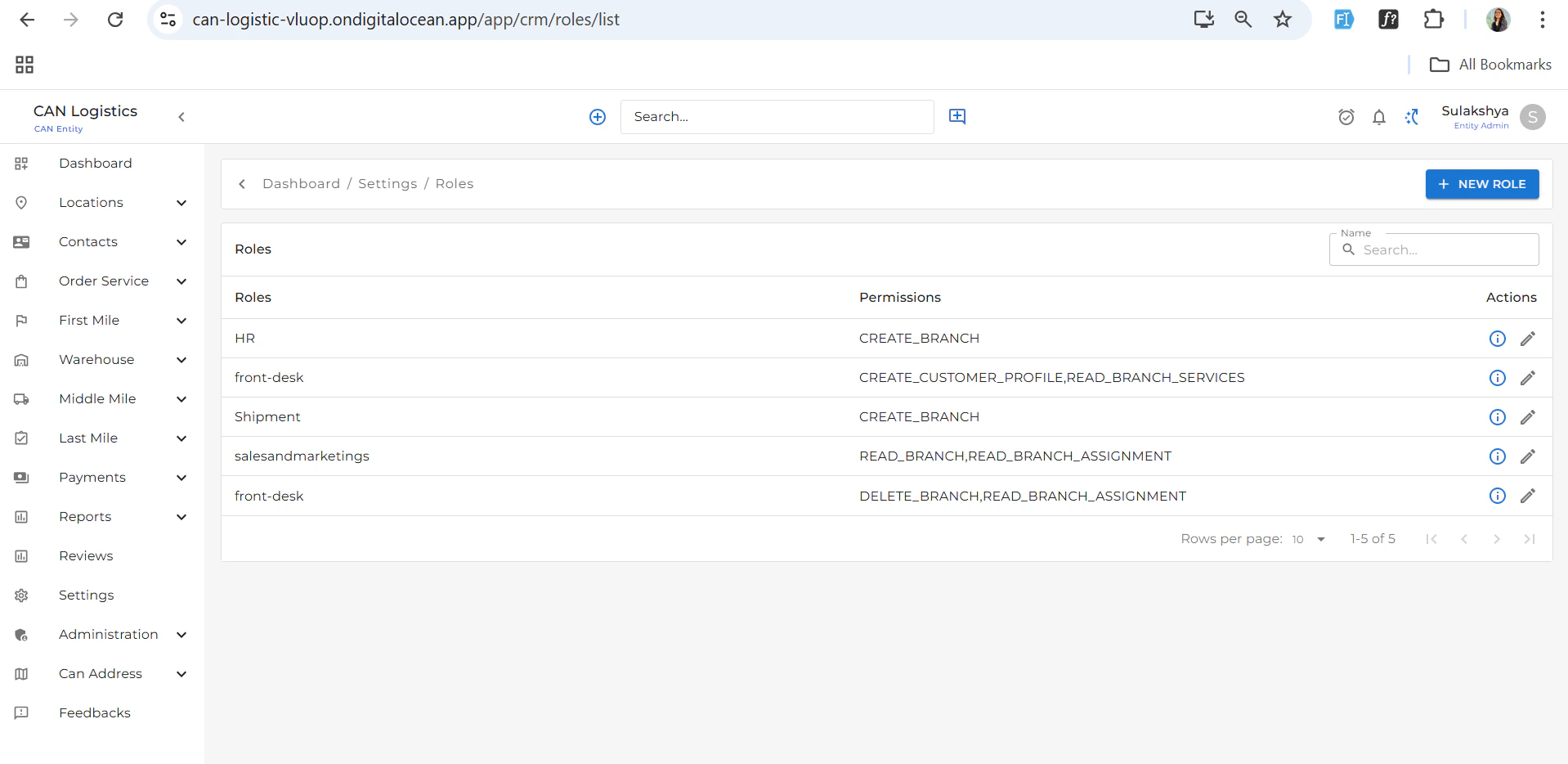
The Roles & Pricing section allows you to manage access control and role-based pricing:Role Listing
- View a list of all existing roles
- Each role entry includes name, description, and assigned permissions
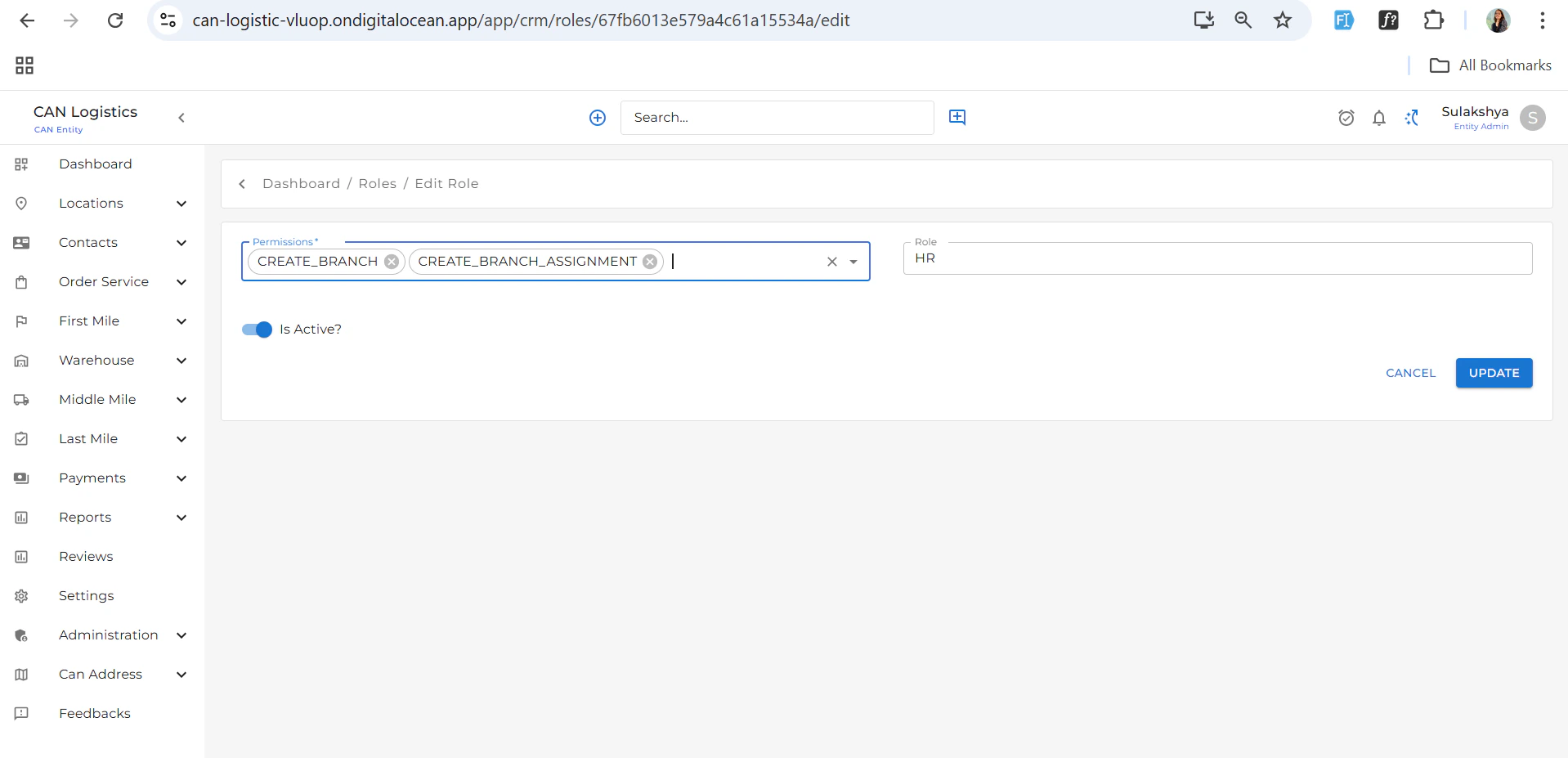
Create New Role
- Add a new role by:
- Naming the role
- Selecting permissions from a list
- Assigning pricing rules if applicable

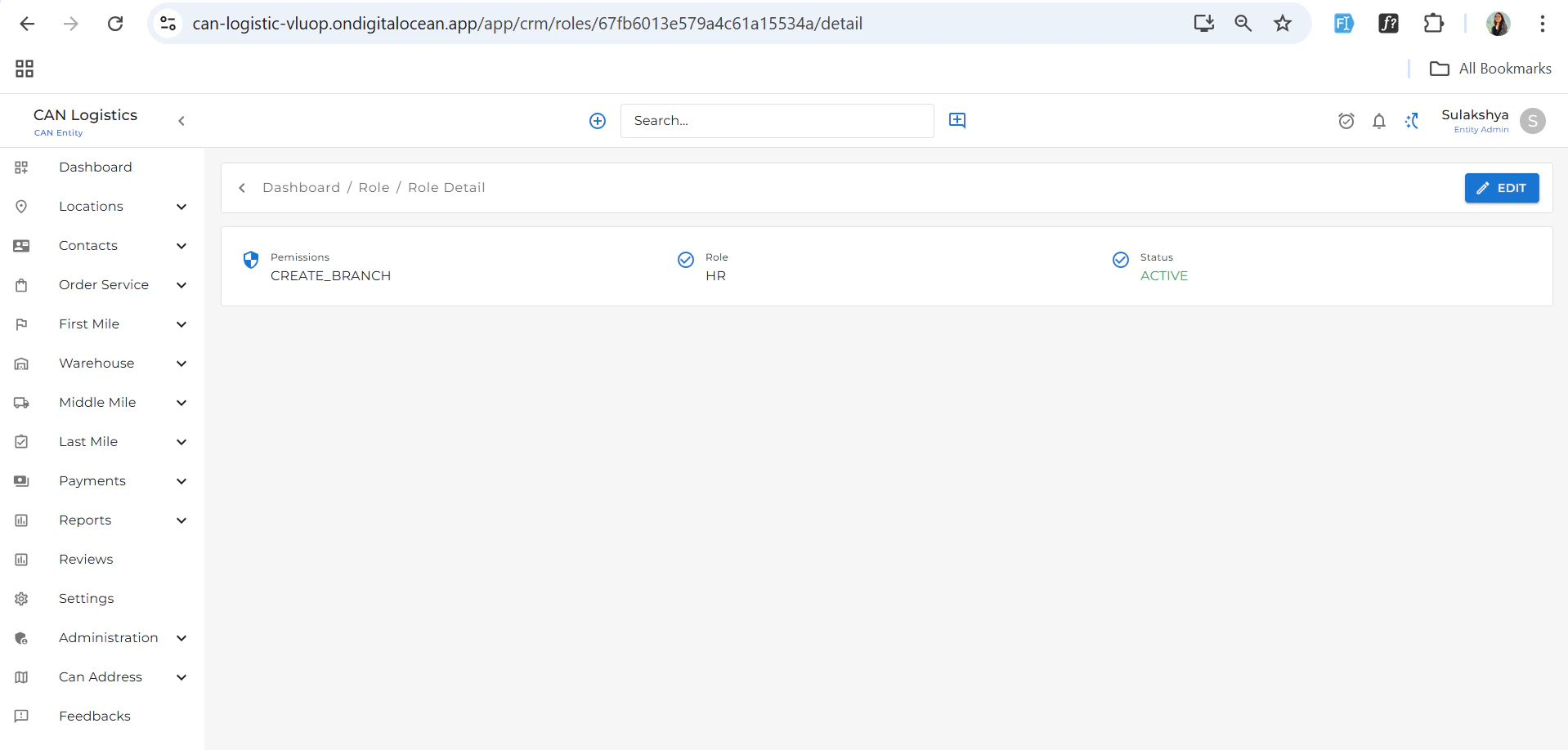
Use this section to ensure secure, permission-based access and pricing control across the platform.